Code Blue ● 259 Hedcor Street ● Holland, MI ● 4923 USA ● 800.205.7186 ● www.codeblue.com Rev 6/2021 page 41 of 57 GU-164-A
Hardware Settings
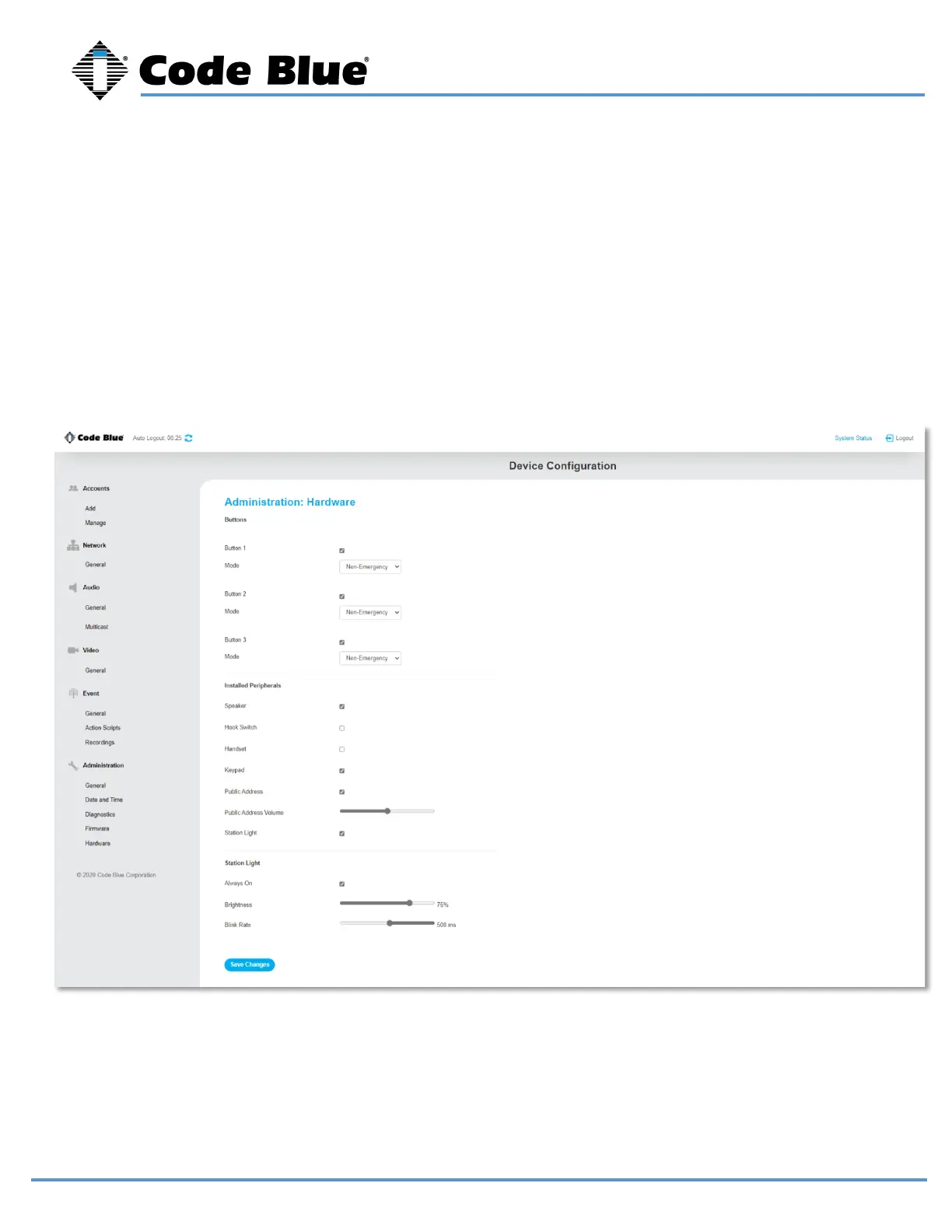
Hardware settings allow you to enable or disable the Station Light, adjust the brightness, and blink rate.
Each button can be configured as a Non-Emergency Button, Emergency or Volume Control. The color of
the ring LED around each button can be changed in the drop-down menu.
Any additional peripherals attached to LS1000 must be marked as “Installed” to ensure functionality.



 To Next Page