Figure 1
Line 2
Figure 2
Line 2
Figure 4
Line 2
Page 8
NetCode
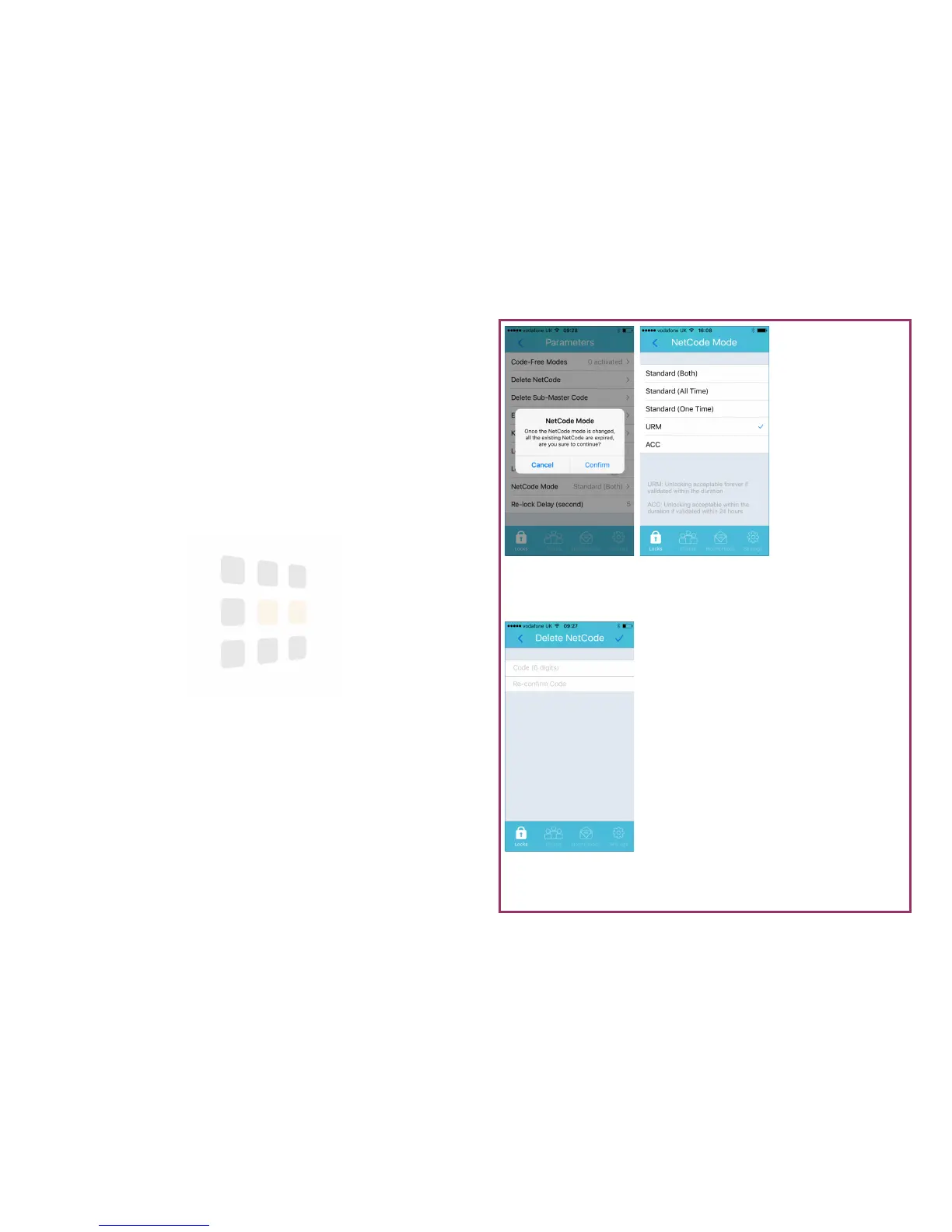
NetCode allows you to create and share a 6 digit code that will give access to
the lock for a specified period without needing a Bluetooth or WiFi
1
connection
to the lock.
There are four modes available: Standard (Multiple Use), Standard (Single Use),
URM (Long Term Rental) and ACC (Medium Term Rental)
1. From the Parameters screen (see page 5), touch NetCode Mode
2. Select the required mode
1
WiFi connection is via the WiFi Gateway.
Help: Remember to synchronise to apply the changes to the lock
Delete a NetCode
This feature enables you to block a NetCode:
1. Enter the NetCode you wish to block
2. Confirm the NetCode
3. Touch to confirm
Help: Remember to synchronise to apply the changes to the lock





 To Next Page