User Info
Change your password
and perform backups
Settings
K3 Connect App settings
Page 14
User Info
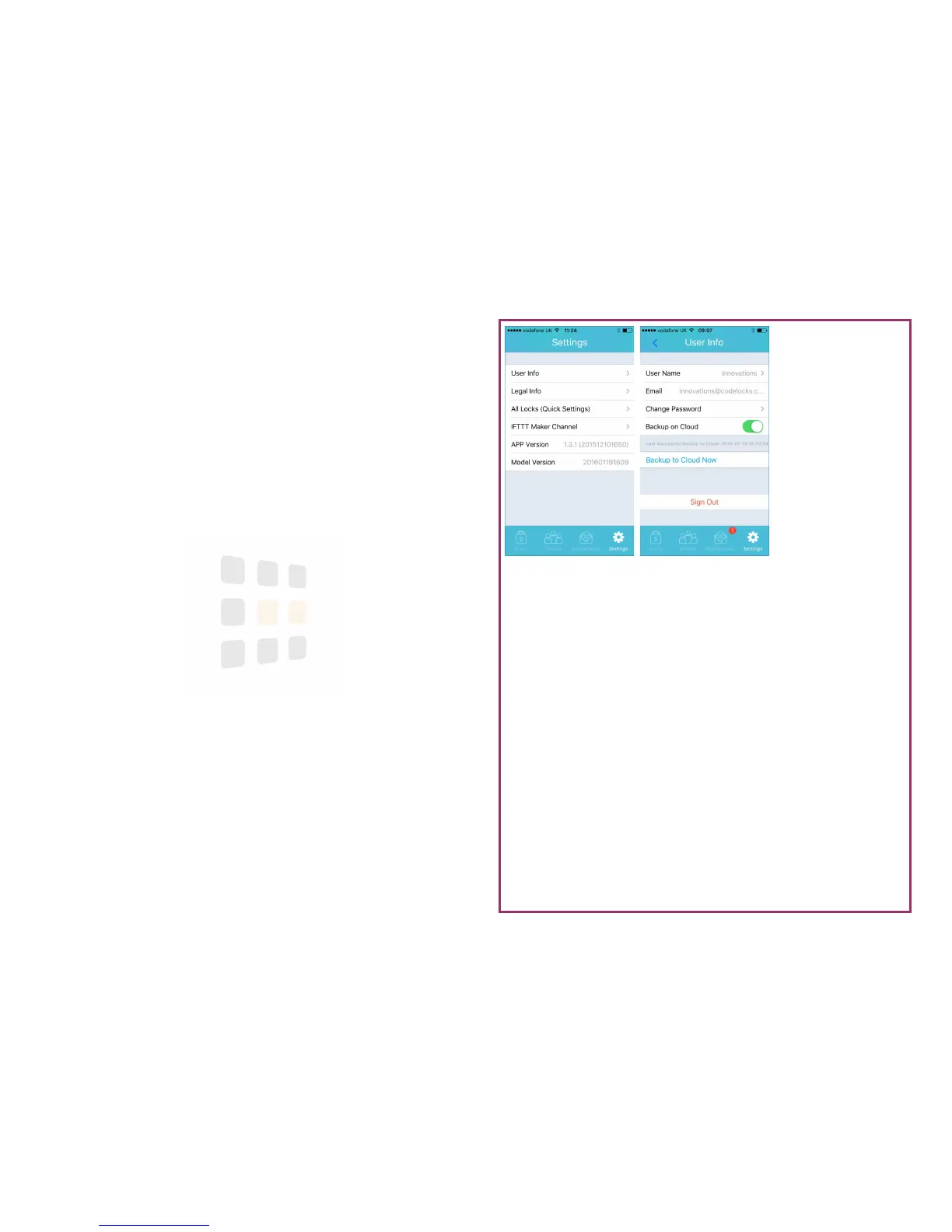
You can change your password or configure cloud backup from the User Info
screen.
1. From any screen, touch the Settings icon at the bottom of the screen
2. On the settings screen, touch User Info
3. Touch Change Password to change your App password
4. Backup can be enabled or disabled via the switch. You can perform an
on-demand backup by touching Backup to Cloud Now





 To Next Page