13
CATER
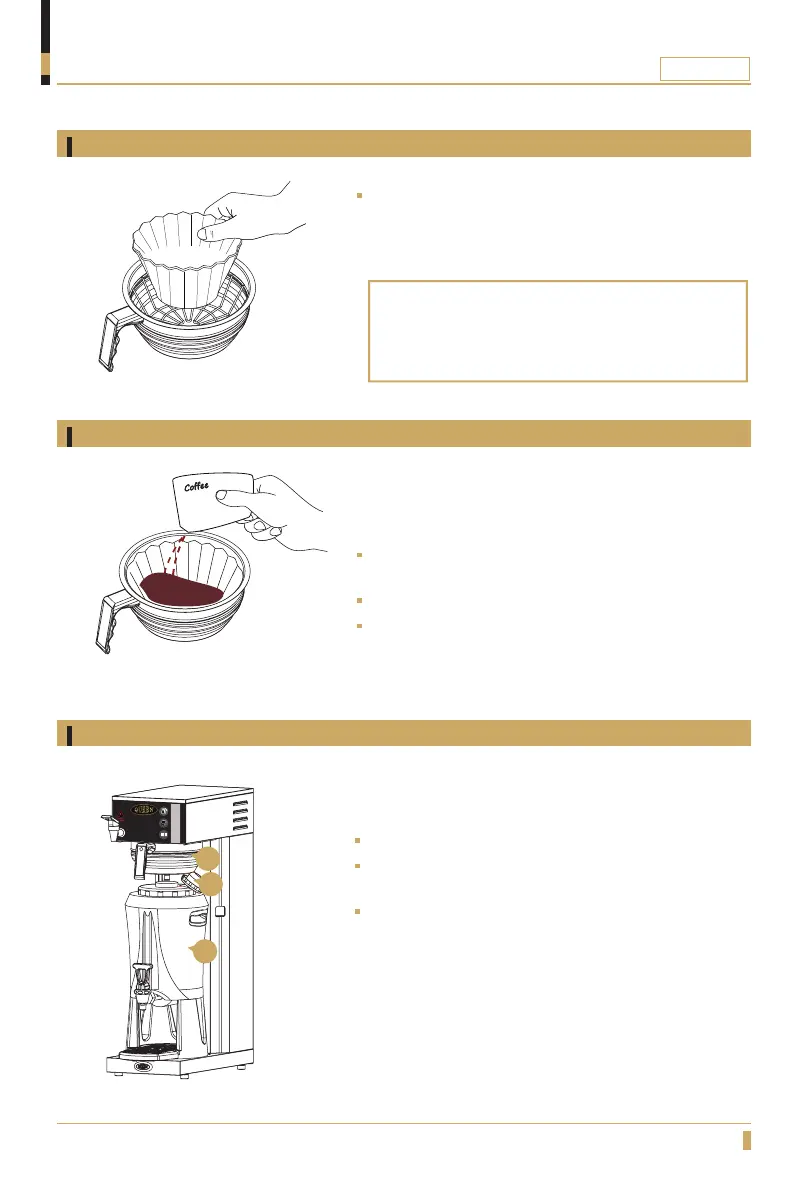
Filter positioning
Add coffee
Filter holder and serving station positioning
OPERATION
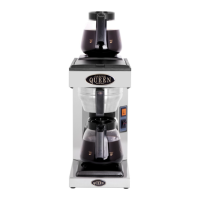
Slide the filter holder into position(A).
Loosen upper lid (B) on the serving station and then place
the serving station (C).
Make sure that the serving station is centered with the
rotation plate.
Place a filter in the filter holder.
Always use Coffee Queen´s recommended coffee
lter paper.
Filter type 110mm lter paper, Part No. 110110
Add coffee 115 - 135g (restaurant / catering grounded
coffee).
This is recommended for full brewing.
Make sure that the coffee is evenly spread.
Brewing with coffee
A
B
C






 To Next Page