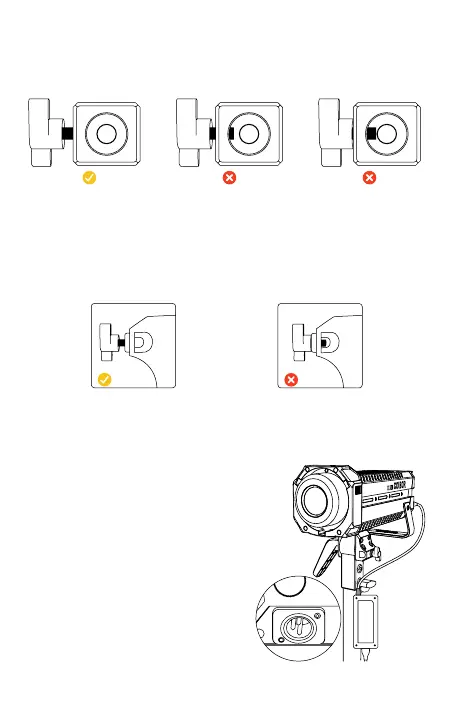
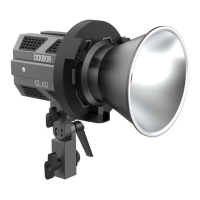
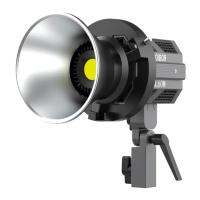
Rotate the lamp holder screw until the inner wall not shielded and put the
product on the top of the lamp holder to tighten the bracket screw for xation.
Adjust the lamp body irradiation Angle and tighten the lamp holder Angle grip
xed.
3. Installation and xation of light
Screw out, the inner
wall of the bracket
without any shelter
Halfway the screw out The screw is not out
at all
Screw out, the inner wall of the
soft light cover without shelter
The screw is not out at all
Insert the handle of the soft light umbrella into the umbrella hole. After
adjustment, lock the cover hole screw.
4. Install the soft light cover
(1) Mount the power adapter
Do not suspend the power adapter in the air. Use
wire rings to hang it on the lamp stand.
5. Power Connection
(3) Power cord storage
Please turn off the lamp before unplugging
the power cord. When unplug the power
cable, hold down the safety lock on the
connector before removing it. If unlocked,
do not forcibly remove the power supply.
(2) Power with power adapter
Connect the power adapter, align the pin with the
DC power interface of the lamp body, and then
power through the cable
after stable.



 To Next Page