25
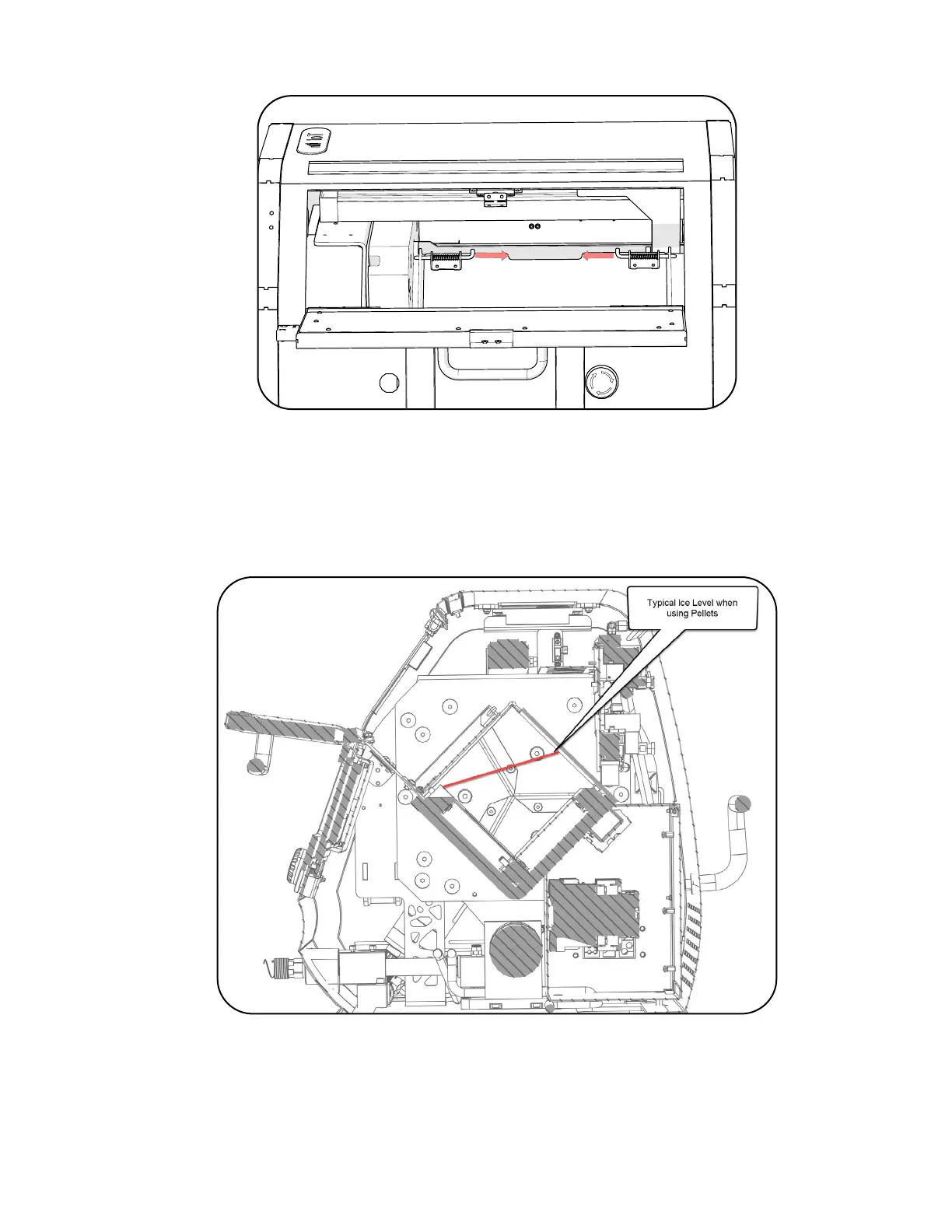
c. Open the DX cover by pulling the pins inward if equipped.
d. Check the inside for the presence of any foreign material or condensate and clean or
remove as necessary.
e. Fill to the red line when using pellets for DX model only. Do not use pellets unless the
DX panels are installed.
f. Load the MicroClean 2 with a 6 inch block of dry ice. Or install the spacers and load a
5 inch block of dry ice. If the MicroClean 2 is a DX model, dry ice pellets may be used.
g. Ensure the machine is set up for the media that is being used and the Ice Level LED
will turn green indicating that it is full, 1/3-2/3 Yellow, and 0-1/3 Red as it empties.



 To Next Page