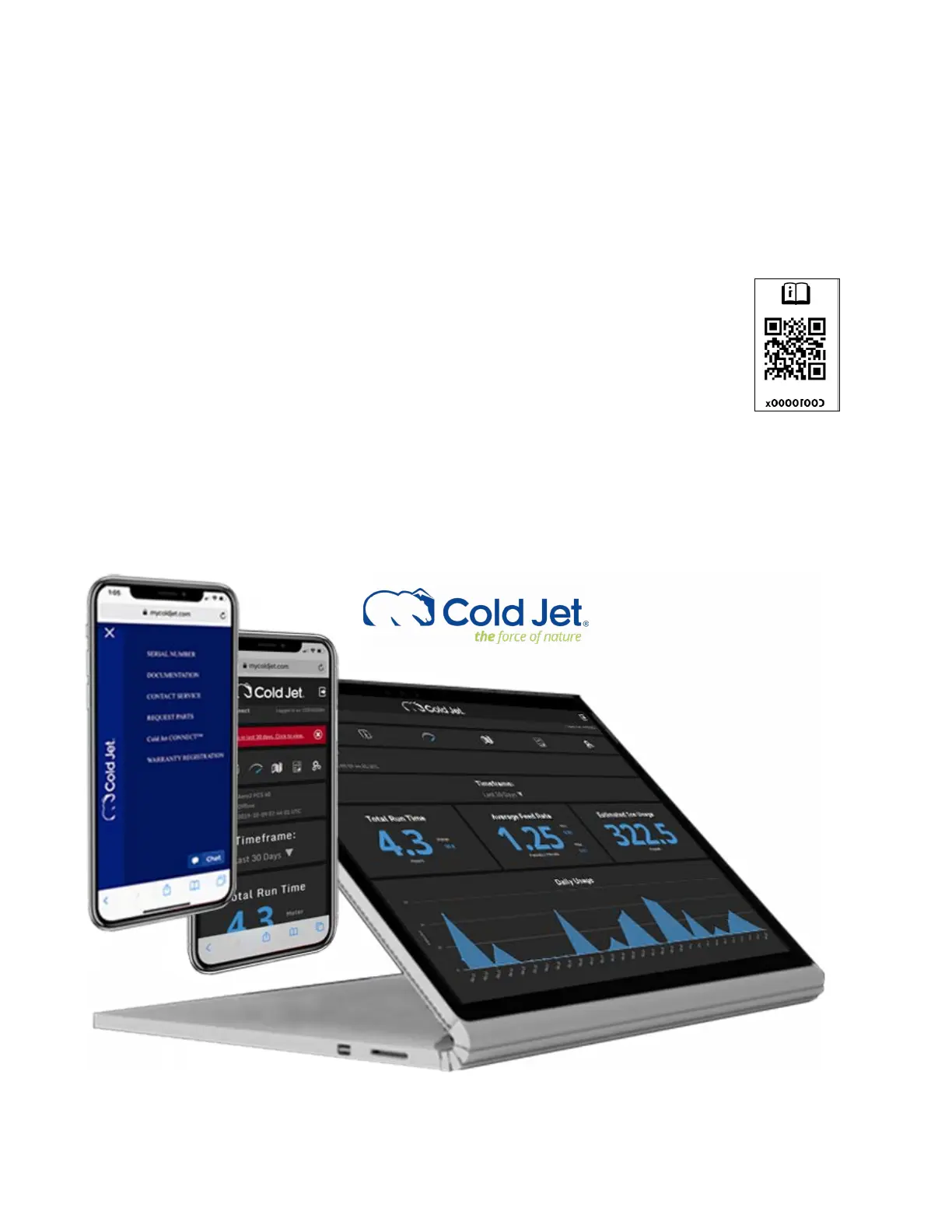
Cold Jet CONNECT™
In the increasingly smart connected world, technology makes it easier to support and maintain your
Cold Jet equipment. As part of our commitment to the support of your dry ice blasting machine, it
comes with its own personal support site through MyColdjet.com and a link to Cold Jet CONNECT
TM
– our IoT solution providing you insight into your machine’s operation, and providing direct
operational communication with Cold Jet’s technical support sta if and when you initiate it.
To access your machine’s personal support page, scan any of the QR code labels on the
machine or attached inside this operator manual. This will take you to a support site
unique to this machine, providing online manual(s), warranty information, training videos,
technical service contacts, service parts ordering and a link to this machine’s Cold Jet
CONNECT operational view (user authentication required).
The MicroClean 2 is automatically connected via 3G/LTE cellular service to the Cold Jet
CONNECT platform where you can view the machine’s operating conditions. In addition, through
the machine’s control panel, you can initiate Diagnostic Mode when working with Cold Jet’s technical
service personnel which will send a sustained burst of more detailed operating data for help in
evaluating technical issues.



 To Next Page