37
How to Access Cold Jet CONNECT™
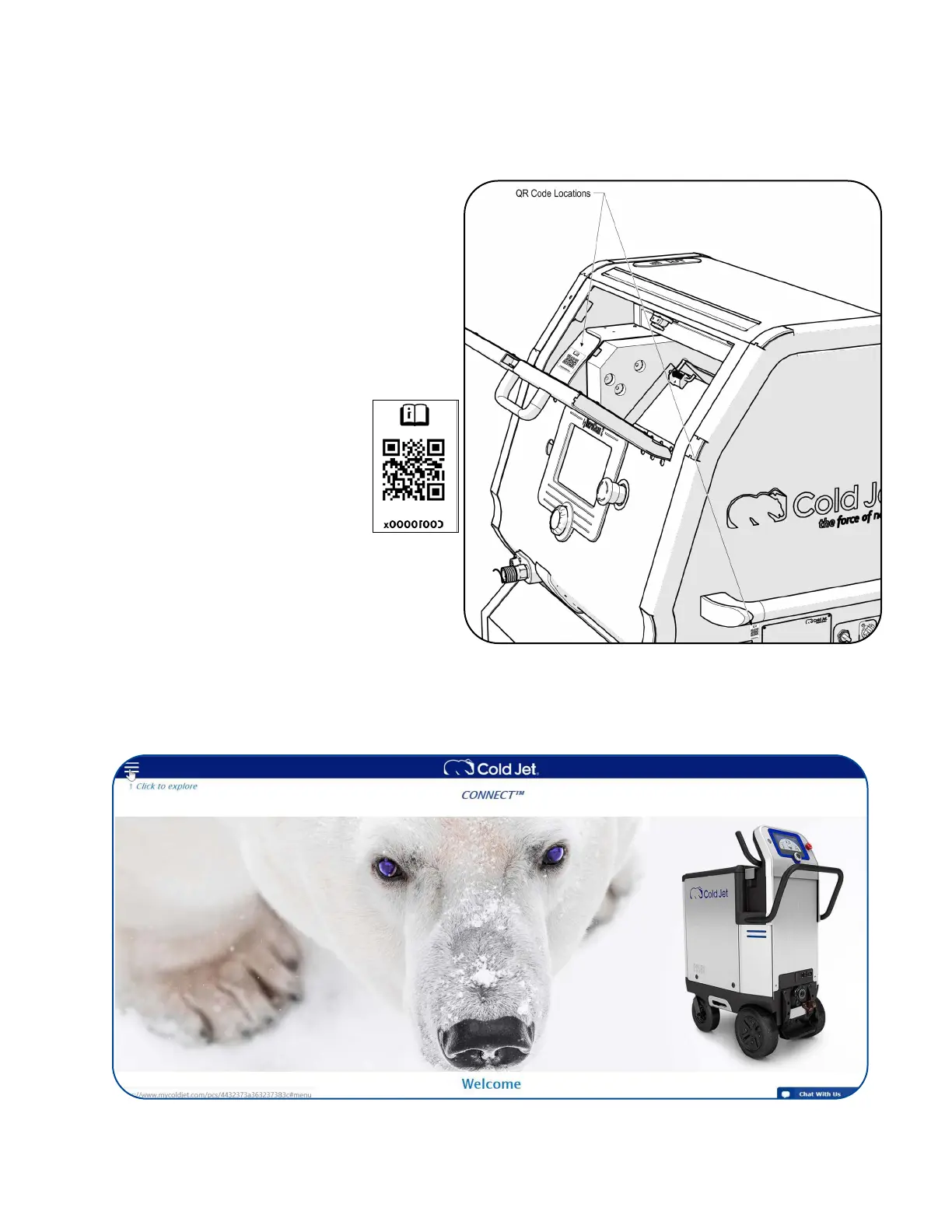
To access your machine’s unique personal support page, scan one of the QR codes located on your
machine as shown or behind the panel that the data plate is located.
Click the menu icon in the upper left-hand corner to access on-line manual (s), warranty information,
technical service contacts, service parts ordering, and a link to this machine’s Cold Jet CONNECT
operational view.
Select the CONNECT Analytics link.



 To Next Page