EasyManua.ls Logo

Colortrac SmartLF Scan! 24 - User Manual

Colortrac SmartLF Scan! 24
24 pages
Print Icon
To Next Page IconTo Next Page
Loading...
1
DOCUMENT NO
.
88N001H © 2016 Colortrac
User Instructions
For SmartLF Scan!
Large Format Scanner
Rev. H June 2016
(f/w 1.02)

Questions and Answers

Summary

INSTALLATION

PREPARE AND POWER ON YOUR SCANNER

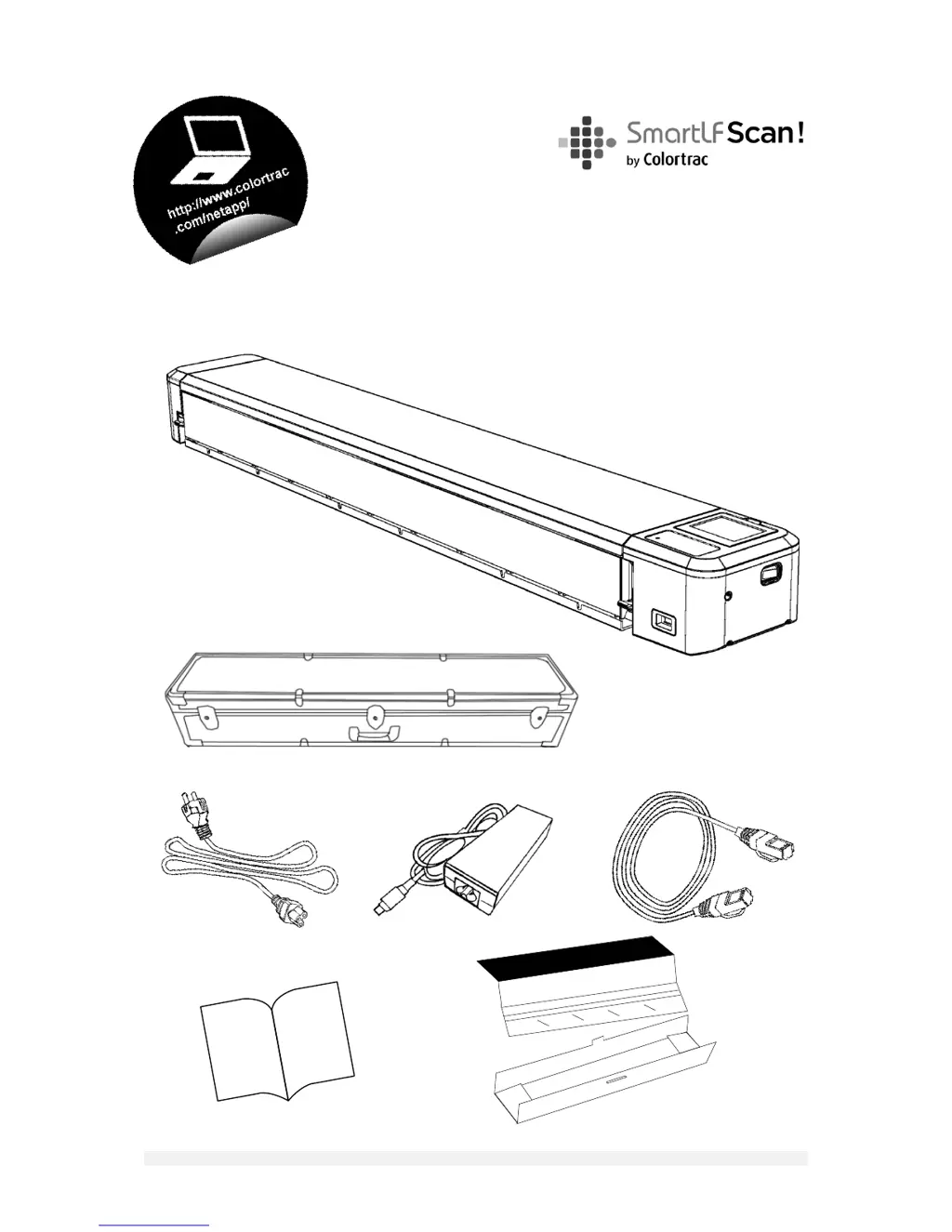
Steps to set up and power on the scanner, including safety and power supply.

CALIBRATION (ONE-TIME)

Step-by-step guide for performing the initial one-time scanner calibration.

INSTALLING THE SOFTWARE

Instructions for downloading and installing the Scan! NetApp software.

SCANNING

MAINTENANCE

UPGRADING FIRMWARE

Instructions for updating the scanner's internal firmware using a USB drive.

CLEANING THE SCANNER

Procedures for cleaning the exterior and internal components of the scanner.

GENERAL

TROUBLE SHOOTING GUIDE

Common problems and their solutions for the scanner.

Colortrac SmartLF Scan! 24 Specifications

General IconGeneral
Scanning TechnologyCCD
Optical Resolution600 dpi
TypeLarge Format Scanner
Maximum Scan Width24 inches (610mm)
Power Requirements100-240V, 50-60Hz

Related product manuals