EasyManua.ls Logo

Colortrac SMARTLF SCAN - User Manual

Colortrac SMARTLF SCAN
30 pages
Print Icon
To Next Page IconTo Next Page
Loading...
DOCUMENT NO
.
88N001G © 2016 Colortrac

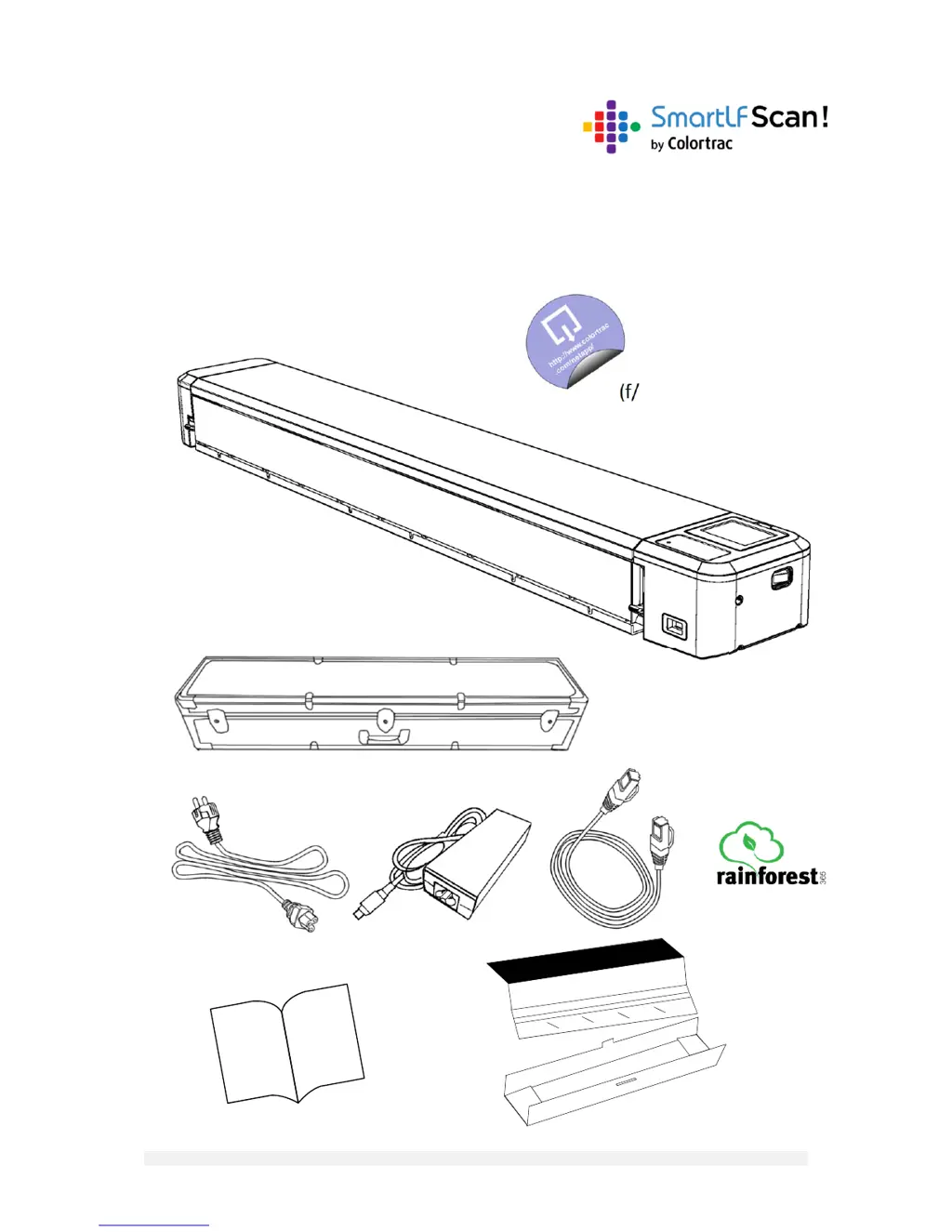
User Instructions
ForSmartLFScan!
LargeFormatScanner
Rev.GDecember2016
(f/w1.10,NetAppv2.3.3)

Other manuals for Colortrac SMARTLF SCAN

Questions and Answers

Summary

INSTALLATION

Scanner Preparation and Power On

Instructions for initial setup, connecting power, and powering on the scanner.

Scanner Power On;Off

Steps for turning the scanner on and off using the power button.

Safety and Emergency Stop

Explains the emergency stop function and safety precautions.

Control Panel and Display

Overview of the scanner's display, navigation keypad, and LED indicators.

Scan Progress Indicators

Explanation of visual indicators showing scanning progress and status.

Managing Scanner Settings

How to change, save, and reset scanner configurations like DPI and file type.

Menus and Icons

Details user settings, options, and maintenance settings icons.

One-Time Calibration

Step-by-step guide for the initial scanner calibration process.

Software Installation

Instructions for downloading, installing, and registering the scanner software.

Network Connection Options

Explains how to connect the scanner via cable, wireless, or direct network.

Scan to Cloud Setup

Guide to connecting the scanner to a cloud service using Rainforest365.

SCANNING

Scanning to Cloud

How to perform a scan and send it directly to a cloud destination.

Scanning to Scanner Memory

Steps to scan and save documents to the scanner's internal storage.

Scanning to USB Memory

Instructions for scanning documents directly to a USB flash drive.

Start Scan NetApp Software

Guide to launching and connecting the Scan NetApp application.

Scanning to Computer

Process for scanning documents directly to a connected PC.

OPERATOR TRANSFER & DELETION

Transfer Scans to USB Memory

How to move all stored scans from the scanner to a USB drive.

Transfer Scans to Computer

How to move all stored scans from the scanner to a computer.

Delete All Scans from Memory

Steps to erase all scanned documents from the scanner's internal memory.

MAINTENANCE

Firmware Upgrade

Guide to downloading and installing the latest scanner firmware.

Scanner Cleaning

Detailed instructions for cleaning the scanner's glass and internal parts.

Scanner Calibration

Steps for performing color and line calibration for optimal scan quality.

GENERAL

Operating Tips

Advice and best practices for efficient scanner operation.

Video Operating Guides

Links to video tutorials for scanner setup and features.

Troubleshooting Guide

Common issues, symptoms, and solutions for scanner problems.

DIAGNOSTIC

Icon Warnings and Errors

Explains the meaning of various warning and error icons on the scanner display.

Diagnostic Error Codes

Lists specific error codes that may appear on the scanner and their meanings.

Colortrac SMARTLF SCAN Specifications

General IconGeneral
Scanner TypeLarge Format Scanner
TechnologyCCD
ModelSMARTLF SCAN
Maximum Scan Width42 inches
Scanning Width42 inches
ConnectivityUSB
Supported Media TypesPaper, Film
DimensionsVaries by model
WeightVaries by model
Scan Speed3.5 inches per second
Scanning Speed3.5 inches per second

Related product manuals