INSTALLATION GUIDE FOR RX-1839
Copyright - refer to title page
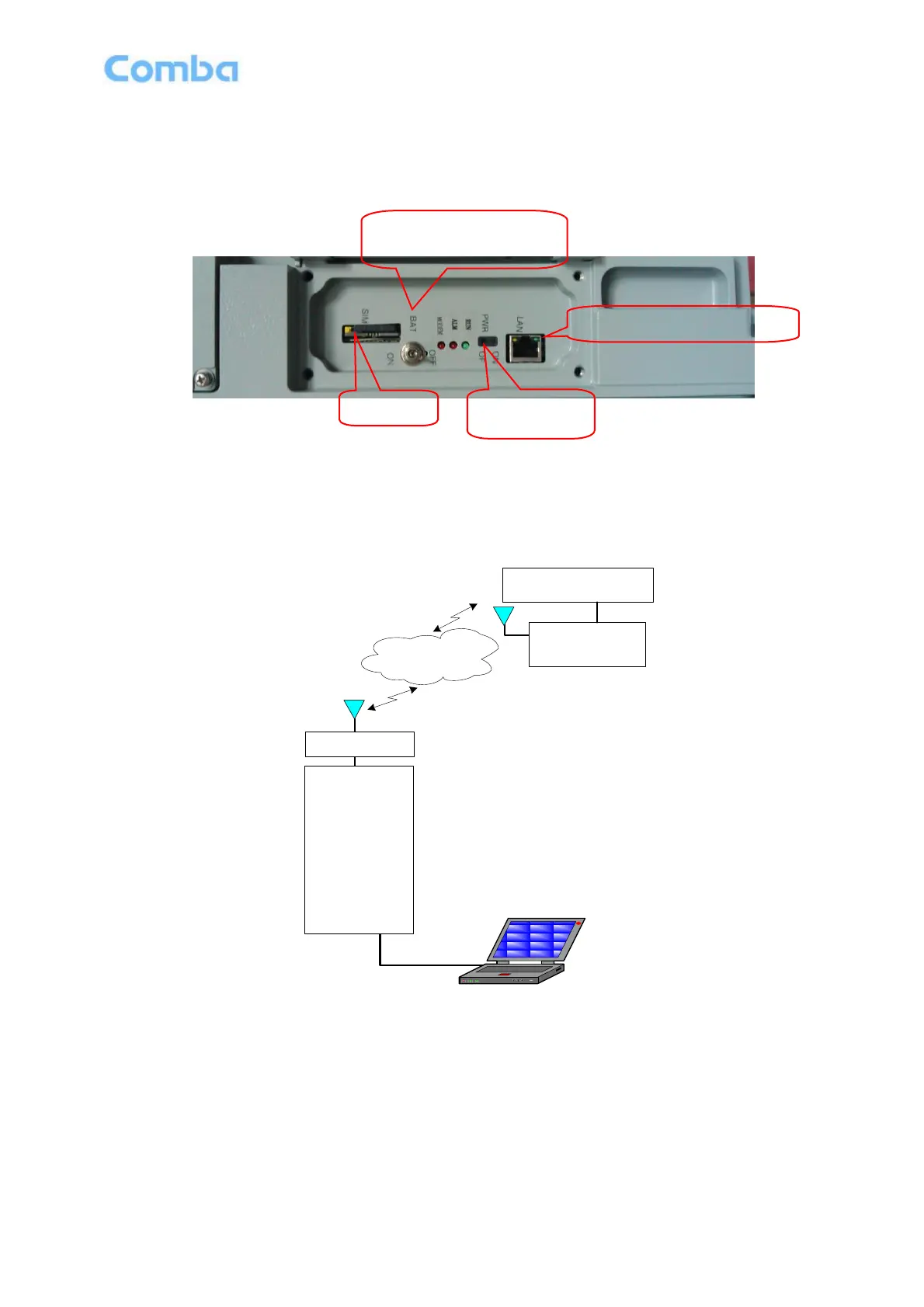
3.5.5 BACK-UP MONITORING LI-ION BATTERY CONNECTION
Li-ion battery is installed in Li-ion battery box before delivery. Set BAT switch in commissioning window ON
after finishing commissioning. The alarm information will be reported in case of power fault.
Figure 10: Maintenance Window Internal Layout
3.5.6 PHYSICAL CONNECTION TO OMT PC
For local commissioning, there is the method to connect the equipment with OMT PC.
X29
GSM/WCDMA
Network/PSTN
Wireless
Build-in
GSM/WCDMA
Modern
Realize Remote
Monitoring
Local Monitoring
Wire/Wireless
Modem
Monitoring Center
RJ45 Cable
Figure 11: OMT Connection without Chassis Open
End of Section



 To Next Page