INSTALLATION GUIDE FOR RX-1839
Copyright - refer to title page
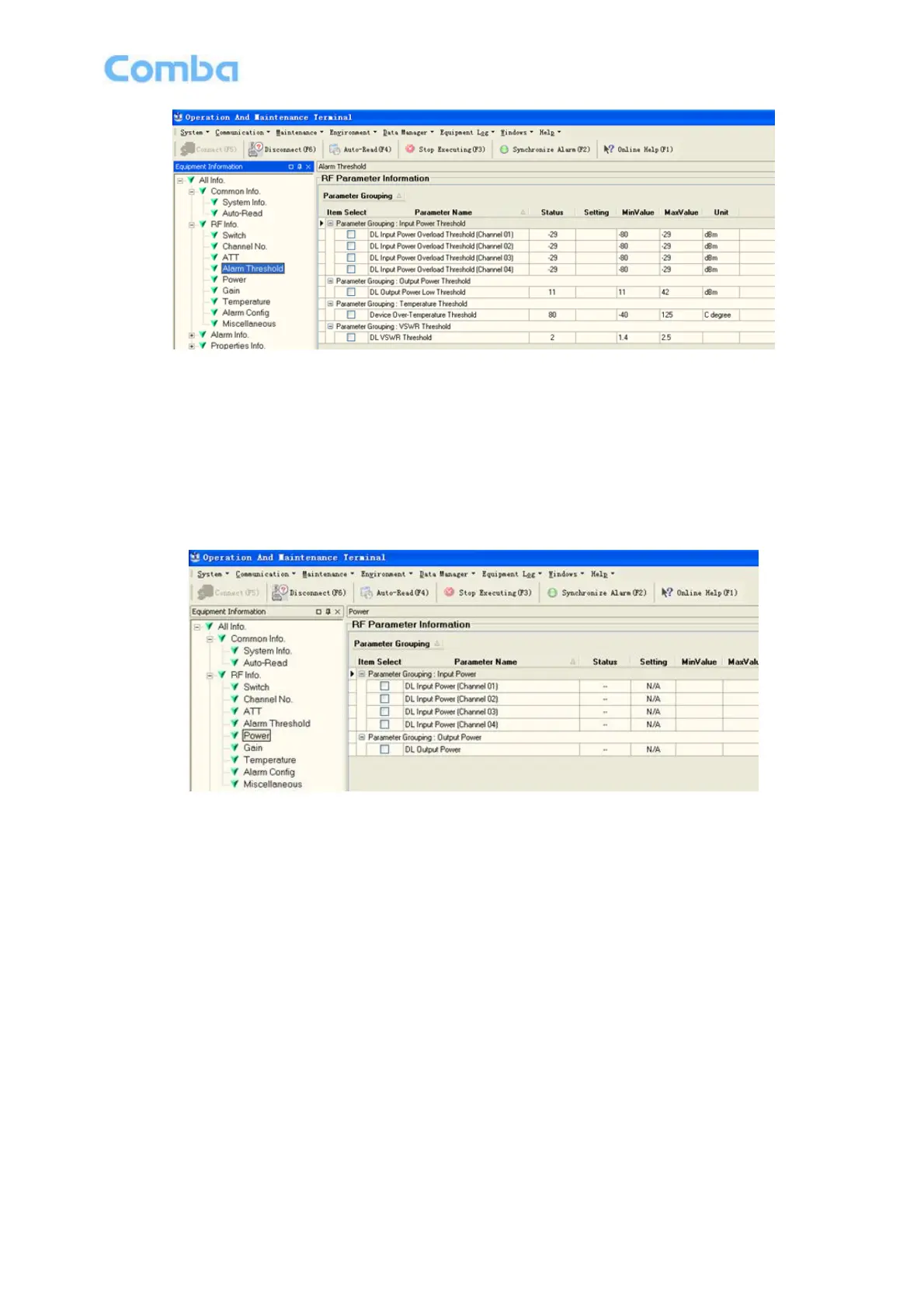
Figure 25: Alarm Threshold
Config:
Enter the required value in setting columns of RF information window for Alarm threshold, and press [Enter]
or [Config] button to finish the configuration operation.
5.7.5 POWER
Power is referring to the reading of downlink input/output power.
Figure 26: Power
Read:
Press [Read] to read all the values of the parameters in the window. Press [Auto-Read (F4)] to read values
continuously.



 To Next Page