INSTALLATION GUIDE FOR RX-1839
Copyright - refer to title page
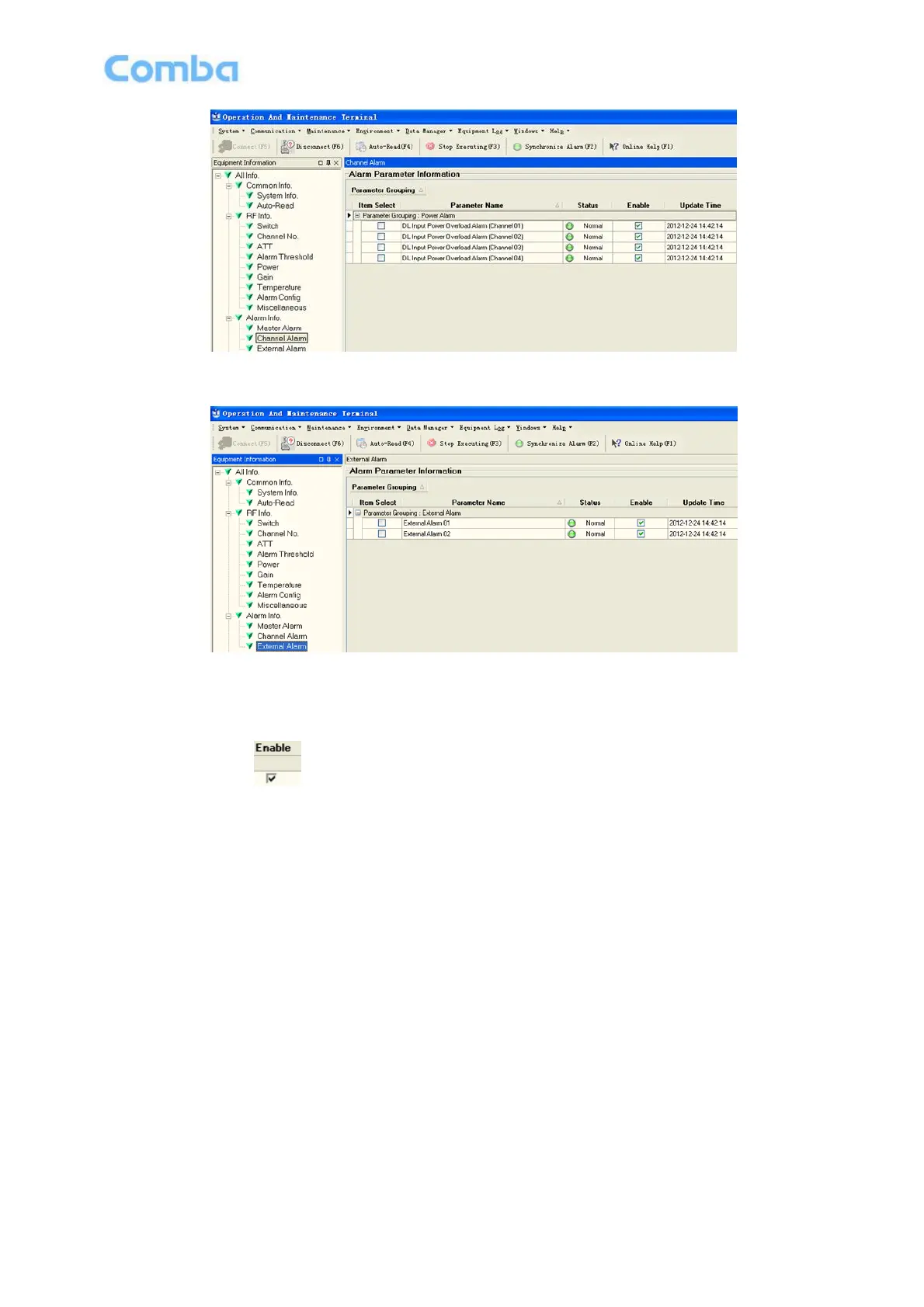
Figure 32: Channel Alarm
Figure 33: External Alarm
Config:
Tick the check box of [Item select] and [Enable] of the desired parameters and click [config] button to finish
configuration operation.
Notice: [Enable] box is to enable the alarm monitoring for system. Only if users enable the alarm by
ticking the [Enable] box, the alarms can be monitored by the OMT/OMC.
On the MCU, if any alarm is generated and this alarm is also enabled in [Enable] box, LED ALM turns RED;
while it is OFF when normal working. On the OMT/OMC window, [Alarm Status] indicator keeps GREEN if
no alarm and turns RED if an alarm is generated.



 To Next Page