➢
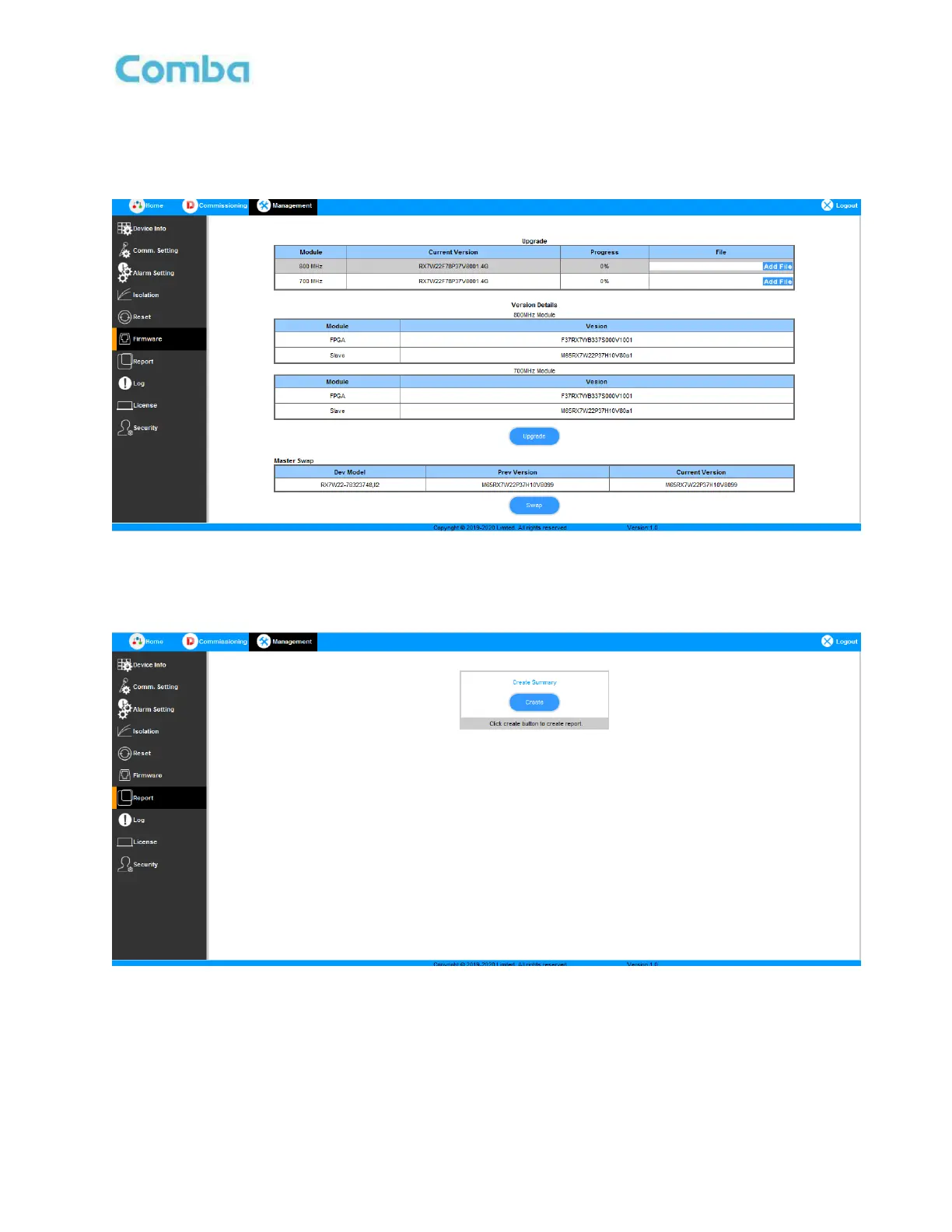
Firmware
There are two functions on the [Firmware] bar: [upgrade] and [swap]. [Upgrade] is used to upgrade software,
and [Swap] is to replace the current firmware version with the previous one.
Figure 23: Management – Report
➢
Report
After commissioning, PS BDA can create the summary report about the setting of all the parameters.
Figure 24: Management – Report



 To Next Page