5.2.2 [COMMISSIONING]
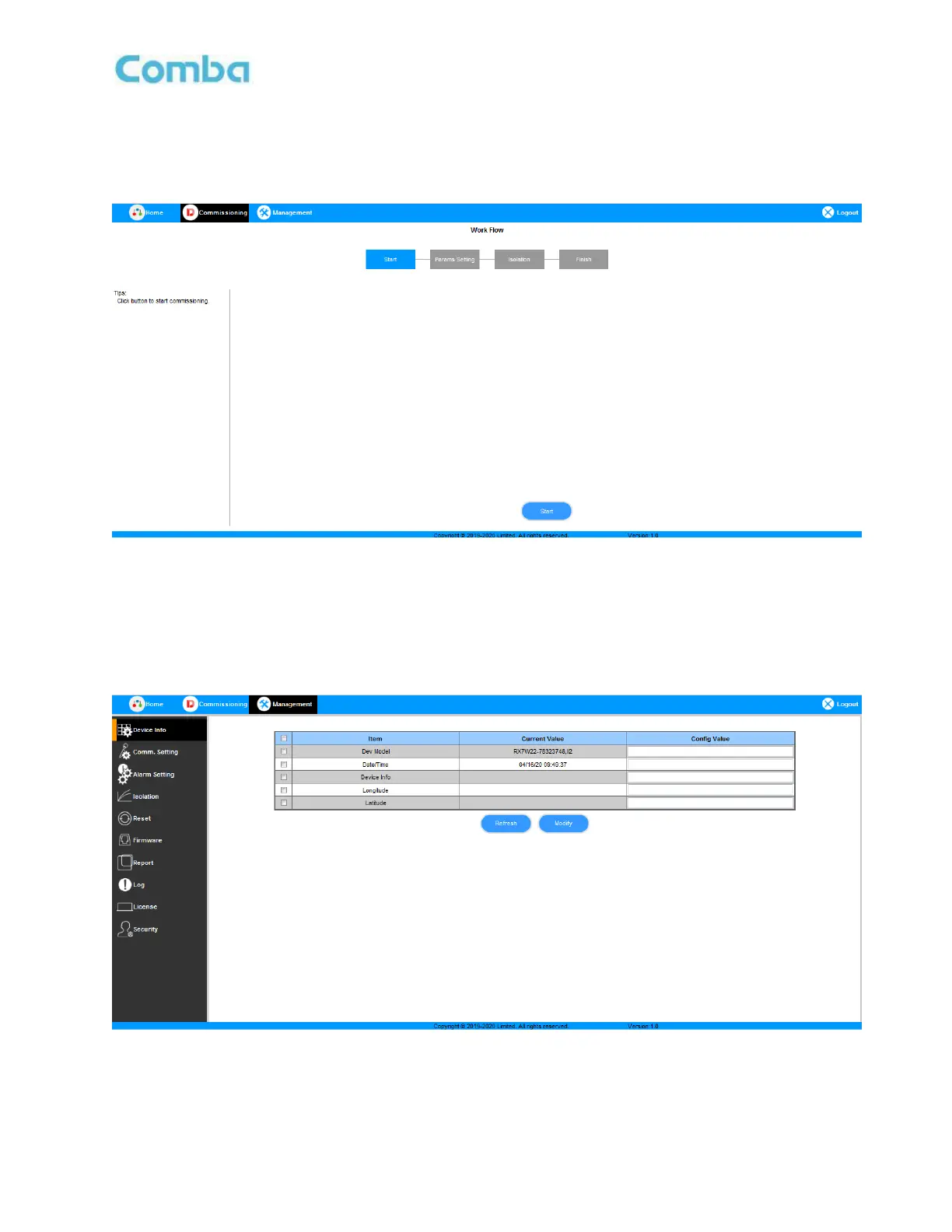
A work flow of the commissioning process is shown on [Commissioning] Screen. Click the [Start] button, the
software will guide you through the commissioning step by step. For details, please refer to chapter 5.3.
Figure 15: Commissioning Screen
5.2.3 [MANAGEMENT]
Other parameters can be configured on the [Management] Screen. It includes Device Info, Comm. Setting,
Alarm Setting, Isolation, Reset, Firmware, Report, Log, License and Security.
Figure 16: Management Screen



 To Next Page