5.2
WEB GUI INTRODUCTION
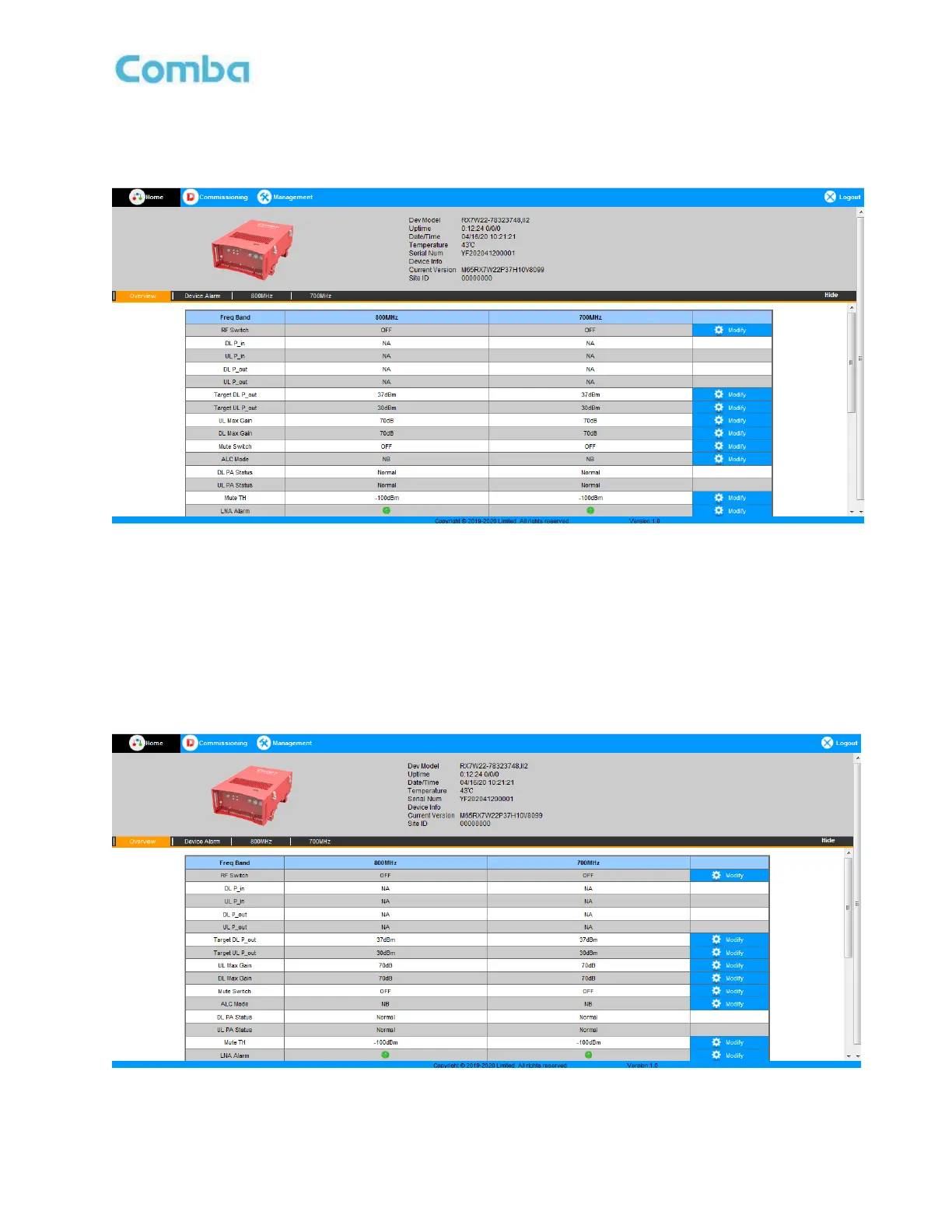
After log in, the Web GUI main screen will appear.
Figure 11: Web GUI Main Screen
On Comba Web GUI Home Screen, there are three Menu bars:
[Home], [Commissioning], and [Management].
5.2.1 [HOME]
The [Home] Screen shows the equipment status, such as RF Switch status, PA status, alarm information,
etc.
➢
Overview
Figure 12: Overview Screen



 To Next Page