5.3
COMMISSIONING PROCEDURE
To complete the installation and commissioning, users need to follow the steps below.
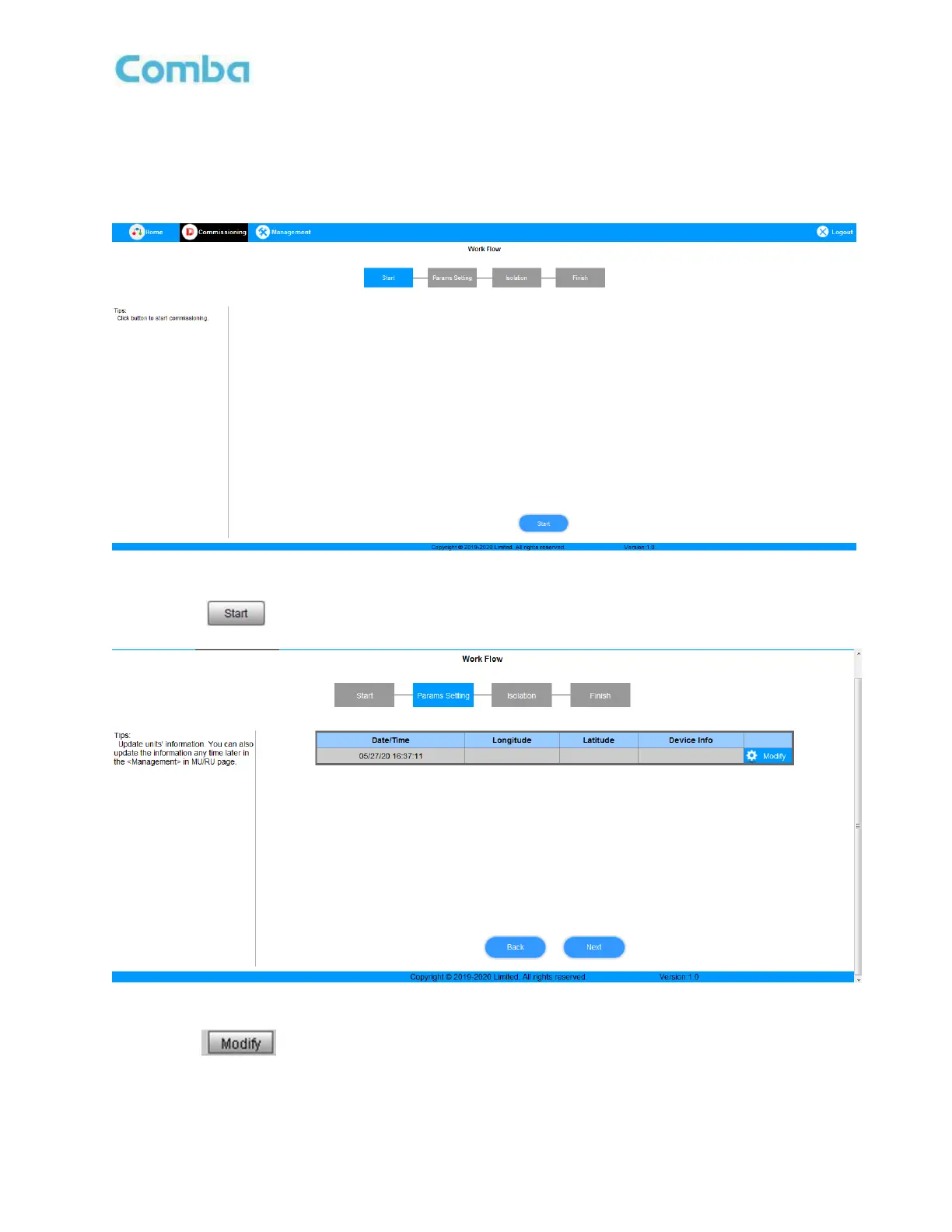
Step 1: Click the Menu bar [Commissioning] on home screen, a work flow will be displayed.
Figure 28: Commissioning Procedure – Start
Step 2: Click to start the process.
Figure 29: Commissioning Procedure – Site Info. Setting
Step 3: Click , to set the site information.



 To Next Page