Activate easier with the app
Take the fast lane
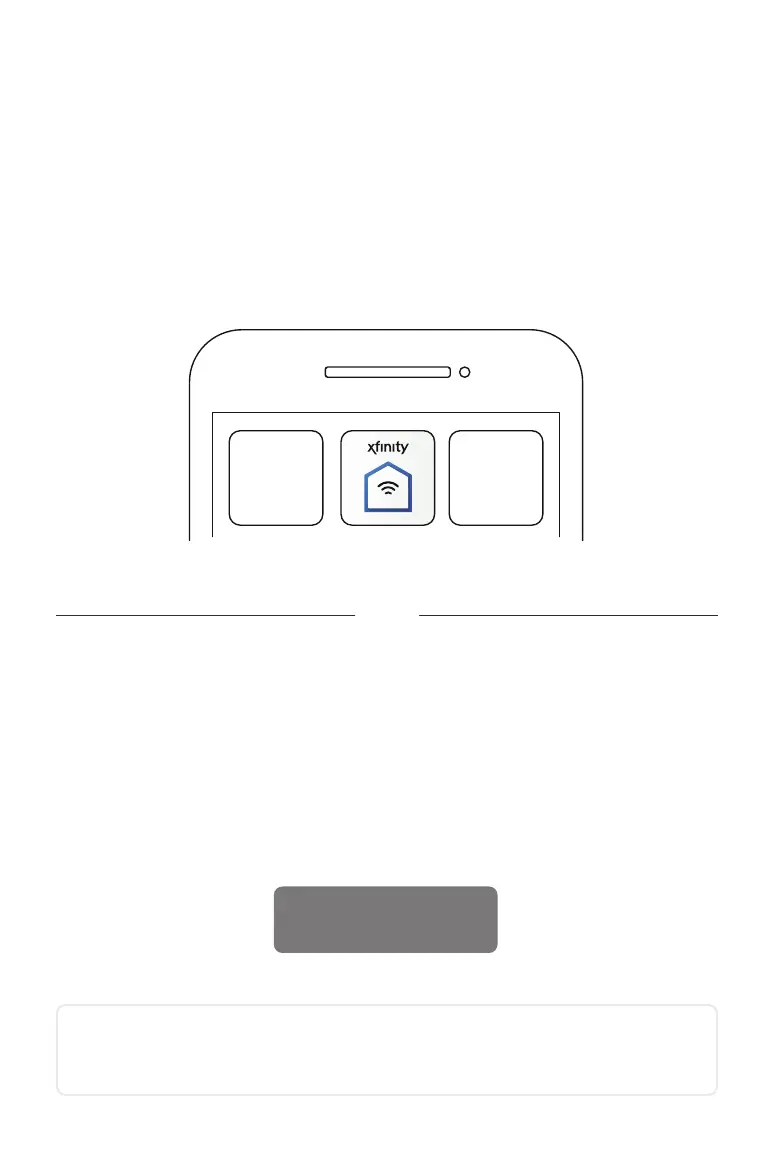
The Xnity xFi app will walk you through activation and be your go-to destination
for managing your home network moving forward. Download for free on the App
Store or Google Play. Can’t get the app right now? Skip down to “Activate using this
guide”.
Activate using this guide
1 Place your Gateway
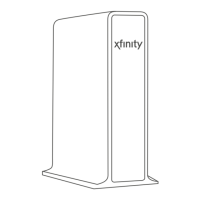
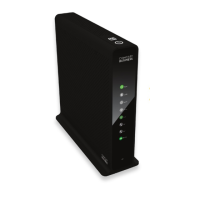
First, choose a central location near a cable outlet for your Gateway, and take
note of your network name (SSID) and password located on the bottom of your
Gateway.
SSID: 1234 - 5678 - 9123
PW: XXXXXXX
Or
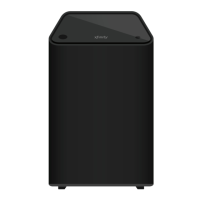
Place your xFi Advanced Gateway at least 3 feet from the ground, avoiding
cramped spaces or anything that may block your WiFi signal.
BL_XB6_GSG_SIK_0419.indd 5 1/15/19 2:12 PM


 To Next Page