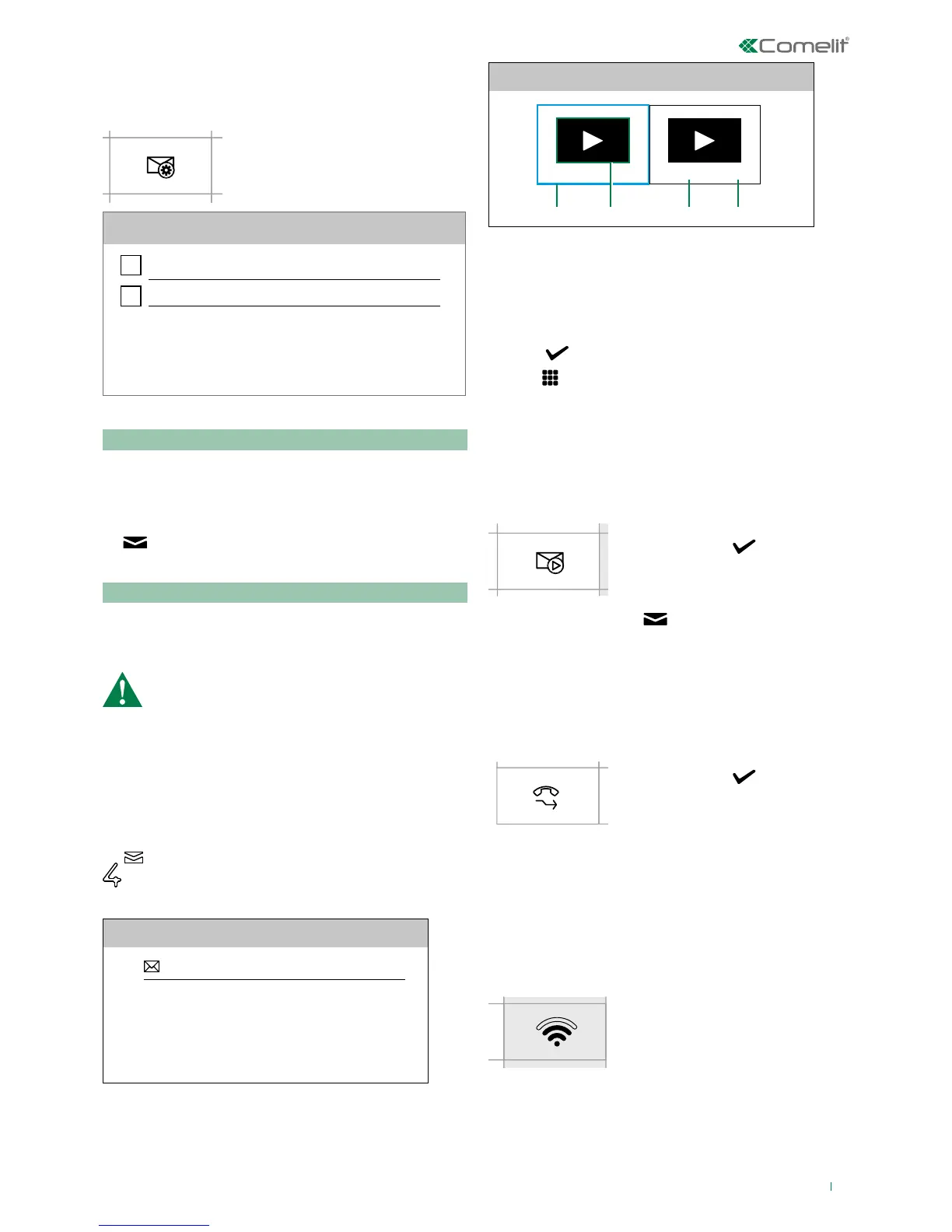
f Access the dedicated submenu
Memory
Video memory
Record always
Video memory
This function automatically starts audio/video recording in
the event of no reply.
f Tick the box to enable the function
» The icon in the main menu changes colour
»
The soft-touch key LED illuminates (Steady light)
Record always
This function automatically starts audio/video recording on
receipt of a call from an external unit.
f Tick the box to enable the function.
Both functions must be ticked
Messages
This function allows you to access the ViP messaging system
of the device.
f LONG PRESS (> 3s) to access the
dedicated video memory submenu
MESSAGES
Video messages
Video messages
22/02/2017 20:25 20/02/2017 09:15
1. 2. 3. 4.
1. Selected video
2. Example of a previously viewed recording
3. Date
4. Time
f Click
on the recording preview to START playback
f Click
to STOP playback
f Long press to delete the video recording.
Video memory
This function allows you to enable/disable the video memory
on the device.
f Scroll through the menu to the
icon and press to confirm and
enable the function
» The icon in the main menu
changes colour
»
The soft-touch key LED
illuminates (Steady light)
Call divert
This function allows you to quickly enable/disable the call
divert function.
f Scroll through the menu to the
icon and press
to confirm and
enable the function
» The icon in the main menu
changes colour
Wi-Fi connection (applies to art. 6742W)
The icon in the main menu oers quick access to the
Wi-Fi options/functions of the device while indicating its
connection status.



 To Next Page