8
User setup menu
LONG PRESS (> 5s)
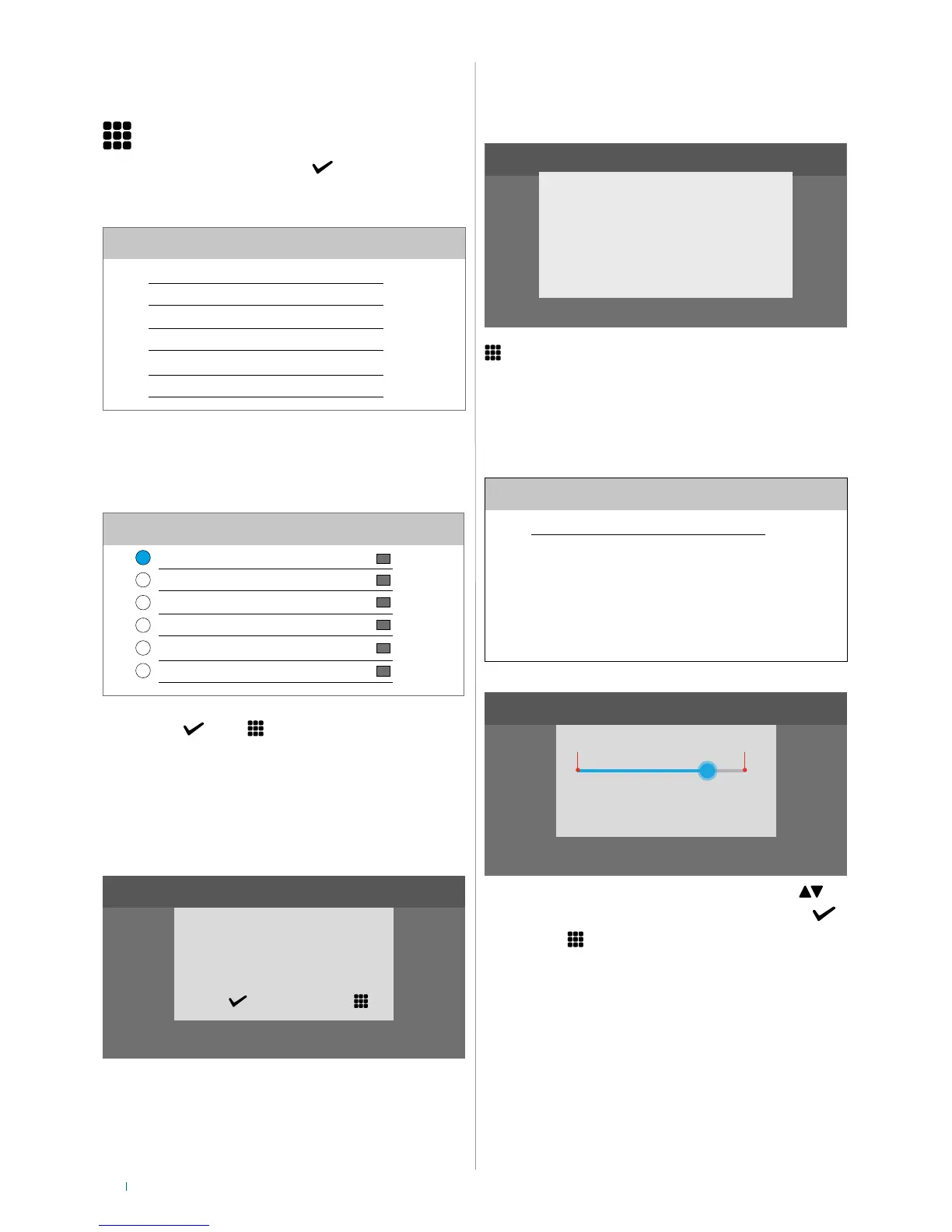
f Select User setup menu
f Select one of the options in the list
SETUP
Language
Information
Volume adjustment
Backlight adjustment
Melody settings
Lock keypad
Language
You can change the interface language.
Language
Italiano
Français
Español
Português
Deutsch
English
f Position the cursor on the desired option, then confirm the
selection
or exit
Keypad lock
This function can be used to lock the device touch screen for
60 seconds for cleaning purposes.
SETUP
Confirm keypad lock
for 60 seconds?
YES NO
» After 60 seconds, the screen is unlocked automatically
Information
This menu provides technical information about the device
(e.g. type of device, versions, addresses, etc.).
SETUP
SW: 2.0.100
IP: 169.254.156.131 (x/24)
MAC: 00:25:29:03:AA:BB
GW: 192.168.1.1
VIP: 00000101 Sub: 0
Mem.: 128 MB
Press the icon to exit the screen.
Volume adjustment
This menu allows you to manage and adjust the audio volume
of the keys.
Volume adjustment
Keys
0 MAX
7
f Increase/decrease the value using the arrow keys
f Confirm the selection by clicking on the tick symbol
f Press Exit to return to previous screen
Backlight adjustment
It is possible to increase and reduce the monitor backlighting
level.



 To Next Page