6
Call divert
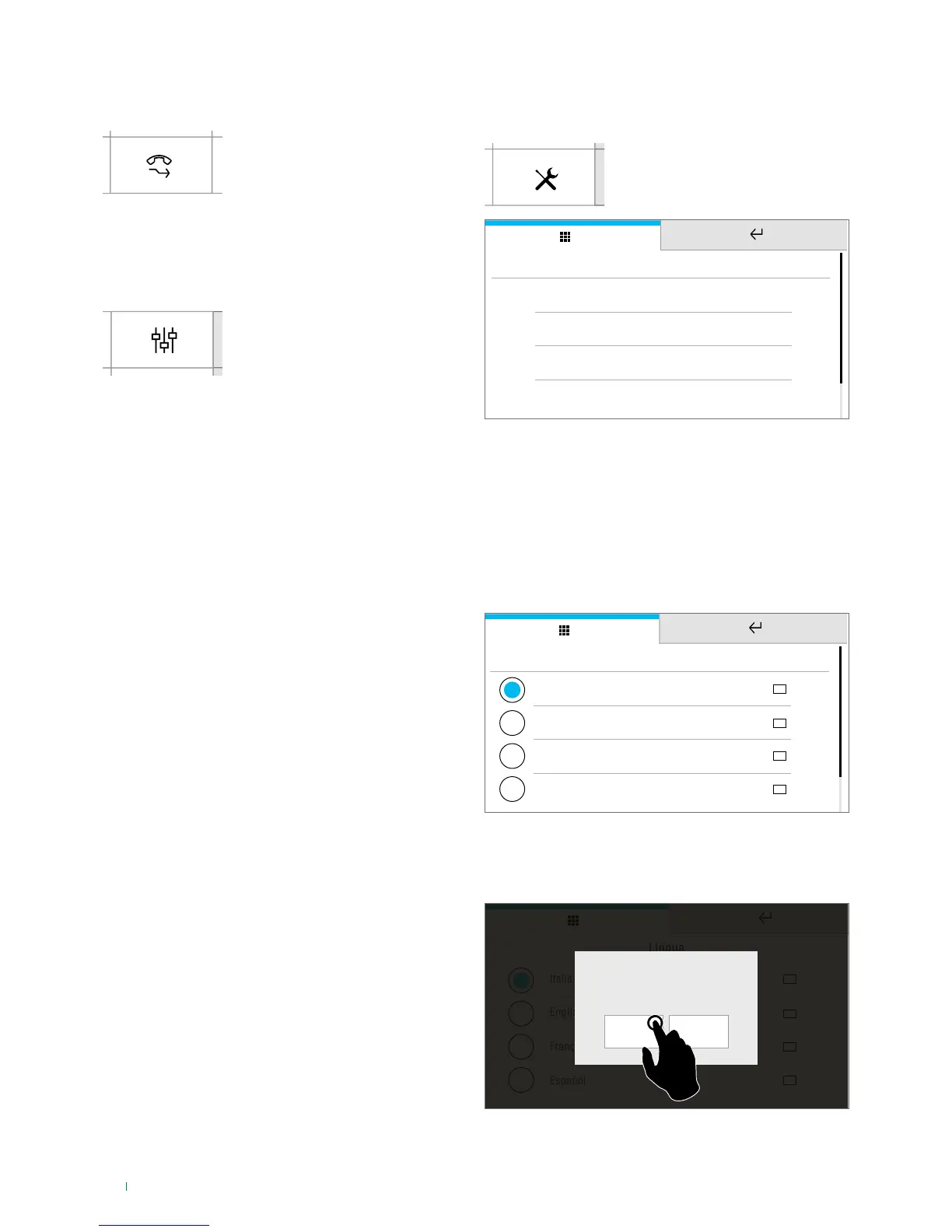
This function allows you to quickly enable/disable the call
divert function.
f Press the icon to enable the
function
» The icon in the main menu
changes colour.
Actuators
This function allows you to activate an actuator by selecting it
from the programmed directory.
f Access the dedicated section,
then select the command
you wish to activate from the
directory
User Setup menu
f Press the icon
f Select User setup menu
Language
SETUP
Lock keypad and touch screen
Information
Volume adjustment
f Swipe your finger up or down to view all the available
menu options
f To access the desired sub-menu, press the corresponding
icon
Language
You can change the interface language.
Italiano
Language
English
Français
Español
f Select the desired language by pressing the relative icon,
then confirm the selection
Italiano
Lingua
English
Français
Español
YES
Confirm language choice?
NO








 To Next Page