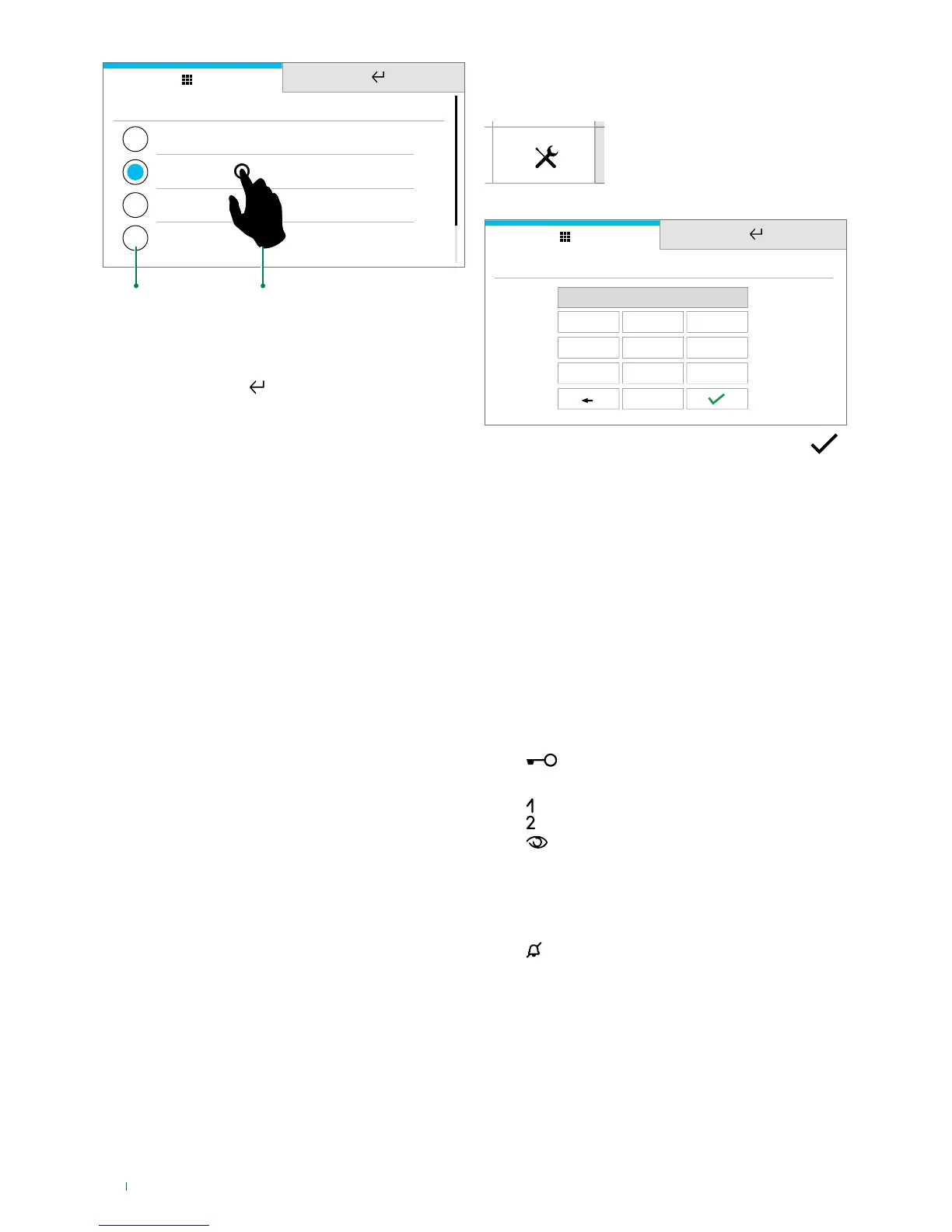
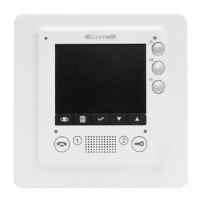
f Press the icon
f Select Installer setup menu
1
2
3
4 5
6
7
8
0
9
INSTALLER PASSWORD
****
f Type in the password (default = 0000) and confirm
NAVIGATION TREE
INSTALLER SETUP MENU ................................................................
Directories ..................................................................................................
Intercoms ..............................................................................................
CONFIGURE ViP ADDRESS ..........................................................
Edit or delete a contact .................................................................
Actuators...............................................................................................
CONFIGURE ViP ADDRESS ..........................................................
Doors ....................................................................................................
Cameras ................................................................................................
External unit camera ......................................................................
PAL camera ...................................................................................
IP (RSTP) Camera ..........................................................................
Key programming .......................................................................................
...................................................................................................
Lock-release ..................................................................................
Actuator .........................................................................................
............................................................................................................
...........................................................................................................
......................................................................................................
Intercom.........................................................................................
Self-ignition....................................................................................
Alarms ............................................................................................
Lock-release ..................................................................................
Actuator .........................................................................................
Activate output ..............................................................................
.........................................................................................................
Privacy / Doctor / Privacy Doctor ..................................................
Total reset ...................................................................................................
Addresses ...................................................................................................
ViP ADDRESS PROGRAMMING ...................................................
Set ringtone repetition ...............................................................................
Set call times ..............................................................................................
Call divert ....................................................................................................
CONFIGURE ViP ADDRESS ..........................................................
WAIT TIME .....................................................................................
ACTIVATE TIMED DIVERT .............................................................
ACTIVATE DIVERT WHEN BUSY ...................................................








 To Next Page