Figure 4.2.4. Archive Search Screen
When it clicks an Archive menu, user can see a calendar which has recording data. Select a specific date
and then user can see all data. When it presses a Display button, the still image or the first frame of the
selected video is opened and user can save the data.
4-2-7. Log Search
You can access the LOG list search screen by selecting LOG on the SEARCH window.
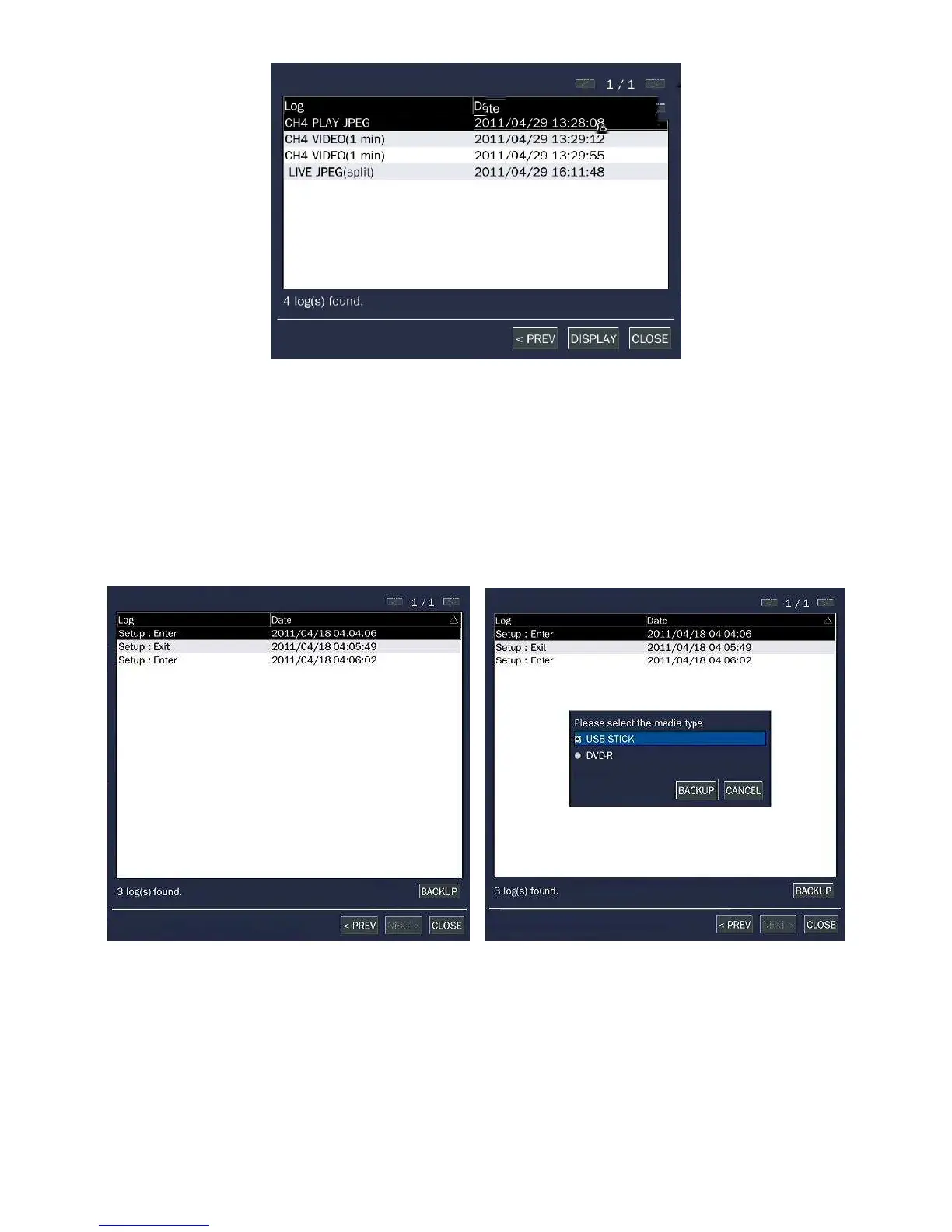
Figure 4.2.5. Log Search Screen
When it clicks a Log menu, user can see a calendar which has recording data. Select a specific date and
press NEXT button. Then user can see all log data. Press SAVE button to save the data and then the data
is saved to text file format.



 To Next Page