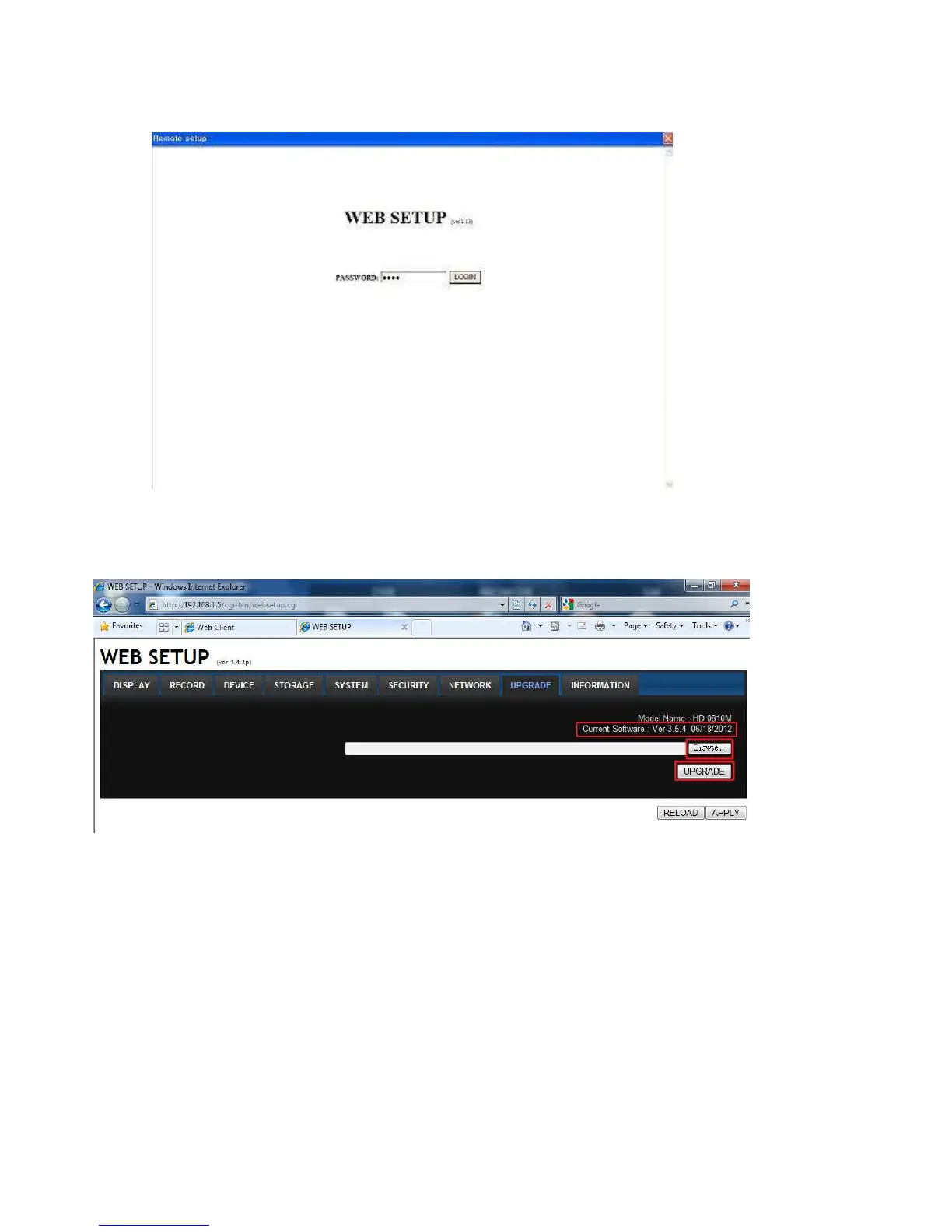
2. Press the password for admin. Just admin is possible to connect to the remote setup menu.
3. Go to the Remote Upgrade menu. Then, you can see the current F/W version as follows. To upgrade a
new F/W, insert the F/W in your PC and press the UPGRADE button.
4. Then, you can see the following progress bar and it would be taken around 150 seconds to upgrade.



 To Next Page