41
EN
7. Programming and data collection
7.1 Programming
To program Eurokey NEXT system you have to use UNICO software, the programming
key and the Clone Programming key. UNICO CARD software, instead, is used to
manage the media (keys and cards).
Eurokey NEXT can be connected to a PC which has UNICO software installed on it by
means of the USB port. The device is also powered through the USB port.
7.1.1 Safety codes
A safety code is required to access device configuration and to read or modify the
entered data. There are 3 configuration levels which can be accessed through 3
different code sto manage different privilege/access levels.
1. Administrator code
: numerical code which identifies a single administrator and
allows access to all machines in all rentals managed by him.
2. Rental code
: numerical code which identifies a single area managed by a single
administrator.
3. Access code
:
numerical code which identifies a subarea in a single rental managed
by a single administrator.
When leaving the factory, all codes of each device consist in a sequence of zeros.
These codes must be modified before activating the devices to prevent tampering or
frauds.
The safety codes are necessary to access device configuration. If they
are lost, they cannot be recovered and the device must be reset
completely.
It is therefore recommended to write down the safety
codes and keep them in a safe place.
7.1.2 Programming with UNICO software
Eurokey and Mifare (keys, cards, tag) can be managed by using UNICO software. For
any further information please, see the specific manual, where you can find the details
you need.
7.1.3 Programming key
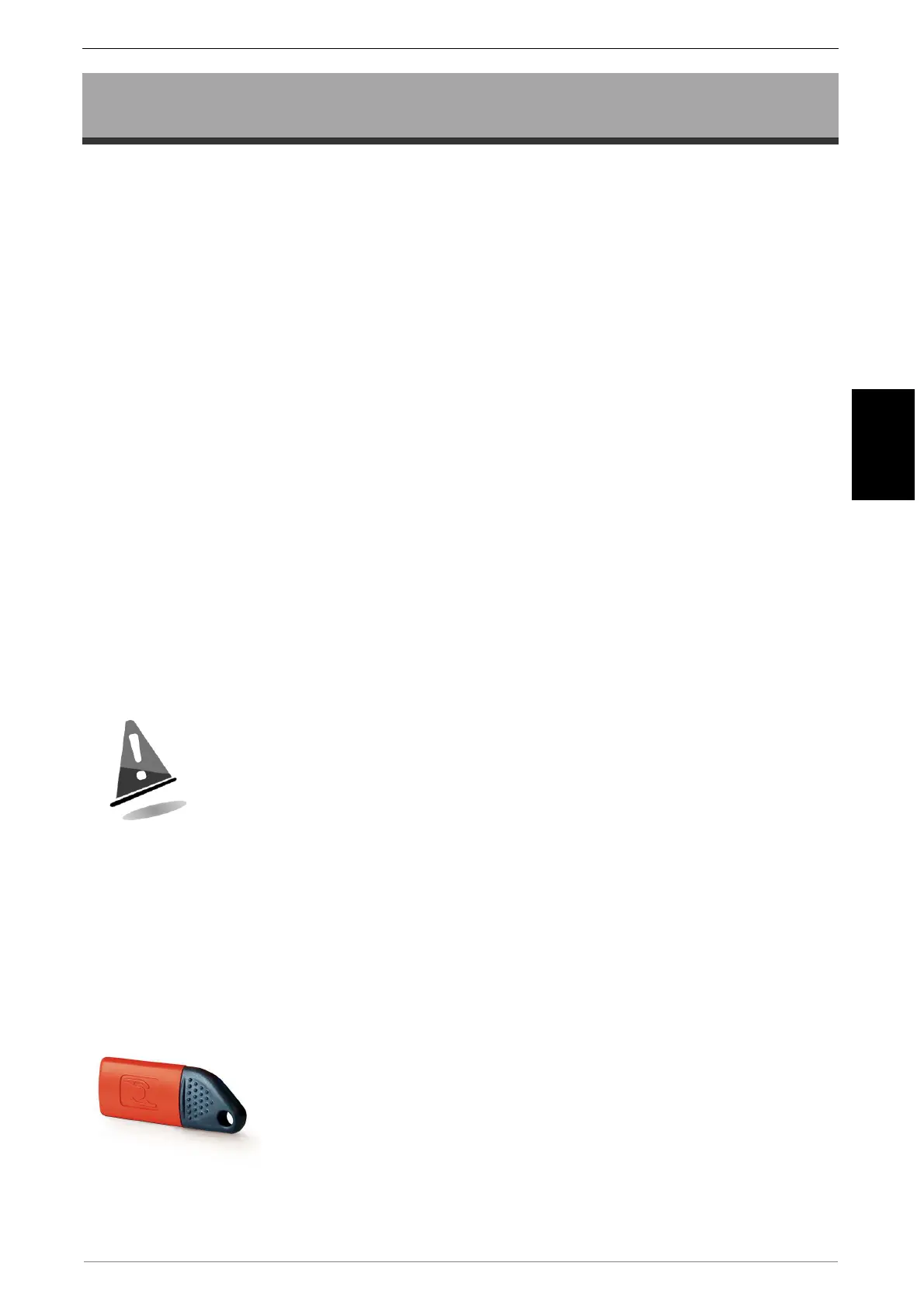
The programming key is a special contactless key with an
anthracite coloured cap and a red body. The data on this key is
formatted according to the type of operation requested through
the UNICO program. The subsequent programming of the
system takes place simply and quickly by inserting the key in the
reading head. The presence of the CVS signalling LEDs guides
the user through the exact programming sequence of the device
parameters.
The key is delivered without the application or the safety codes; for
use, please refer to the UNICO software guide.


 To Next Page