Eurokey NEXT – Quick Guide
42
7.1.4 Clone Programming Key
The Clone programming key is a special contactless key (same colour and storage
capacity as the programming key ), able to clone the present configuration on a device
transferring the configuration onto other devices, without using PC software.
The key
is delivered without applications or safety codes; in order to use, please refer to
the UNICO software guide.
7.1.5 Firmware update
It is possible to update the operating firmware of the Eurokey NEXT using the PC and a
USB connection cable.
7.2 Data collection
In the Eurokey NEXT, data can be collected through following three devices:
•
Audit Key;
•
MicroUSB with PC and UNICO & UNICO AUDIT software;
• IRDA interface using UHHT or other Palm with IrDa interface
7.2.1 Audit Key
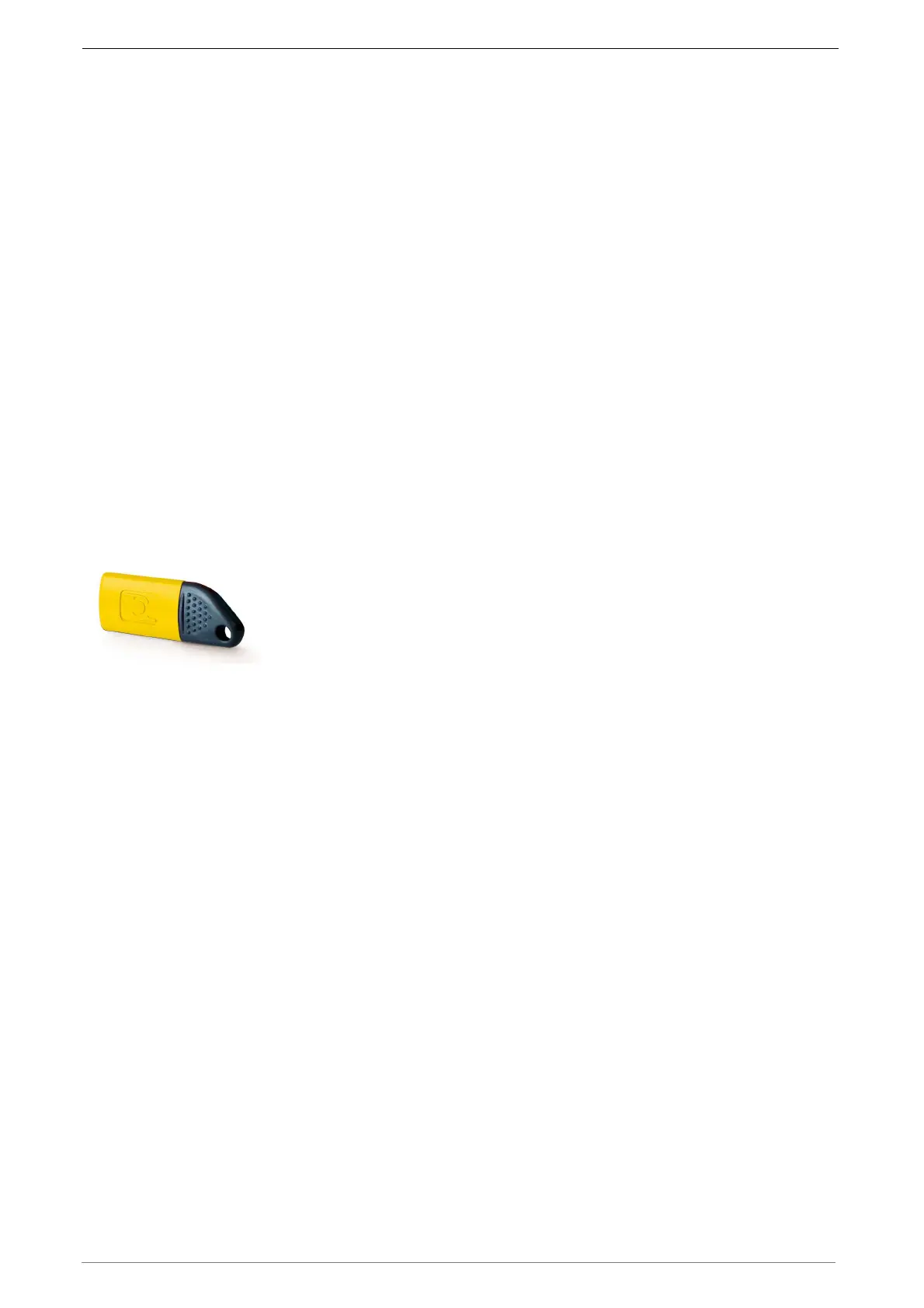
The Audit Key is a special key with an anthracite coloured cap
and a yellow body, with a high storage capacity, able to make up
to 65/70 collections, depending on the quantity of data to be
exported. Subsequently via a PC, the desktop terminal and the
UNICO or UNICO AUDIT software, it is possible to download the
data stored on the key, view it, print it or save it in a .TXT or .XML file for subsequent
processing using special management software. Appropriate formatting of the Audit ->
Audit + Log key also enables the logs recorded inside the reader to be stored during
the data collection stage. In this particular function, the following can be exported for
each key: Machine no. - Key no. date/time - type of operation performed on the key.
With this function enabled, the number of machines from which the audits can be
extracted, decreases.
The key is delivered without application and safety codes. To use it, please refer to the
UNICO software guide.
7.2.2 Data collection through IRDA interface
The IR interface, on Eurokey NEXT, may be used to read audit data in EVA DTS
format with a palm top device that has a display on which to view the data (available as
an option).
To receive data flow sent via infrared, hold the palm top close to the transmitter on the
front of the cashless system and the data will be received either automatically or,
depending on the type of palm top, when you press a button on the device.
The Led on the reader will guide the operator in the correct data acquisition
sequence. Maximum distance for receiving data correctly is about 50 cm max.


 To Next Page