23 of 29
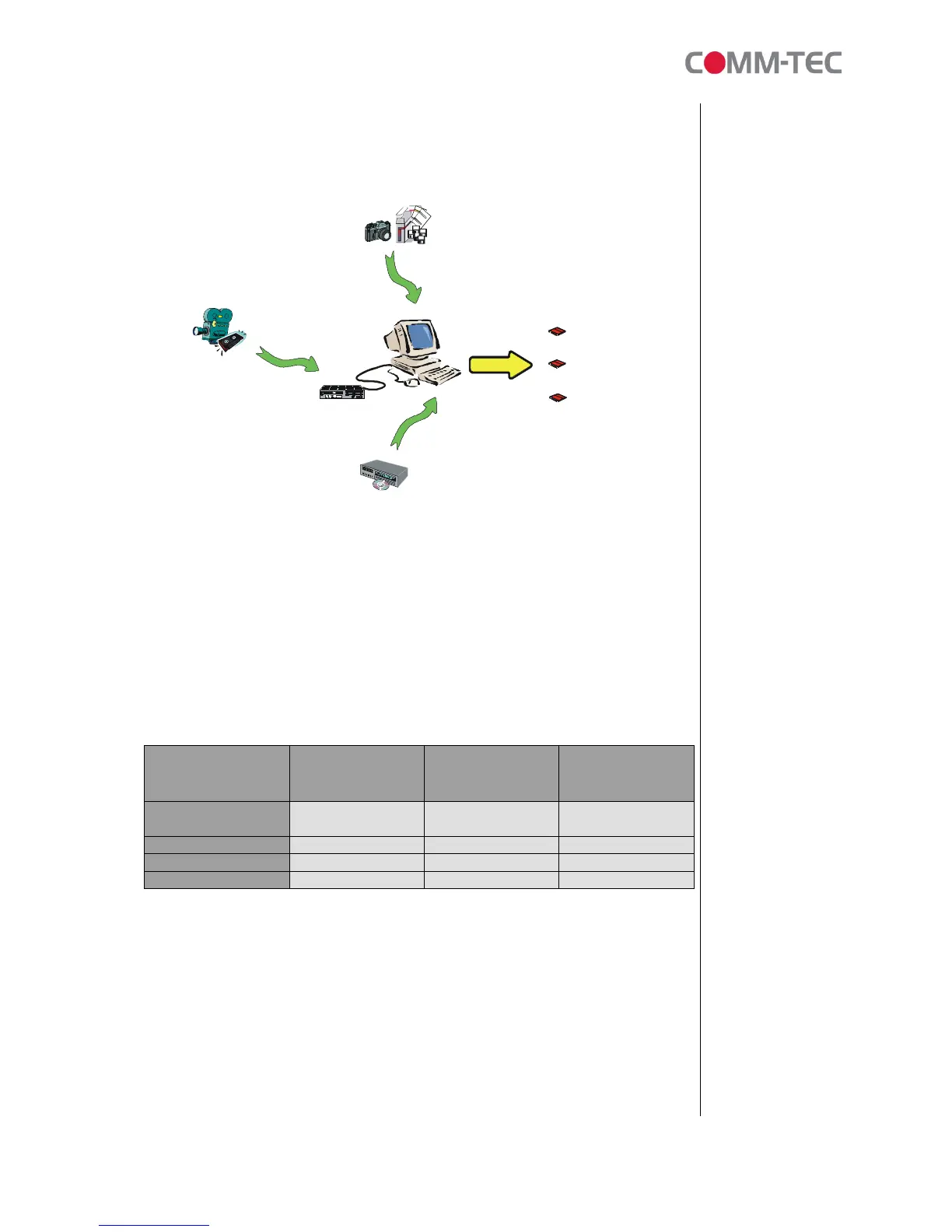
Ways of MPEG content creation:
Video (.MPG) file - MPEG-1 / MPEG-2
A video source can be captured by video camera, which then outputs a video signal
to the MPEG encoding system.
The basic resolution required for MPEG-1 video encoding is 352x288 (PAL) or
352x240 (NTSC) and it is very close to VHS or VCD image quality. For MPEG-2
video encoding, the optimal resolution for “Good” quality video (e.g. SVCD) required
is 480x576 (PAL) or 480x480 (NTSC), and the optimal resolution for very “High”
quality video (e.g. DVD) required is 720x576 (PAL) or 720x480 (NTSC). However,
the MPEG-2 is generally used for producing a high quality video.
VCD SVCD DVD
Resolution 352x288 (PAL)
352x240 (NTSC)
480x576 (PAL)
480x480 (NTSC)
720x576 (PAL)
720x480 (NTSC)
Video Compression MPEG-1 MPEG-2 MPEG-2
File Size (per min) 7.5MB-12MB 15MB-25MB 30MB-50MB
Quality Good Great Excellent
Still picture (.MPG) file - MPEG Still picture
A still picture can be created by most of common Graphic Utilities or captured by
digital Camera. The following tips will help you get better picture quality before
converting to an .MPG file:
• The ideal original graphic file type is bitmap (.bmp) as it has no compression.
(but file size is very big!). Other graphic formats can be accepted, including tiff,
.gif, and .jpg, etc (in that order of preference).



 To Next Page