27 of 29
7.3 How to create and define the command code in barcode.ini
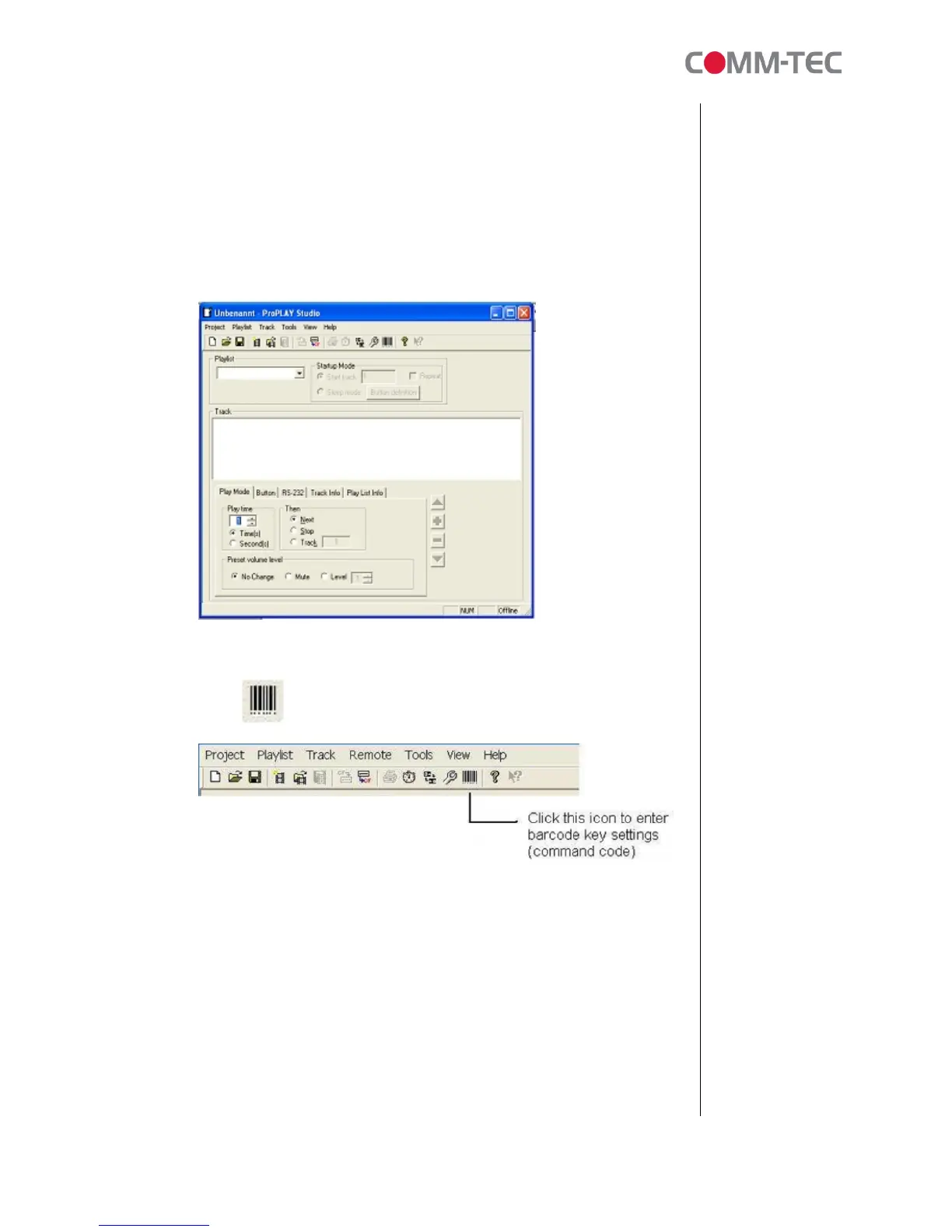
By using ProPLAY Studio (Version 1.4.024.00), you can add and define your
command code for the existing 8 function keys (PLAY, STOP, PAUSE,
REPEAT, NEXT, VOL DN, VOL UP and MUTE). Note: This command code
feature must be used in playlist mode. Simple play mode cannot support this
command code.
1. Open ProPLAY Studio
2. Open an existing project and playlist file OR create a new one.
3.
3. Click from the tool bar.



 To Next Page