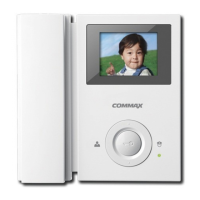
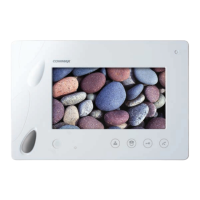
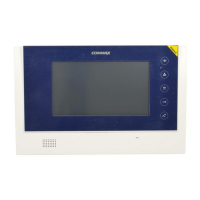
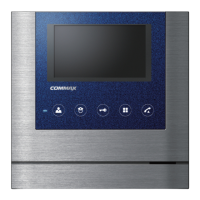
7
6. Setting House unit as a Master and Sub Units.
A. This setting should be set by the Lobby phone which should be connected to channel
1 of CCU-BS.
B. When a single unit is installed in a household, it should be set as a master unit.
(In case more than 2 units are installed in a household, one of them should be set as a
master, and the rest should be set as slave units.)
C. The "Door Release"and"Interphone call" button on the unit run as a selection of a
mater or slave unit in this mode.
1) Set a house unit as a master unit.
① Set the ID as "0" on the Multi Entry Panels that should be connected to channel 1
of CCU-BS.
② After pressing a "Talk" button of an in-house unit, press the "Interphone
call"button and the"door release"button at the same time.
③ You can communicate with the Multi Entry Panel while the resident's number
displayed on a screen of multi entry panel.
④ Press the "Door release" button on an in-house unit then the "*** -> M" message is
displayed on the Multi Entry Panel.
Register desired household number in Multi Entry unit, and then press "Call" button.
The electric sound will be heard after completion.
⑤ The registration is complete when you cancel the conversation.
(Repeat this process for other residence's registration.)
⑥ Set the ID on the multi-entry panel as "1" from "0"after completing the registration
2) Set a house unit as a slave unit.
① Set the ID as "0"on the Multi Entry Panels that should be connected to channel 1 of
CCU-BS.
② After pressing a "Talk" button of an in-house unit, press the "Interphone
call"button and the "door release"button at the same time.
③ You can communicate with the Multi Entry Panel while the
resident's number is displayed on a screen of multi entry panel.


 To Next Page