The Cursor
Keys
(§@R
I
v
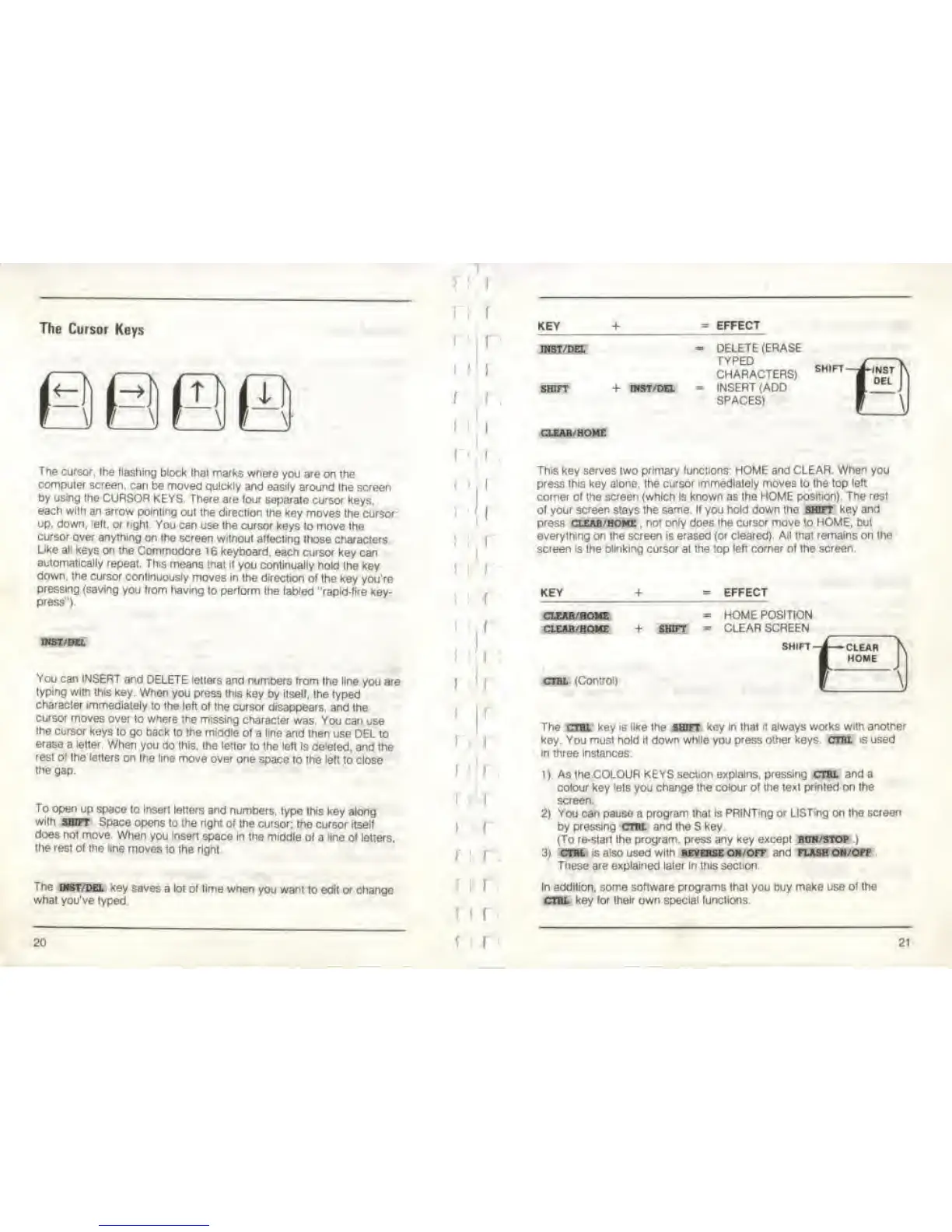
The
cursor, the (lashing block
thai marks where
you are on the
computer
screen, can be moved quickly
and eas>ly around
the screen
by
using
the
CURSOR KEYS. There are four
separate cursor
keys,
each
with
an arrow pointing
out the direction
the key moves
the
cursor
up, down, ielt.
or
right.
You
can use the cursor keys
lo move the
cursor
over anything
on the screen without
affecting those
characters.
Like all
keys on the Commodore
1 6 keyboard,
each cursor key can
automatically
repeal. Ttvs means
mat if you continually
hold the key
down,
the
cursor
continuously moves In
the direction of
the key you're
pressing (saving
you from
having to perform
the
tabled
"rapid-fire
key-
press").
INST
/DEL
You can INSERT
and
DELETE letters and numbers
from Ihe line
you
are
typing with thts
key. When
you press (his key
by
itsell,
the typed
characler
immediately
to the left
of the cursor disappears,
and the
cursor
moves over
to
where
the missing
characler was You can
use
the cursor
keys to go back
to
the
middle of
a
line
and then use DEL
to
erase a letter.
When you do this, the letter
to the left is deleted,
and the
rest of
the letters on
Ihe line move over
one space
to
the left
to close
the
gap.
To
o
pen
up space lo insert
letters and numbers,
type this
key along
with
SHOT Space opens
to the right of
the
cursor;
the cursor tiself
does not move When
you insert
space In the middle
of a
line
of letters.
Ihe
rest
of the line moves
lo the
right
The
ART/DEL
«ey saves a lot of time
when you want
lo edit
or
change
what
you've lyped
2C
I
'
I
f
I
'
(
I
KEY
+ EFFECT
INST/DEL
SHIFT
iKST/DEL
DELETE (ERASE
TYPED
CHARACTERS)
INSERT
(ADD
SPACES)
SHIFT
CLEAR HOME
This key serves two primary functions: HOME and CLEAR. When you
press this key alone, the cursor
immediately
moves to the top
left
coiner of the screen (which Is known as
the HOME position). The resf
of your
screen
stays Ihe
same.
If you
hold down the
SHOT
key and
press clem/home , not
only
does Ihe cursor
move
lo
HOME,
but
everything
on
Ihe
screen is
erased (or cleared). All that remains on the
screen is
Ihe
blinking cursor at the top left corner of the screen.
KEY
EFFECT
CLEAR /ROME
CLEAR-HOME
cnit
(Control)
SHIFT
HOME POSITION
CLEAR SCREEN
SHIFT i -CLEAR
HOME
\
The
cm
key
is
like the
SHOT
*oy
in
that
it always works wiih another
key. You must hold
it down while
you
press other keys.
CTBL
is
used
in three instances.
i)
As the COLOUR KEYS
section explains, pressing
CTBL
and a
colour
key
lels
you
change the colour of the texl
printed
on Ihe
screen.
2)
You can
pause a
program thai is PRINTing or LISTing on Ihe
screen
by
pressing CTBl and Ihe
S
key
(To re-slart the
program, press any key except bun/stop
)
3) CTBL
is also
used
with
reverse
on/off and flash on/off
Tnese are explained later In this section
In
addition, some software
programs that
you buy
make use of the
CTBL key for their own special functions.
21



 To Next Page