EasyManua.ls Logo

Commodore A 2091-40 - Page 10

Commodore A 2091-40
75 pages
Print Icon
To Next Page IconTo Next Page
To Previous Page IconTo Previous Page
Loading...
34
Installing
the
A2091-40/A2091
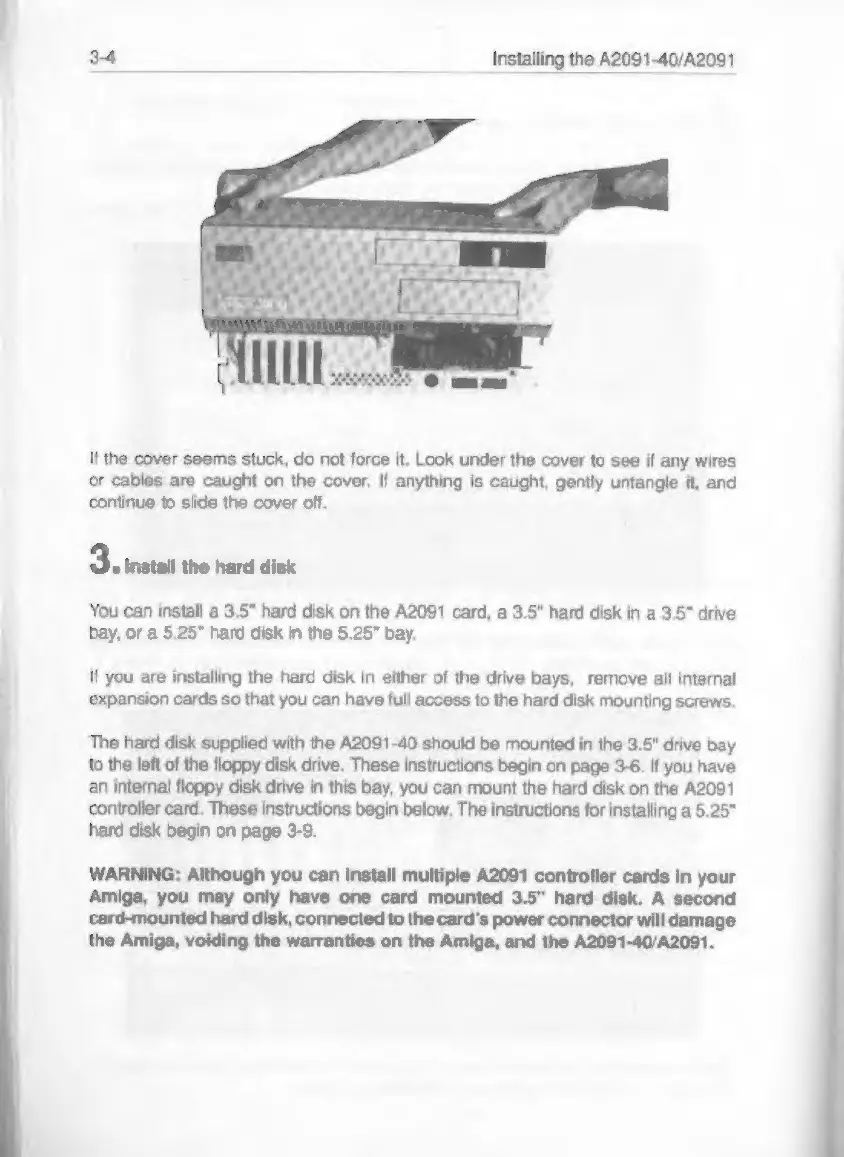
If
the
cover
seems
stuck,
do
not
force
it.
Look
under
the
cover
to
see
if
any
wires
or
cables
are
caught
on
the
cover.
If
anything
is
caught,
gently
untangle
it,
and
continue
to
slide
the
cover
off.
3.
install
the
hard
disk
You
can
install
a
3.5"
hard
disk
on
the
A2091
card,
a
3.5"
hard
disk
in
a
3.5"
drive
bay,
or
a
5.25"
hard
disk
in
the
5.25"
bay,
If
you
are
installing
the
hard
disk
in
either
of
the
drive
bays,
remove
all
internal
expansion
cards
so
that
you
can
have
full
access
to
the
hard
disk
mounting
screws.
The
hard
disk
supplied
with
the
A2091-40
should
be
mounted
in
the
3.5"
drive
bay
to
the
left
of
the
floppy
disk
drive.
These
instructions
begin
on
page
3-6.
If
you
have
an
internal
floppy
disk
drive
in
this
bay,
you
can
mount
the
hard
disk
on
the
A2091
controller
card.
These
instructions
begin
below,
The
instructions
for
installing
a
5.25"
hard
disk
begin
on
page
3-9.
WARNING:
Although
you
can
install
multiple
A2091
controller
cards
in
your
Amiga,
you
may
only
have
one
card
mounted
3.5"
hard
disk.
A
second
card-mounted
hard
disk,
connected
to
the
card's
power
connector
will
damage
the
Amiga,
voiding
the
warranties
on
the
Amiga,
and
the
A2091-40/A2091.