EasyManua.ls Logo

Commodore A 2091-40 - The A2091 Installation Software Disk; Using the Installation Software

Commodore A 2091-40
75 pages
Print Icon
To Next Page IconTo Next Page
To Previous Page IconTo Previous Page
Loading...
5-2
The
A2091
Installation
Software
Disk
5.2
Using
the
Installation
Software
WARNING:
PrepHD,
FormatHD,
and
InstallHD
can
only
replace
the
files
from
the
standard
Workbench
and
Extras
disks.
It
cannot
recover
programs
and
data
that
were
later
stored
on
the
hard
drive.
For
this
reason
it
is
EXTREMELY
IMPORTANT
to
perform
regular
backups
of
the
hard
drive's
contents.
To
use
the
A2091
Installation
Software
disk,
boot
the
Amiga
with
the
A2091
Installation
Software
disk
in
the
internal
floppy
drive
(DFO:).
Do
not
boot
from
the
hard
disk.
When
the
system
boots,
you
will
see
a
A2091
Installation
Software
icon
on
the
screen.
Double-click
on
the
icon,
and
the
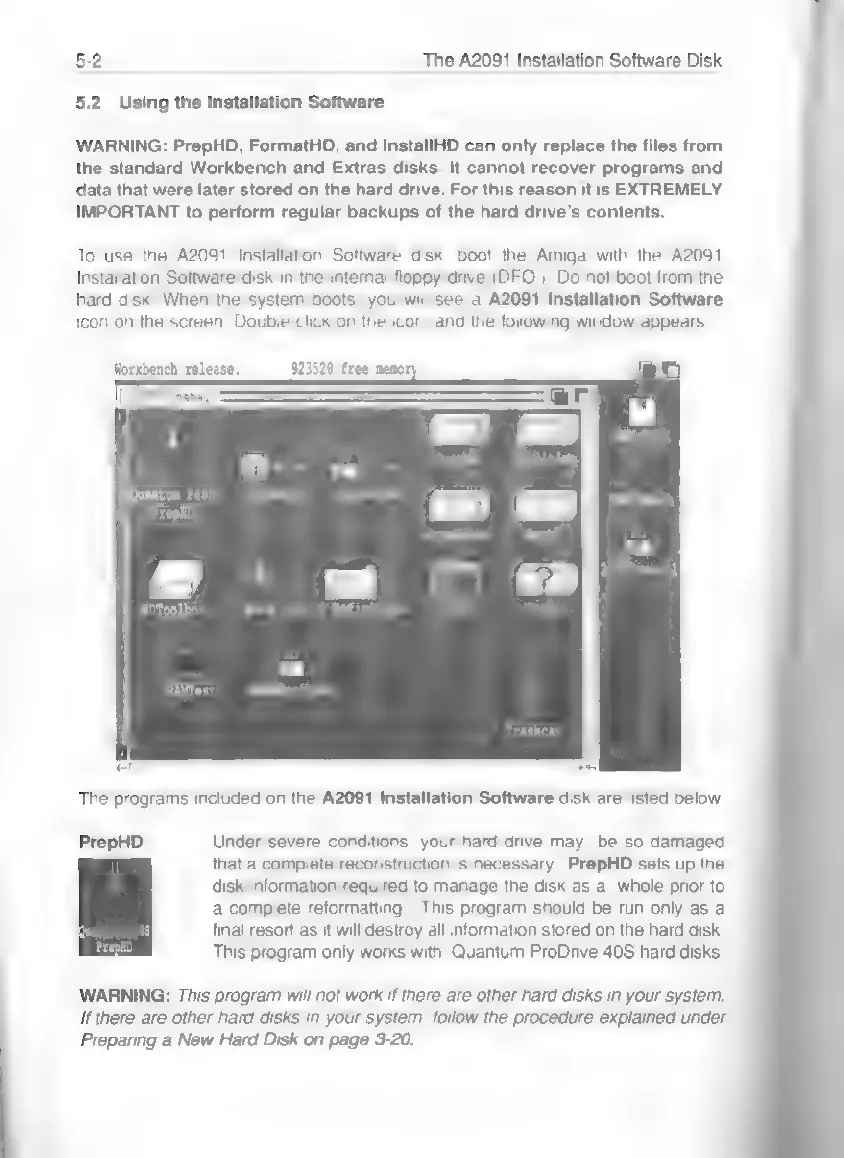
following
window
appears:
Workbench
release
923520
free
memory
[2091
1nsta11.
Quantum
P48S
PrepkD
HDToolbox
RAMTest
‘Trashcan
er
The
programs
included
on
the
A2091
Installation
Software
disk
are
listed
below.
PrepHD
Under
severe
conditions,
your
hard
drive
may
be
so
damaged
that
a
complete
reconstruction
is
necessary.
PrepHD
sets
up
the
disk
information
required
to
manage
the
disk
as
a
whole
prior
to
a
complete
reformatting.
This
program
should
be
run
only
as
a
final
resort
as
it
will
destroy
all
information
stored
on
the
hard
disk.
This
program
only
works
with
Quantum
ProDrive
40S
hard
disks.
WARNING:
This
program
will
not
work
if
there
are
other
hard
disks
in
your
system.
If
there
are
other
hard
disks
in
your
system,
follow
the
procedure
explained
under
Preparing
a
New
Hard
Disk
on
page
3-20.