EasyManua.ls Logo

Commodore A 2091-40 - Ae Installing a 3.5 Hard Disk on the A2091

Commodore A 2091-40
75 pages
Print Icon
To Next Page IconTo Next Page
To Previous Page IconTo Previous Page
Loading...
Installing
the
A2091-40/A2091
3-5
3.1.1
Installing
a
3.5"
hard
disk
on
the
A2091
NOTE:
Do
not
use
the
threaded
shock
mounts
when
installing
a
hard
disk
on
the
A2091
card.
If
your
hard
disk
has
a
faceplate
that
prevents
it
from
fitting
on
the
A2091,
you
will
need
to
remove
the
faceplate.
Remove
the
four
hard
disk
mounting
screws
and
nuts
on
the
A2091
controller
card.
Place
the
hard
disk
on
the
component
side
of
the
A2091,
the
side
that
faces
the
power
supply
when
installed
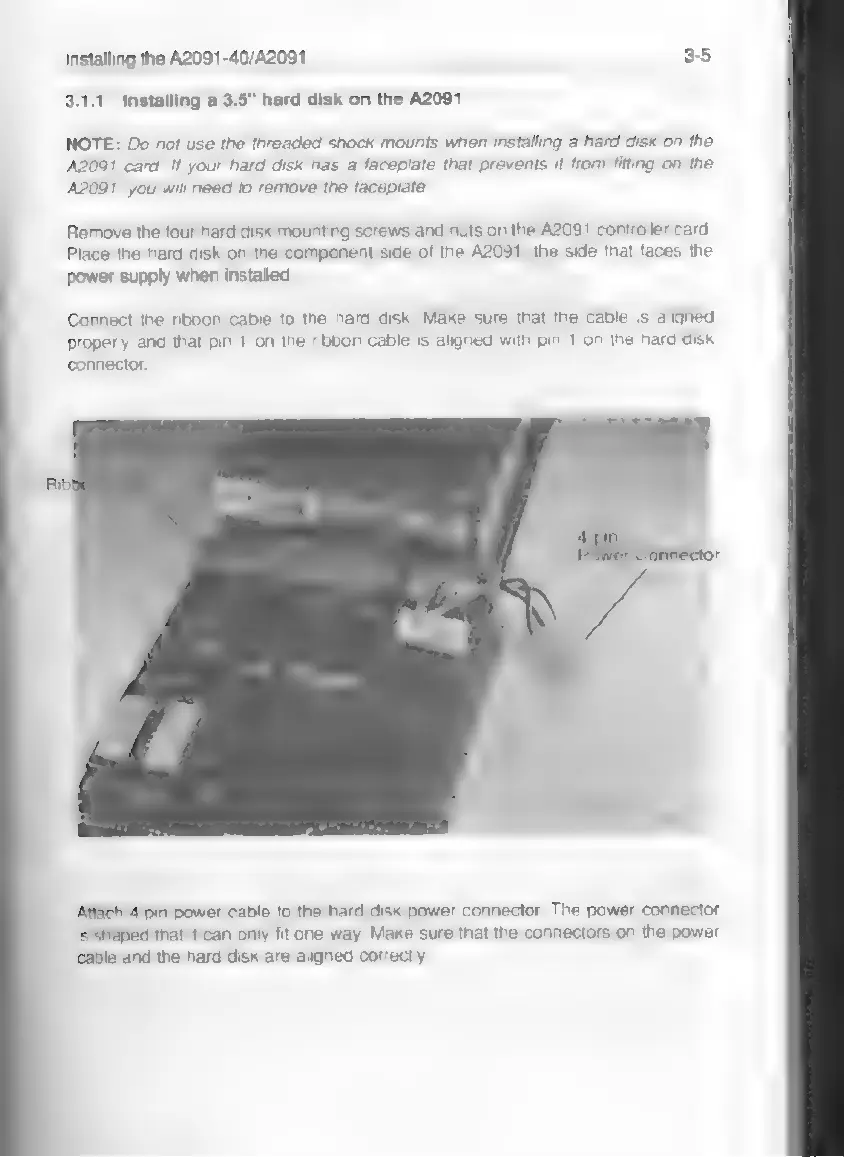
Connect
the
ribbon
cable
to
the
hard
disk.
Make
sure
that
the
cable
is
aligned
properly
and
that
pin
1
on
the
ribbon
cable
is
aligned
with
pin
1
on
the
hard
disk
connector.
Attach
4-pin
power
cable
to
the
hard
disk
power
connector.
The
power
connector
ls
shaped
that
it
can
only
fit
one
way.
Make
sure
that
the
connectors
on
the
power
cable
and
the
hard
disk
are
aligned
correctly.