EasyManua.ls Logo

Commodore A 2091-40 - Page 12

Commodore A 2091-40
75 pages
Print Icon
To Next Page IconTo Next Page
To Previous Page IconTo Previous Page
Loading...
3-6
Installing
the
A2091-40/A2091
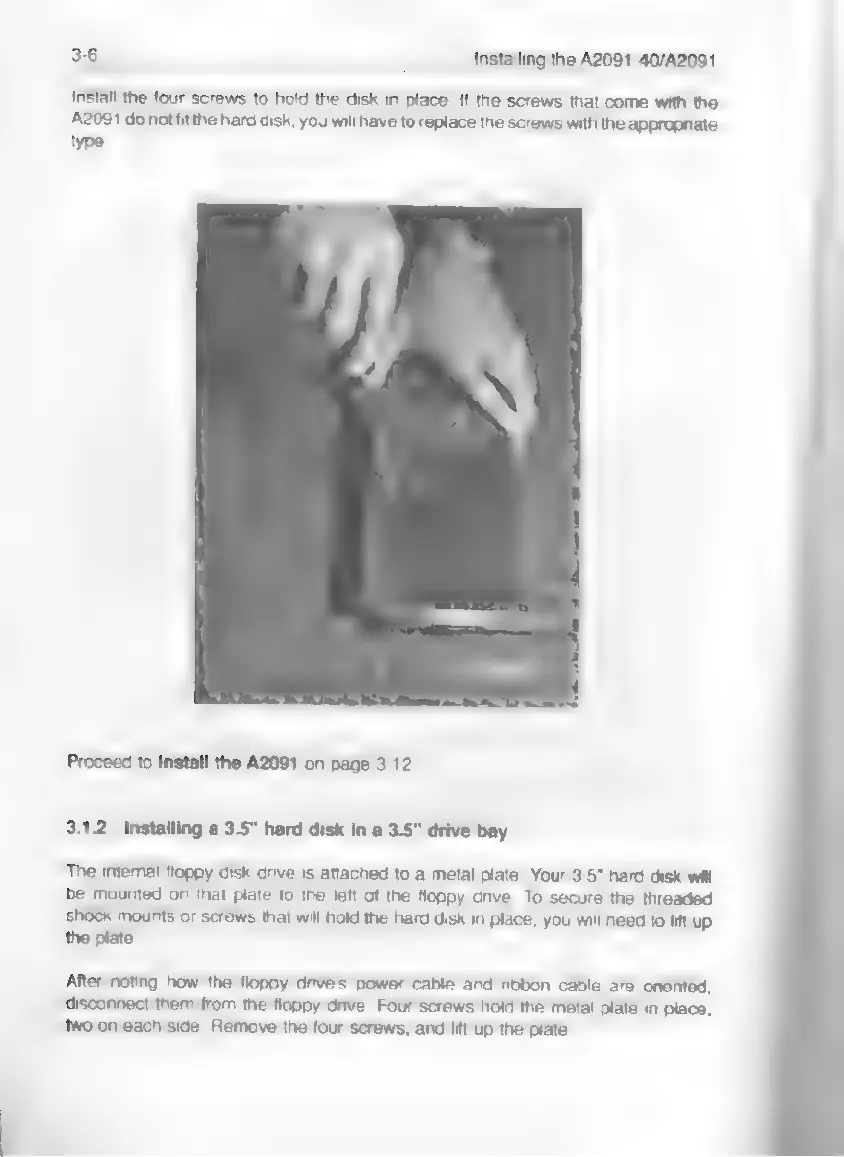
install
the
four
screws
to
hold
the
disk
in
place.
If
the
screws
that
come
with
the
A2091
do
not
fit
the
hard
disk,
you
will
have
to
replace
the
screws
with
the
appropriate
type.
Proceed
to
install
the
A2091
on
page
3-12.
3.1.2
Installing
a
3.5"
hard
disk
in
a
3.5"
drive
bay
The
intemal
floppy
disk
drive
is
attached
to
a
metal
plate.
Your
3.5"
hard
disk
will
be
mounted
on
that
plate
to
the
left
of
the
floppy
drive.
To
secure
the
threaded
shock
mounts
or
screws
that
will
hold
the
hard disk
in
place,
you
will
need
to
lift
up
the
plate.
After
noting
how
the
floppy
drive's
power
cable
and
ribbon
cable
are
oriented,
disconnect
them
from
the
floppy
drive.
Four
screws
hold
the
metal
plate
in
place;
two
on
each
side.
Remove
the
four
screws,
and
lift
up
the
plate.