EasyManua.ls Logo

Commodore A 2091-40 - Page 57

Commodore A 2091-40
75 pages
Print Icon
To Next Page IconTo Next Page
To Previous Page IconTo Previous Page
Loading...
The
A2091
Installation
Software
Disk
5-21
This
displays
the
file
system
of
the
selected
partition.
This
displays
whether
or
not
the
selected
partition
can
be
used
to
boot
the
system.
The
Bootable?
selector defaults
to
Yes
for
the
first
partition
and
No
for
all
other
partitions.
Click
on
this
box
to
retain
your
changes
and
return
to
the
Hard
Drive
Preparation,
Partitioning
and
Formatting
screen.
To
write
these
changes
to
the
disk
click
on
Save
Changes
to
Drive.
Click
on
this
box
to
return
to
the
Hard
Drive
Preparation,
Partitioning
and
Formatting
screen
without
retaining
your
changes.
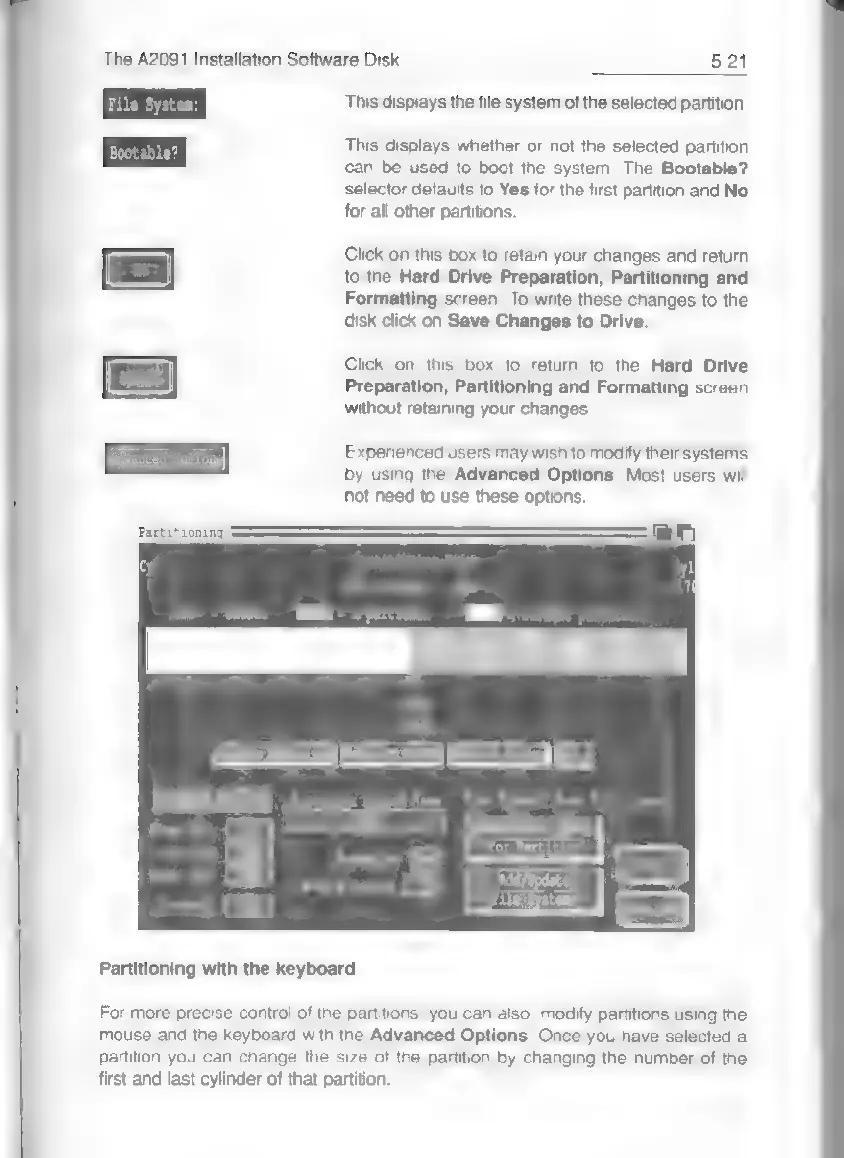
T
Experienced
users
may
wish
to
modify
their
systems
Advanced
Options)
by
using
the
Advanced
Options.
Most
users
will
not
need
to
use
these
options.
Partitioning
ac
M
OE
Name
F
Start
Cyl
(hm
m
i)
(Change
File
System
for
Partition
Add/Update
File
Systems
Partitioning
with
the
keyboard
For
more
precise
control
of
the
partitions,
you
can
also
modify
partitions
using
the
mouse
and
the
keyboard
with
the
Advanced
Options.
Once
you
have
selected
a
partition
you
can
change
the
size
of
the
partition
by
changing
the
number
of
the
first
and
last
cylinder
of
that
partition.