B
Rev
RE
Status
Model Version
04
01
Version
01
A
Status
Rev
6 of 14
page
Bulletin
AE01B-A0599-001
Installation Instructions
MT050C
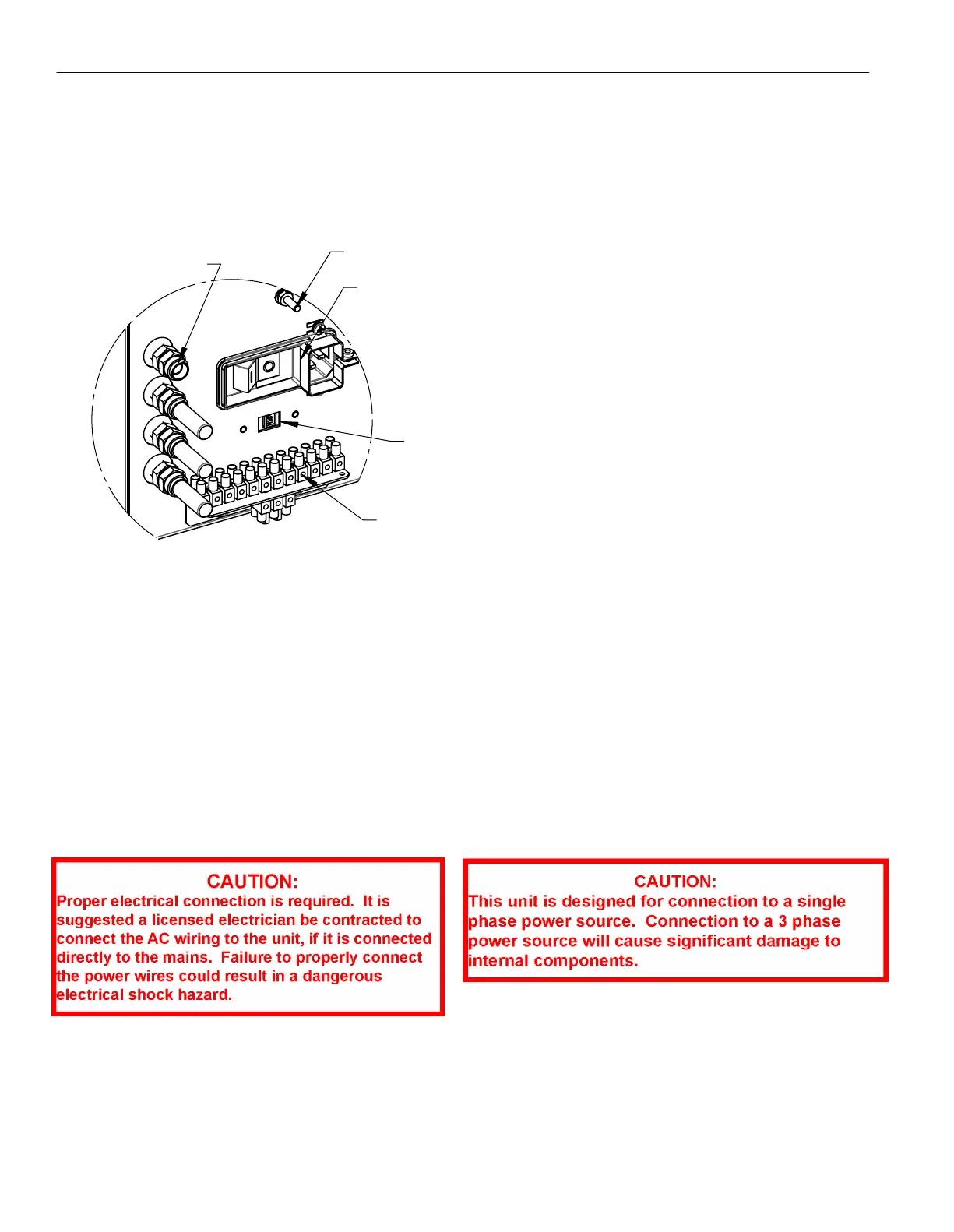
ALARM TERMINALS
POWER ENTRY MODULE
GROUND STUD
OUTPUT AIR PORTS
REAR OF DEHYDRATOR
VOLTAGE SELECTION
SWITCH
2.3 - Electrical Installation
Determine the appropriate mounting configuration for the dehydrator and ensure that the proper tools and mounting hardware
are available. Additionally, ensure that an appropriate AC power connection (115 V ac or 230 V ac) is available and the
dehydrator has been set to the appropriate voltage configuration. The voltage selection switch is located between the alarm
terminals and the power entry module (see image below).
THE VOLTAGE SELECTION SWITCH
MUST BE SET TO THE APPROPRIATE
VOLTAGE PRIOR TO INSTALLATION
A terminated North American power cord and an un-terminated, harmonized, stripped leads power cord are both included
with these dehydrators. The IEC connector will connect to the power entry module's IEC power inlet shown in the image above.
For applications outside of North America, the appropriate power connector for each country should be used for connecting
to the power source. An electrical safety ground should be connected to the external ground stud on the rear of the unit. This
ground stud is typically connected to a halo grounding system. It is recommended that circuit protection of at least 15 Amps
be used for each installed dehydrator.
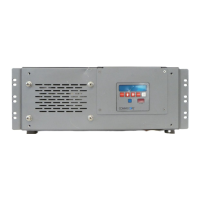
For DC power options, an additional DC to AC power inverter kit will be required. The inverter kits convert from either 24 or 48
V dc to 115 V ac, so the dehydrator MUST be set to 115 volts for proper inverter operation. The inverter kits are listed below.
AE01K-D0773-124 - 24 Volt DC to 115 Volt AC power inverter kit
•
AE01K-D0773-148 - 48 Volt DC to 115 Volt AC power inverter kit
•


 To Next Page