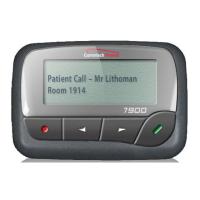
7950 Pager Manual
Page 14 © CommtechWireless
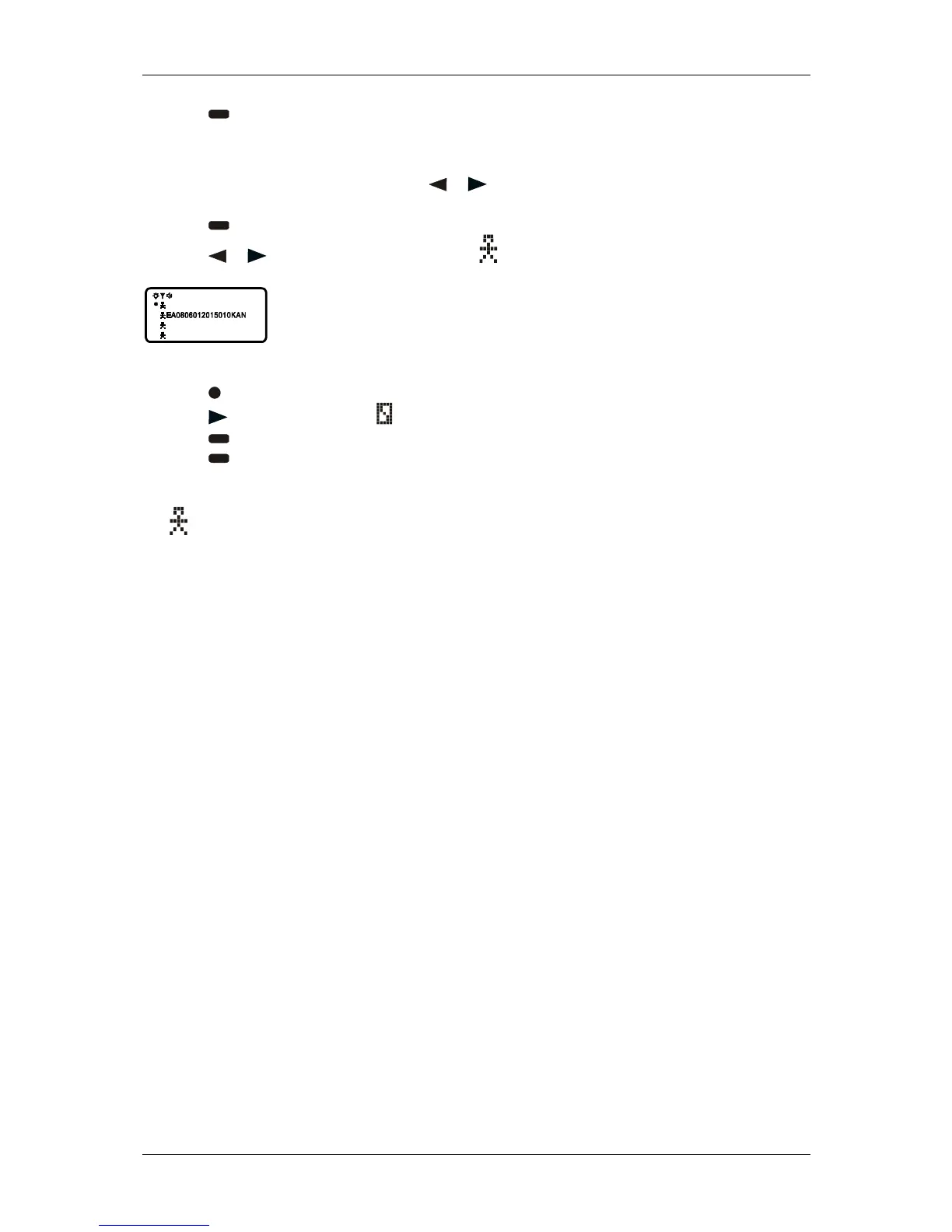
(4) Press . The message is now in the notebook.
2.14.2 Deleting Messages from Your Notebooks
(1) From the Message-status screen, press or to move the cursor to the notebook from where
you want to delete a message.
(2) Press to display a list of the notebook messages.
(3) Press or to scroll through the list until is displayed at the beginning of the notebook
message you want to delete.
Example of Notebook Screen in Delete Mode
(4) Press to display the Function menu.
(5) Press to move the cursor to .
(6) Press DELETE MESSAGE? is displayed.
(7) Press to delete the message.
(8) Repeat steps 3 through 7 for each message you want to delete.
Note: Notebook messages are deleted one at a time. If all messages are deleted from a notebook,
the symbol is removed from the display.



 To Next Page