Manual 7950 Pager
© CommtechWireless Page 5
2. THE 7950 PAGER
2.1 Getting Started
2.1.1 Case Layout
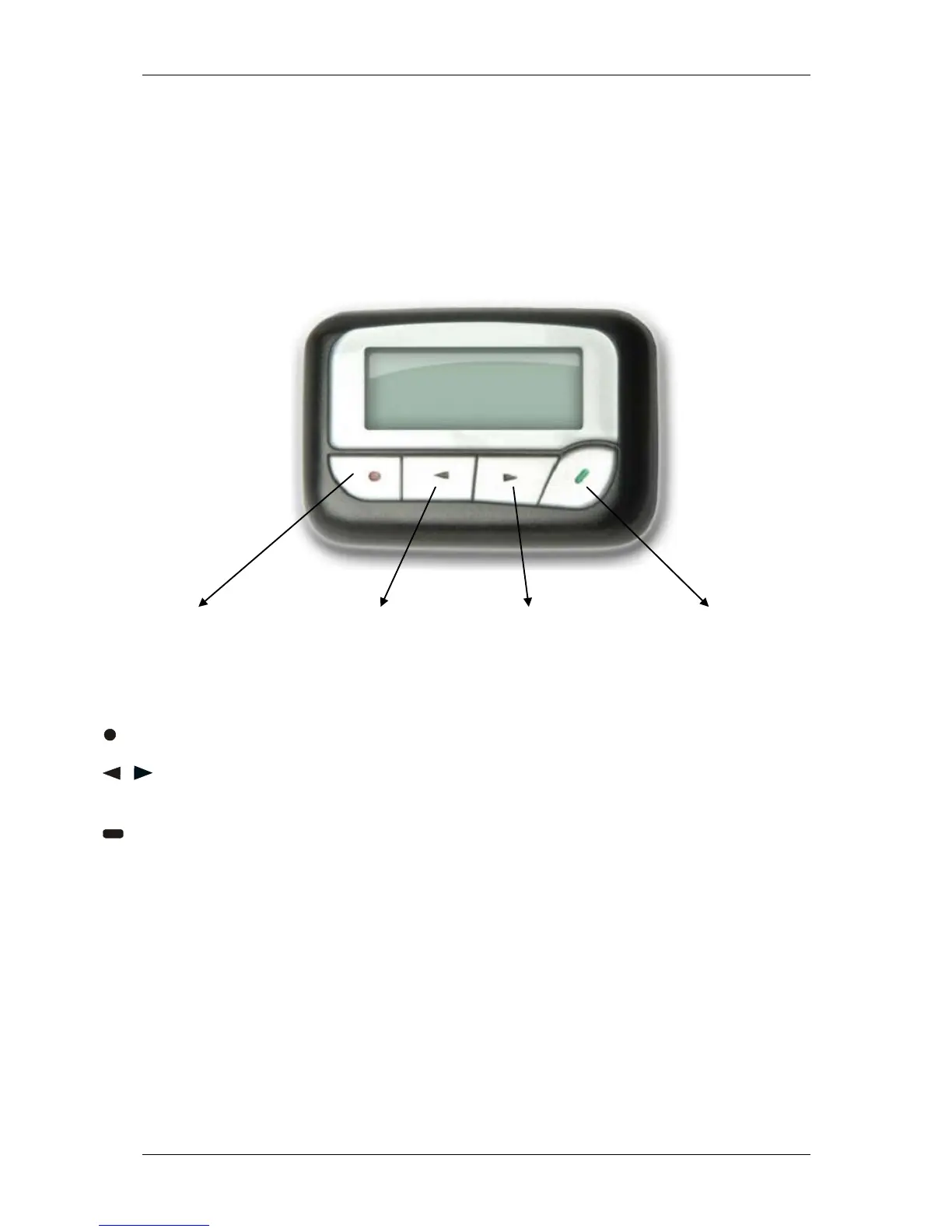
The Commtech 7950 pager has four buttons on its case.
Function/Escape Button Left Directional Button Right Directional Button Read/Select Button
Function/Escape Button - Used to display the Function menu and escape out of menus
/ Left/Right Directional Buttons - Used to navigate through the Function menu and scroll
through your messages
Read/Select Button - Used to read messages, to activate your selection and turn on your
pager.



 To Next Page