Configuring your Mariner X2
Page 16
4.2 Introduction to the proAIS software
Included in the CD supplied with your product is a configuration
software tool called 'proAIS'.
proAIS is a software tool which provides the facility to configure,
m
onitor and diagnose issues with your Mariner X2.
Section 4.3 provides instructions on how to install the proAIS
so
ftware.
Section 4.4 describes how to use proAIS to configure the static data
an
d other settings for your Mariner X2.
Section 5.3 describes how to use proAIS to monitor the status of
y
our Mariner X2.
4.3 Installing the proAIS software
This software is designed to be installed and used with a PC
connected to the Mariner X2 via the data lead provided as standard
with the Mariner X2 unit. If the PC being used for programming does
not have a 9-pin serial port then a commercially available USB to
serial adaptor may be required. This connects between the supplied
data lead and the PC.
To install proAIS on your PC:
1. Locate and run the setup.exe file on the CD and then follow the
o
n-screen prompts.
2. If a security warning appears, click 'Install' to continue with the
i
nstallation.
3. Once installation is complete, proAIS will launch automatically
a
nd a start menu folder and shortcut will be created for future use.
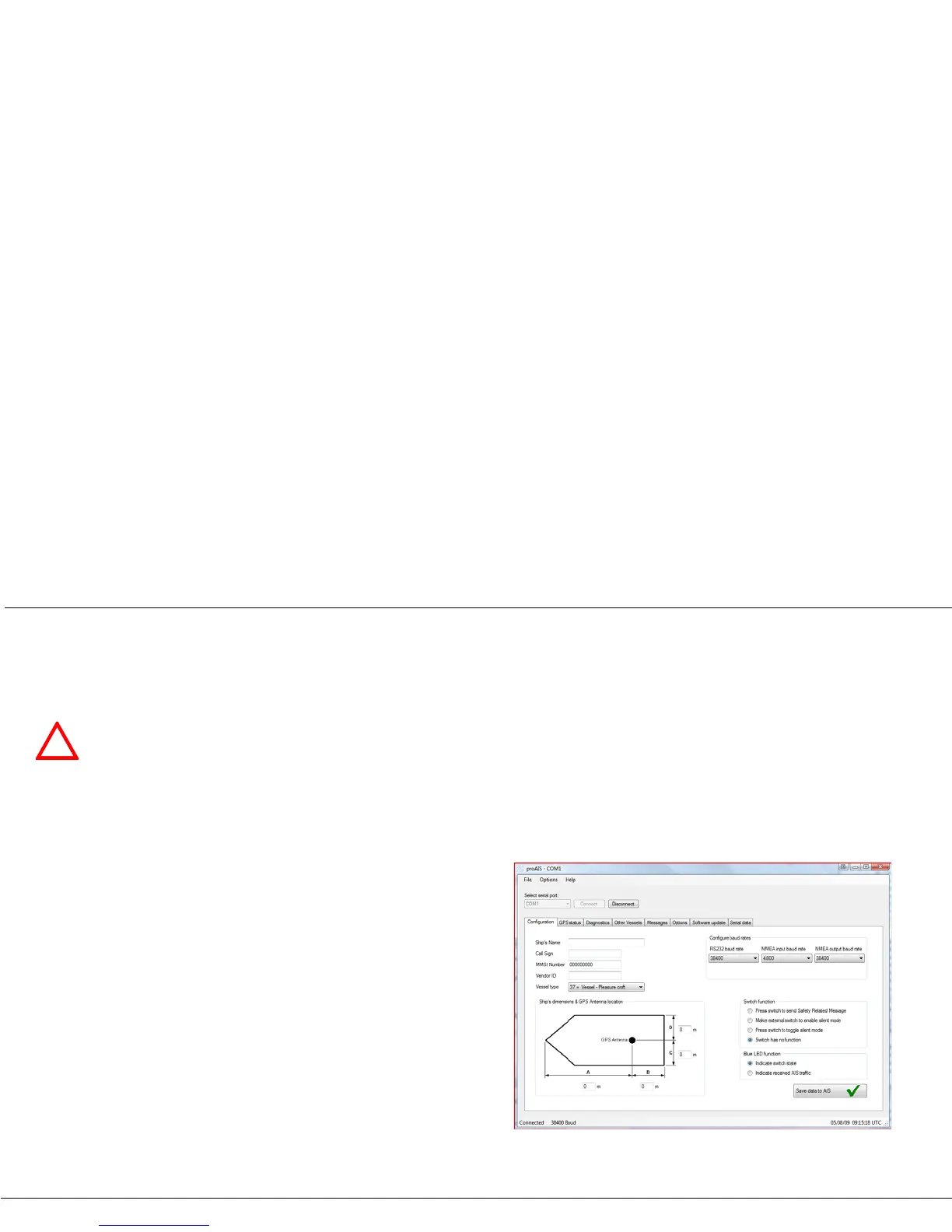
4. Once proAIS has launched you should see a window as shown
in
Figure 14.
5. Please follow the instructions in section 4.4 to configure your
Mariner X2.
Figure 14 Entering static data into proAIS


 To Next Page