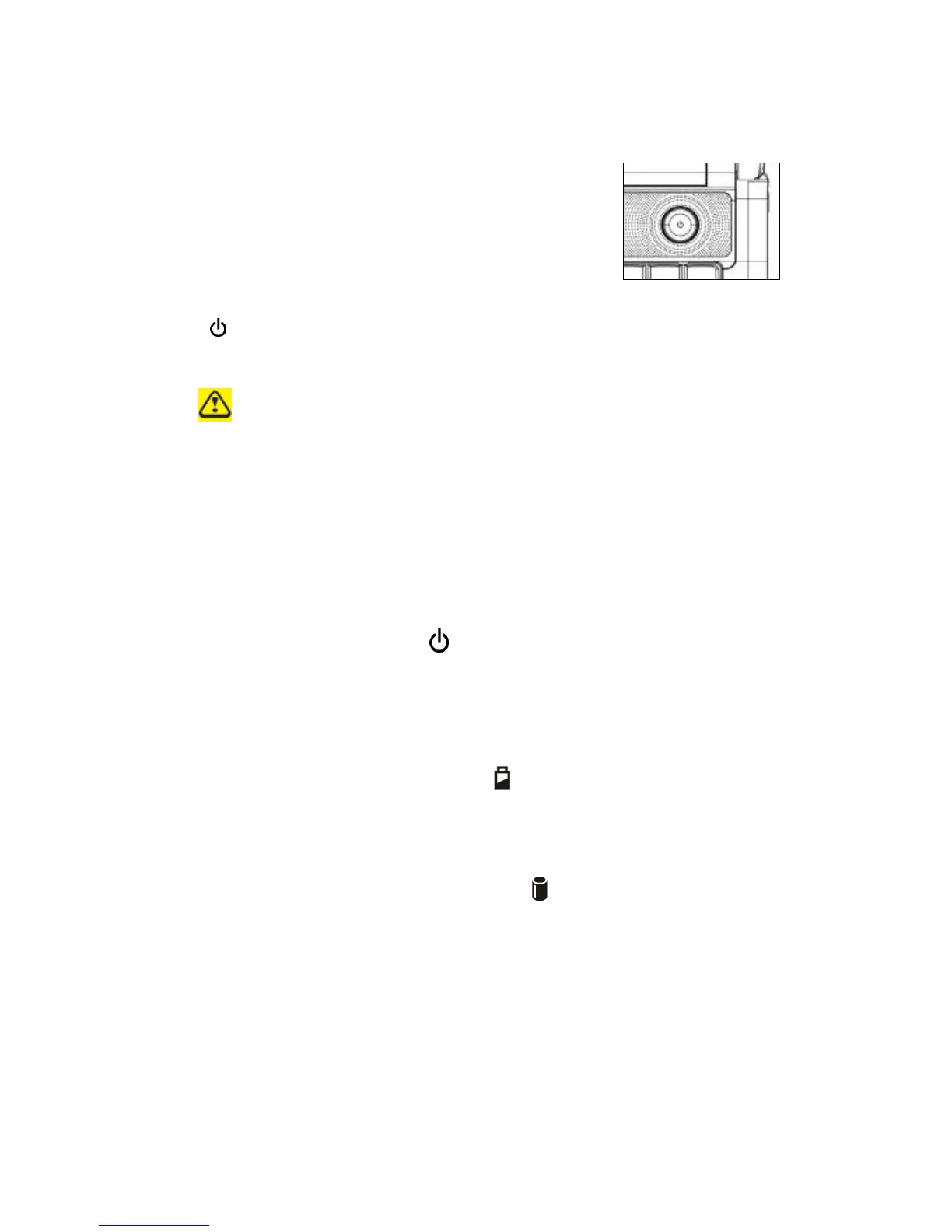
Windows 7, which comes preinstalled, goes into the shutdown sequence automatically if
you press the power button while on.
In Windows 7, you can configure this in Control Panel > System and Maintenance or
Hardware and Sound > Power Options > Change plan settings > Change advanced
power settings.
1.1.2 Wireless Switch
WLAN and BT switch controlled by Hot key Fn+F12.
1.1.3 Power LED (Blue) ( )
Power LED and Suspend LED indicate the systems power states by user combinations,
The flashing Power On LED indicates your notebook is in standby mode.
1.1.4 Battery LED (Blue/Amber) ( )
Battery states LED is one dual-color LED indicator both of Blue and Amber color.
1.1.5 HDD accessing state Blue LED ( )
Reflect the activities of Blue Led.
Note: LED is controlled directly by hardware.
1.1.6 Caps Lock LED (White)
Caps lock LED (White): Caps Lock State of Keyboard
NOTE: In normal mode (Cursor and Num function are disable), when users press Hot Key,
the Cursor LED will be on. When users press Hot Key, the Cursor LED will be off.



 To Next Page