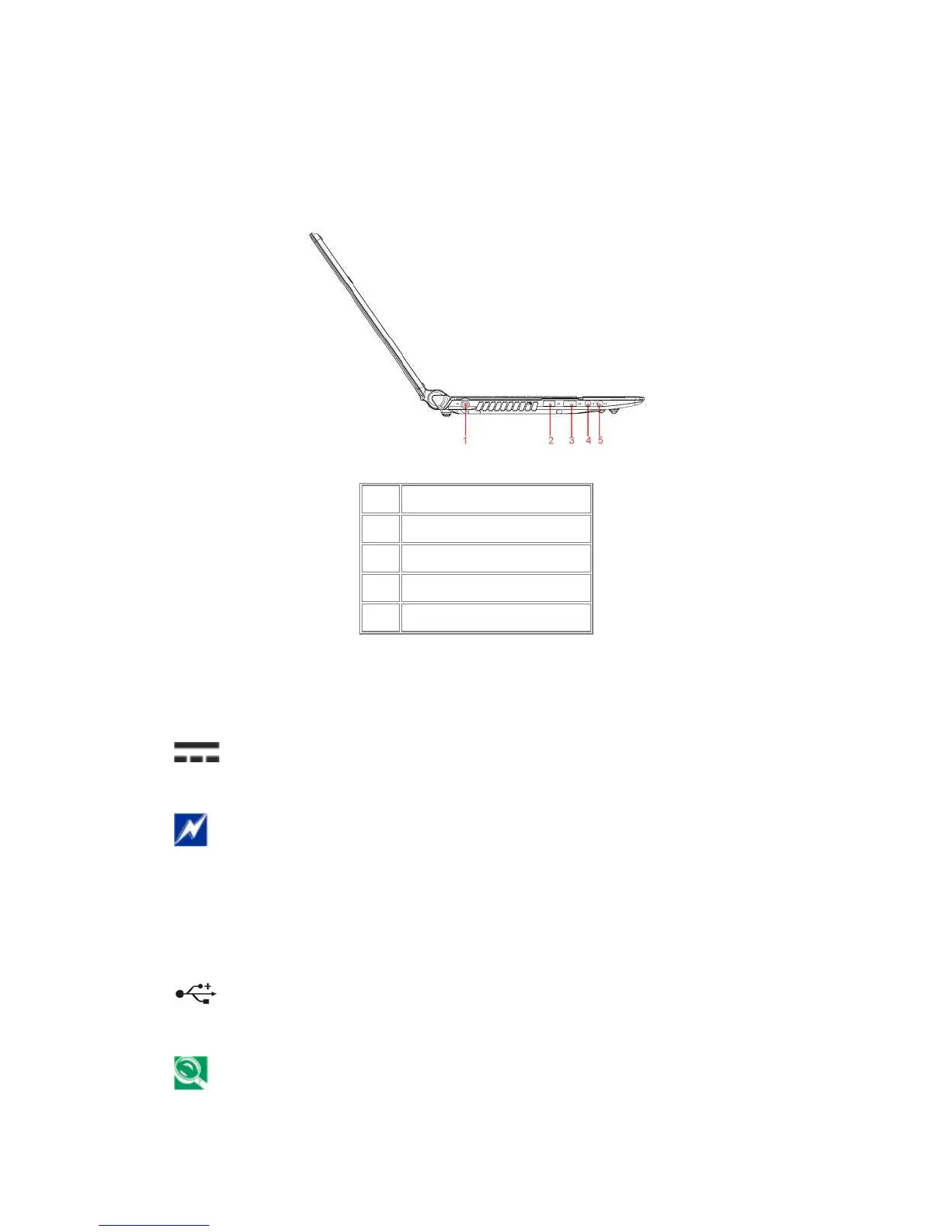
Left Side
The following picture shows the left side of your notebook.
1.1.7 AC Adapter Connector
Use this connector to attach the AC adapter to your notebook. You can connect an
AC adapter when your notebook is switched on or off.
While the AC adapter works with electrical outlets worldwide, power connectors and
power strips vary by country. Ensure you use a compatible cable or correctly connect
the cable to the power strip or electrical outlet. Failure to do so may cause fire or
damage to equipment.
1.1.8 USB Ports
USB 2.0
Use this port to connect a USB device, such as a mouse, external keyboard, or
printer to the computer.
USB is a peripheral expansion standard that supports data-transfer rates up to 480
Mbps. USB peripherals have a single standard for cables and connectors. You can
1
DC-IN
2
USB 2.0
3
USB 2.0
4
Microphone(Black)
5
Headphone(Black)



 To Next Page