EasyManua.ls Logo

Compal PBL0001 - Right Side; USB Ports; Kensington Lock

Default Icon
66 pages
Print Icon
To Next Page IconTo Next Page
To Previous Page IconTo Previous Page
Loading...
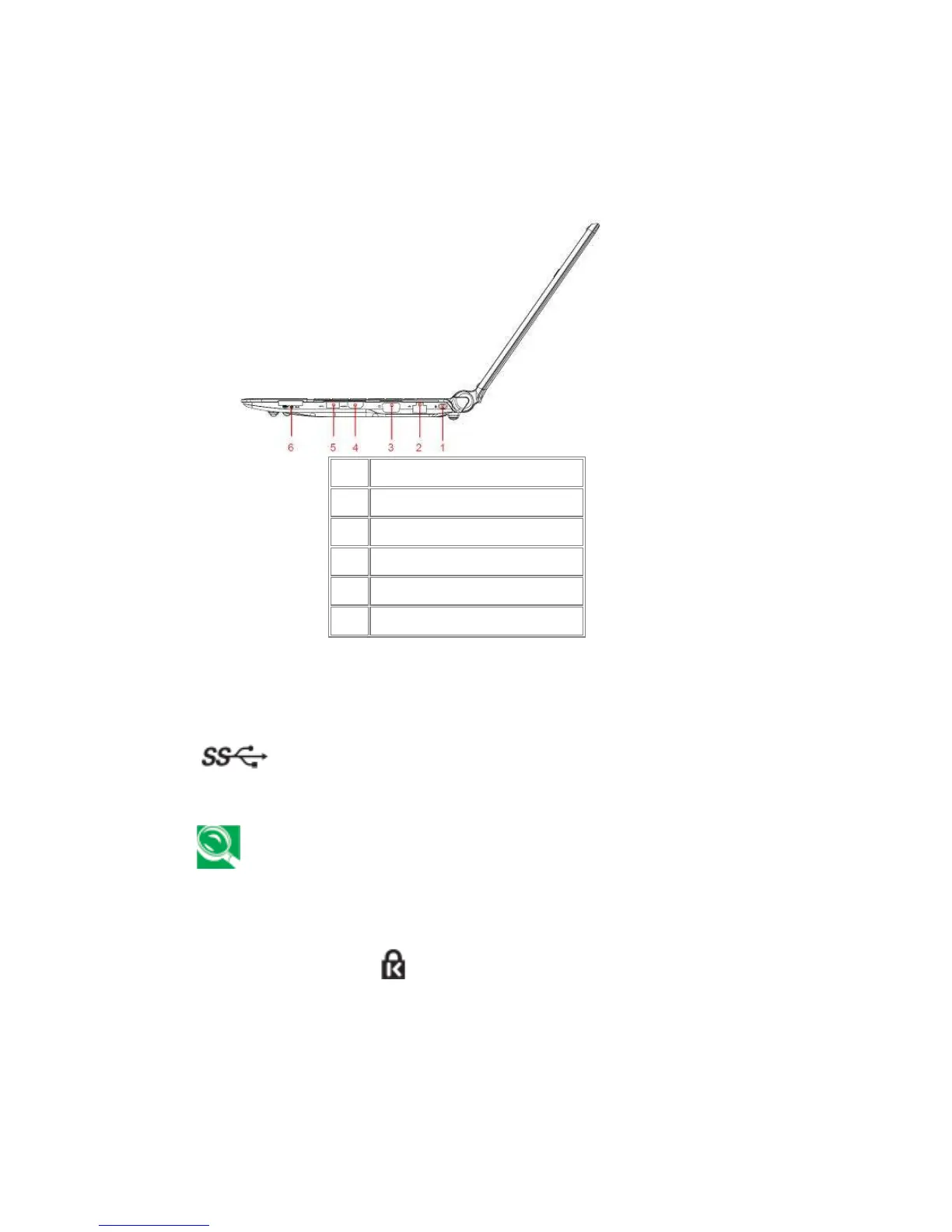
Right Side
The following picture shows the right side of your notebook.
1
Kingston Lock
2
RJ-45
3
D-Sub
4
HDMI
5
USB 2.0 or USB 3.0 (Blue)
6
3 in 1 Card Reader
1.1.9 USB Ports
USB 3.0
Use this port to connect a USB device, such as a mouse, external
keyboard, or printer to the computer.
USB is a peripheral expansion standard that supports data-transfer rates up t
o 480
Mbps. USB peripherals have a single standard for cables and connectors. You can
install and remove USB devices while the computer is on. This is called “hot
swapping”.
1.1.10 Kensington Lock ( )
A Kensington Security Slot is a small, metal-reinforced hole found on almost all small or
portable computer and electronics equipment, particularly on expensive and/or relatively
light ones, such as laptops, computer monitors, desktop computers, gaming consoles, and

Table of Contents

Related product manuals