EasyManua.ls Logo

Compart VLINE-80 - User Manual

Default Icon
28 pages
Print Icon
To Next Page IconTo Next Page
Loading...
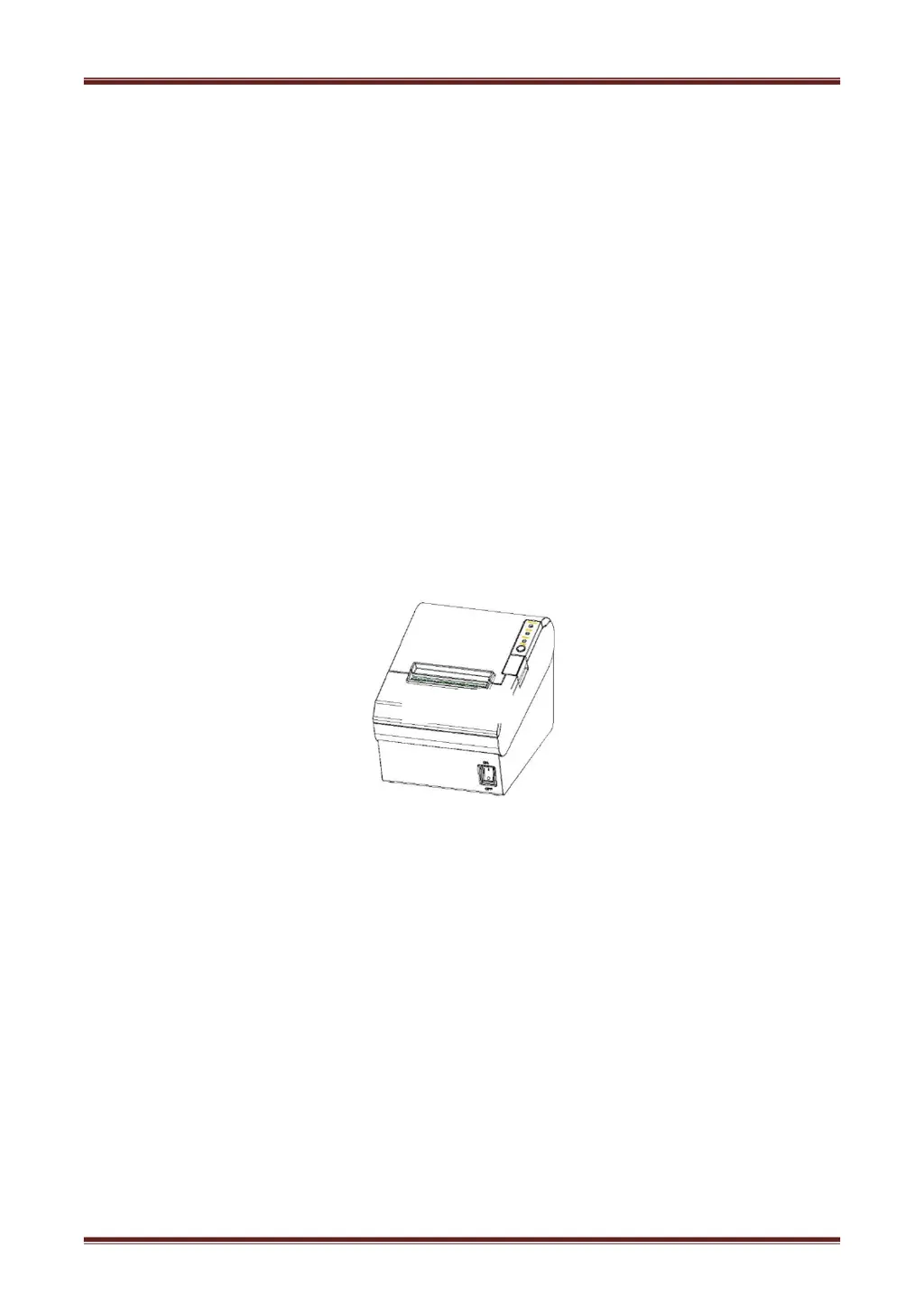
Desktop POS Printer
VLINE-80
User Manual

Questions and Answers

Summary

Important Safety Instructions

Safety Warnings

Warns about hot print head and static damage.

Installation & Operation Guidelines

Provides guidelines for printer installation and operation.

Getting Started

Installation and Usage

Power Adapter Connection

Step-by-step instructions for correctly connecting the power adapter to the printer.

DIP Switch Configuration

Print Self-Test Procedure

Procedure for performing a self-test to check printer functionality.

Print Testing & Bluetooth

Performing a Self-Test

How to perform a self-test to verify printer settings and status.

Troubleshooting Common Issues

Printer Not Responding

Lists common problems when the printer is not working, their probable causes, and solutions.

LED and Beeper Error Indicators

Explains LED and beeper behaviors for error conditions and their resolutions.

Printing Quality & Paper Feed Issues

Addresses printing issues like colored stripes, blurred prints, paper jams, and missing text.

Paper Cutting Mechanism Problems

Discusses issues related to the auto cutter, such as abrasion, jamming, and insufficient cutting.

Procedure for Removing Jammed Paper

Provides instructions for safely removing jammed paper, including warnings about the hot print head.

Compart VLINE-80 Specifications

General IconGeneral
BrandCompart
ModelVLINE-80
CategoryPrinter
LanguageEnglish

Related product manuals