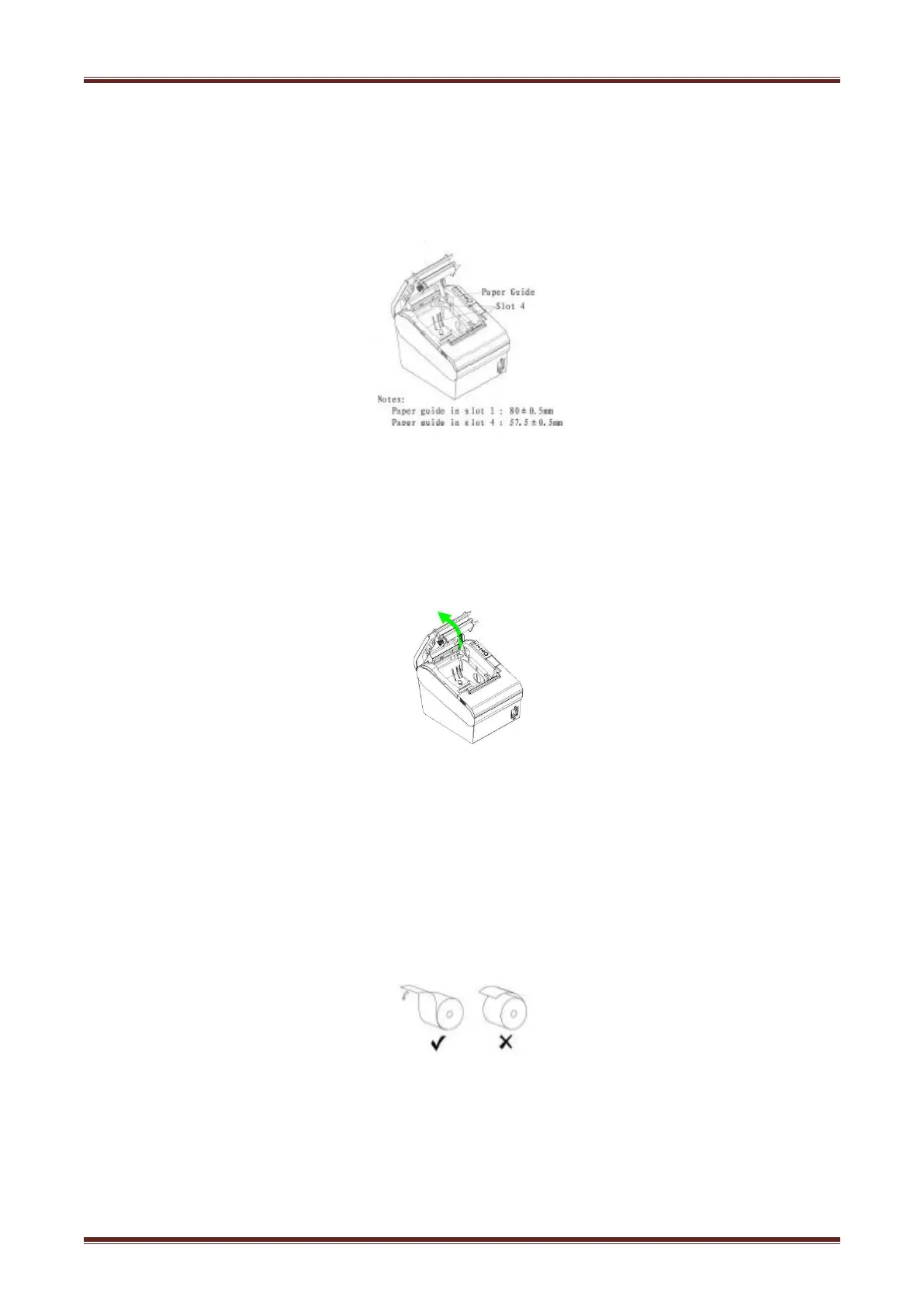
4.6.1 Paper Confirmation
Method:
1)Put the finger into the hole in the paper guide, then lift the paper guide.
2)According to the paper width, insert the paper guide in the proper position.
4.6.2 Procedure of Loading
Pressing the open button, open the top cover of VLINE80-2. (Like
figure 4.5.1)
Figure 4.6.1
3) Put the paper into printer. Pay attention to the direction of the paper. (Like figure 4.6.2)
VLINE80-2


 To Next Page