EasyManua.ls Logo

Compart VLINE80-2 - Auto Cutter and Self-Testing; Auto Cutter DIP Settings; Print Self-Testing Procedure

Compart VLINE80-2
28 pages
Print Icon
To Next Page IconTo Next Page
To Previous Page IconTo Previous Page
Loading...
19
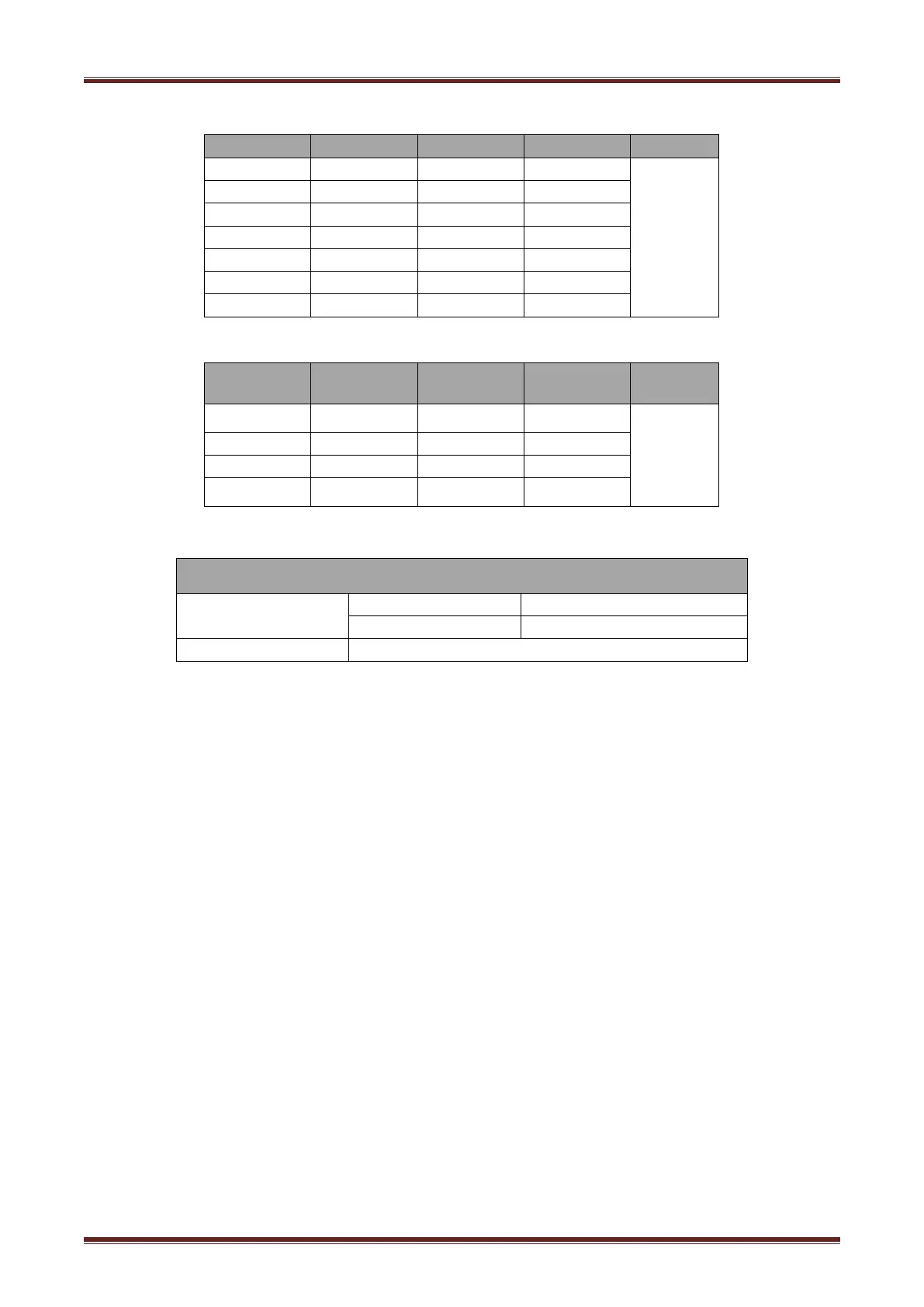
Form 1—Baud Rate Selection
Baud rate
1-6
1-7
1-8
Default
2400
ON
OFF
OFF
9600
4800
ON
OFF
ON
9600
OFF
ON
OFF
19200
OFF
OFF
OFF
38400
OFF
ON
ON
57600
OFF
OFF
ON
115200
ON
ON
ON
Form 2—Print Density Selection
2-5
2-6
2-7
Printer
density
Default
ON
ON
Reserve
1diluted
2
OFF
OFF
Reserve
2
ON
OFF
Reserve
3
OFF
ON
Reserve
4dense
4.8.3 Auto Cutter Enable/Disable Selection
DIP Switch setting 2
Switch2-3
ON
Auto cutter disable
OFF
Auto cutter enable
Application program
Ignore auto cutter error for continuous printing
4.9 Print Self Testing
1) Make sure the printer has been installed roll paper and turn off the top cover.
2) Make sure the printer has linked power.
3) Make sure the printer power off.
4) Press and hold FEED button,then turn on power switch, the printer will print out self-test page.

Related product manuals