EasyManua.ls Logo

Compu-aire System 2100 Series - User Manual

Compu-aire System 2100 Series
48 pages
Print Icon
To Next Page IconTo Next Page
Loading...
1
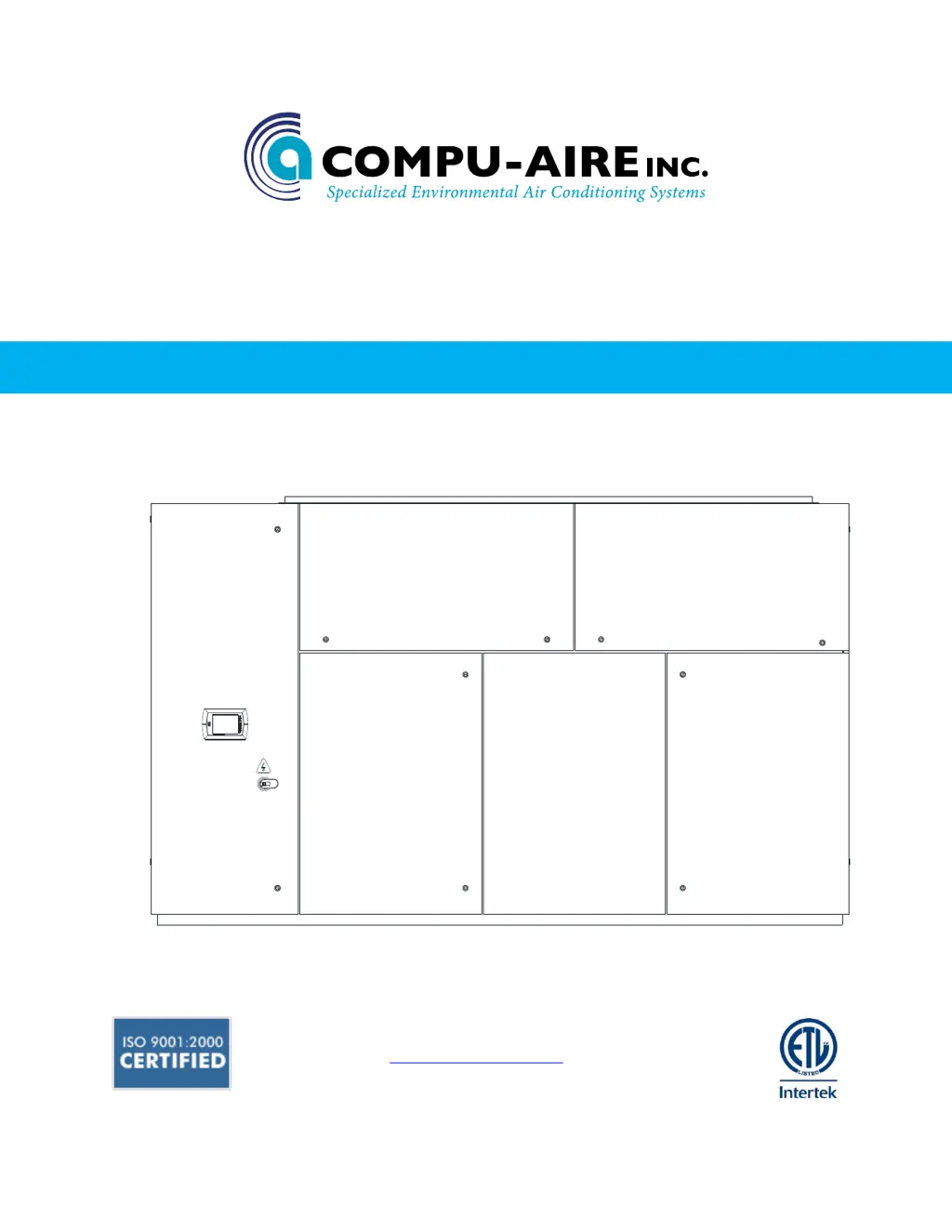
SYSTEM 2100
GLYCOL COOLED CAG-30 ENERGY MISER
-INSTALLATION AND OPERATION MANUAL-
8167 Byron Road Whittier, CA 90606
Phone: (562) 945-8971 Fax: (562) 696-0724
www.compu-aire.com

Table of Contents

Questions and Answers

  • K
    Kristin LongAug 21, 2025
    How to troubleshoot a Compu-aire System 2100 that does not run?
    • T
      Tracy HunterAug 21, 2025
      If your Compu-aire Air Conditioner system does not run, here are some potential causes: * No 24VAC supply voltage: Check and reset the circuit breaker in the system's 24VAC circuit if needed. Inspect the System cutout switch. Test for 24VAC at pins 1 and 2 of the MCP. If there's no voltage, check the machine wiring. If voltage is present, replace the MCP. * System not turned on: Press the On button on the MCP. If the system doesn't start and the display is blank, replace the MCP. * Bad or locked up MCP: Press the Off button on the MCP, then press the On button. If the system doesn't start or the display shows incorrect information, replace the MCP.
  • S
    Sandra MorrisAug 25, 2025
    Why does my Compu-aire System 2100 Air Conditioner not humidify sufficiently?
    • R
      Rebecca MooreAug 26, 2025
      If your Compu-aire Air Conditioner system does not humidify sufficiently, it could be due to: * Incorrect control parameters: Make sure all control parameters are set correctly in the Environment Control Settings. * Loose or broken wiring or bad MCP: Test for 24VAC at pins 4 and 5 of the MCP. If there is no voltage, check the wiring back to the system. If there is voltage at pin 4 but not 5 or vice-versa, replace the MCP.
  • J
    Joseph SpencerAug 28, 2025
    Why is my Compu-aire System 2100 Air Conditioner not dehumidifying sufficiently?
    • K
      Kayla JonesAug 28, 2025
      If your Compu-aire Air Conditioner system does not dehumidify sufficiently, it could be due to: * Incorrect control settings: Ensure all control settings are correct in the Environment Control Settings. * Compressor or chilled water valve malfunction: Check all items listed under point 5.
  • L
    Lisa MichaelSep 1, 2025
    What to do if the temperature or humidity displayed on my Compu-aire System 2100 Air Conditioner is wrong?
    • B
      Benjamin MorrisSep 1, 2025
      If the temperature or humidity displayed on your Compu-aire Air Conditioner is wrong, it could be due to: * Sensor circuits out of calibration: If the value is off by a few degrees or percent compared to an accurate instrument, try recalibrating the sensor circuits. * Loose or broken wiring: Check all wiring between the sensor circuit board and the MCP for loose connections. If the values don't change and seem extreme, test for 24-VAC at the sensor board. Test for continuity between Temp and Hum on the sensor board and pins 9, 14, and 16 on the MCP. If tests fail, repair or replace wiring to sensor boards. If tests are okay, swap connections between pins 14 and 16 and observe whether display tracks each okay. If it does, replace the sensor. If it doesn't, replace the MCP.
  • A
    Ashley MillerSep 4, 2025
    Why does my Compu-aire System 2100 occasionally forget control settings?
    • D
      Deborah TurnerSep 4, 2025
      If your Compu-aire Air Conditioner occasionally forgets control settings, it could be due to: * Dead battery: The MCP battery typically lasts at least 5 years. Contact Compu-Aire for assistance in replacing it. * Excessive noise on the power supply: Ensure all wiring connections are secure and contactors do not chatter when switched. Verify the system ground is properly connected to an earth ground.
  • L
    lisa53Sep 8, 2025
    Why does my Compu-aire System 2100 Air Conditioner display messages that don't make sense?
    • B
      Brandon RhodesSep 8, 2025
      If the display shows messages that don't make sense for your Compu-aire Air Conditioner, the DIP switches on the MCP may be set incorrectly. Ensure the switches are set correctly.
  • N
    Natasha WhiteNov 12, 2025
    Why does my Compu-aire Air Conditioner not cool sufficiently?
    • T
      Tyler HooperNov 12, 2025
      If your Compu-aire Air Conditioner system doesn't cool sufficiently, it could be due to several reasons: * Incorrect control parameters: Verify all parameters in the Environment Control Settings are correctly configured. * High or low pressure failure: Identify and fix the cause of the pressure issue, then press the Reset button on the MCP. * Loose or broken wiring: Test for 24VAC at pins 17 and 27 of the MCP terminal block while DX cooling is active. If there's voltage, inspect the wiring to the compressor contactor. If there's no voltage at pin 27, trace the wiring back to the 24VAC transformers. If voltage is present at pin 27 but not at pin 17, replace the MCP. * Chilled water valve issues: Test for 24VAC at the valve motor and check continuity between pins 3 and 12 of the MCP...
  • K
    kmcclainNov 16, 2025
    Why is my Compu-aire Air Conditioner not heating sufficiently?
    • M
      Mark ParkerNov 16, 2025
      If your Compu-aire Air Conditioner system doesn't heat sufficiently, it could be due to: * Incorrect control parameters: Ensure all control parameters are correctly set in the Environment Control Settings. * Humidifier operation: Verify the control parameters in the Environment Control Settings. * Incorrect DIP switch settings: Check that the heaters are enabled in the DIP Switch Settings. * Loose or broken wiring: Test for 24VAC at pin 27 of the MCP terminal connector. If stage two is off, test at pin 30 only. If stage two is on, test at both pins 30 and 33. If there's no voltage at pin 27, or if there's voltage at each pin, check back to the system terminal block and heater contactors. If there's voltage at pin 27 but no voltage at pin 30 or pin 33 when stage two is on, replace ...

Compu-aire System 2100 Series Specifications

General IconGeneral
BrandCompu-aire
ModelSystem 2100 Series
CategoryAir Conditioner
LanguageEnglish

Related product manuals