
 Need help?
Do you have a question about the CompuSTAR Pro system and is the answer not in the manual?
Details the included components and warranty coverage for the CompuStar Pro system.
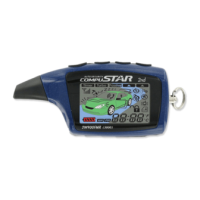
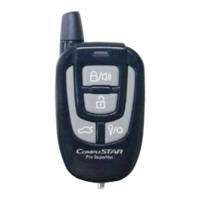
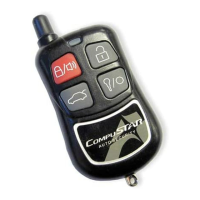
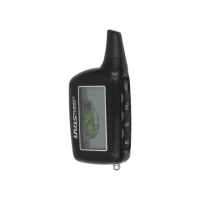
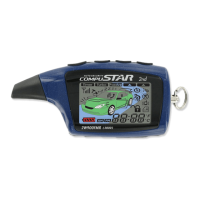
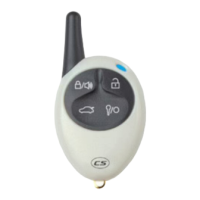
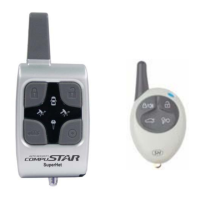
Lists and describes the CompuStar Pro 2-Way and 1-Way remote models.
Procedure for enabling and disabling Valet Mode on the system.
Instructions for replacing batteries in two-way and one-way remotes.
Explains sending/receiving commands and remote pager feedback, including LED indicators.
Procedure for actively locking/arming and unlocking/disarming the vehicle.
How to enable passive arming which locks the vehicle automatically.
Steps to initiate remote start for vehicles with automatic transmissions.
Procedure for setting Reservation Mode for manual transmission remote start.
Detailed steps to set Reservation Mode for manual transmission remote start.
Reasons and conditions under which Reservation Mode is cancelled.
Options for configuring Reservation Mode behavior and timing.
How to use the remote to open the vehicle's trunk or hatch.
Using auxiliary outputs for functions like window roll-down or sliding doors.
Enabling and configuring ignition-activated door locking features.
Activating and using the turbo timer function for engine cooling.
Using the Remote Paging Sensor for vehicle alerts.
Steps to program and use the RPS for vehicle unlock/disarm.
Configuring the secure valet switch to prevent unauthorized valet mode entry.
Using timer start mode for automatic vehicle warming or cooling.
Configuring timer start to check vehicle temperature before starting.
Using the anti-jacking feature to disable the vehicle if stolen.
Steps to code CompuStar Pro remotes to the system.
Troubleshooting remote start failures based on parking light flash codes.
Interpreting LED and siren chirps for alarm trigger diagnostics.




 To Next Page
 General