
 Need help?
Do you have a question about the CompuSTAR 2WSSR and is the answer not in the manual?
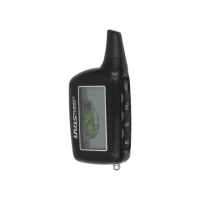
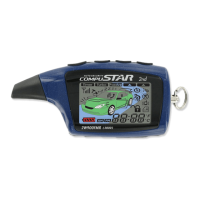
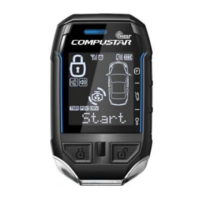
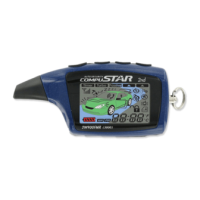
Describes the CompuGLO color LCD display for the remote-pager, indicating car security status with icons.
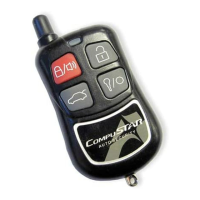
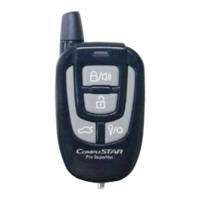
Details how to activate system functions by pressing buttons on the CompuStar remote-pager.
Explains how to arm or disarm the alarm mode using the remote-pager and indicates status with icons.
Provides a table listing error codes indicated by chirps and flashes for auto-start issues.
Lists essential conditions like neutral gear and rolled-up windows for Reservation Mode.
Provides a step-by-step guide for setting up Reservation Mode for manual transmission vehicles.
Covers optional auxiliary features that customize remote-pager functions like window or sunroof control.
Provides configuration details for dip switches and jumpers affecting transmission and sensing modes.
Describes the procedure to restore the system's programming options to their original factory defaults.
 General
| Range | Up to 3, 000 feet |
|---|---|
| Channels | 4 |
| Operating Voltage | 12V DC |
| Features | Remote Start, Keyless Entry, Alarm |
| Remote Control | 2-Way LCD Remote |
| Alarm Features | Shock Sensor, Siren, Starter Kill |
| Type | 2-Way LCD Remote Start and Security System |
| Buttons | 5-button remote |



 To Next Page
