The engine will run 15 or 25 minutes (25 or 40 min for diesel) depending on preset
options at the time of installation and then shut off. If your remote-pager has a
problem starting the vehicle, CompuStar will try 2 additional times. If the engine
does not start after the third attempt, please call your authorized CompuStar dealer.
Diagnosing problems with Auto-Start
If there is a problem in auto-starting your car, you will hear three chirps when you
attempt to auto-start the car. Wait for 2 seconds and the cause for the error will be
indicated by the number of times the car chirps and parking lights flash.
Error Number (# of times the car chirps
& parking lights flash)
Error Reason
1 Engine On
2 Key On
3 Door Open
4 Trunk Open
5 Brake On
6 Hood Open
7 Reservation Off (Manual Transmission Only)
Query Function
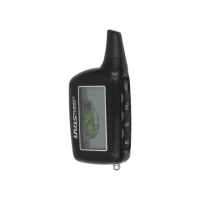
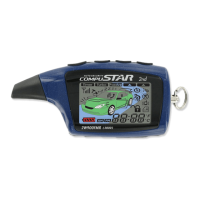
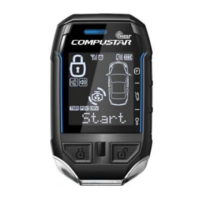
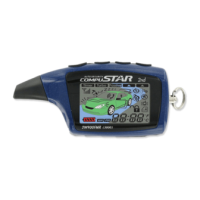
Query Function allows the owner to visually monitor the status of your car by looking
at the remote-pager CompuGLO LCD icons. Press Button
IV
for a ½ second to
activate the Query Function.
CompuGLO Back-Light Mode
Press Button
IV
for 2 seconds to activate light mode. A red-border indicator box
named Light will darken in the upper right-hand corner of your CompuGLO LCD
indicating that light mode is activated. In this mode, when you press the remote-
pager buttons, the CompuGLO LCD will glow. In order to turn off light mode, press
Button
IV
for 2 seconds.
Trunk Release
© 2001 Firstech, Inc. Page 8




 To Next Page
