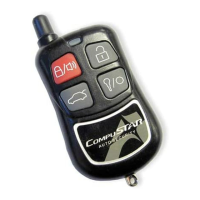
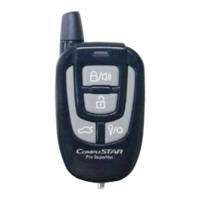
This 5 channel transmitter that allows you to activate multiple functions by pressing
a combination of 4 buttons on the unit in order to transmit signals. Press Buttons
(II+III)
for a ½ second to make your remote-pager mute. A vibration icon will appear
continuously on the upper left-hand corner of your CompuGLO LCD indicating that
you are in
remote-pager mute mode
.
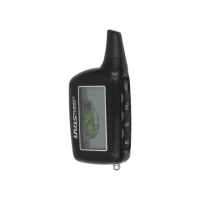
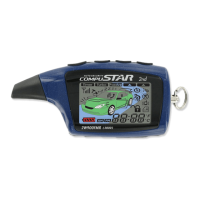
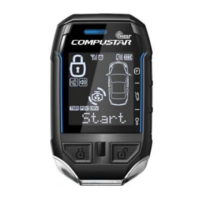
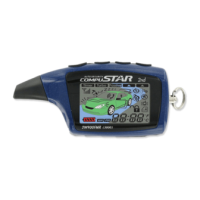
Remote-Pager CompuGLO color LCD
The remote-pager comes with CompuGLO which is a unique color LCD display that
visually tells the vehicle owner the security status of your car at all times. There are
differing icons that will appear on your CompuGLO LCD indicating what your vehicle
is currently doing.
Remote-Pager Button Functions
The user can activate differing functions of CompuStar 2WSSR system by pressing
one or two buttons simultaneously [ex.
(I+IV)
] located on the antenna side of your
CompuStar remote-pager.
Channel Button Press for Function Factory
Setting
1.
I
1/2 sec Alarm Mode - on/off
VPS - on/off
2.
II
1/2 sec Auxiliary Option 1
© 2001 Firstech, Inc. Page 4




 To Next Page
